Category: Cloud

  • How to Govern AI Coding Assistants in GitHub Enterprise Without Turning Every Repository Into an Unreviewed Automation Zone

    How to Govern AI Coding Assistants in GitHub Enterprise Without Turning Every Repository Into an Unreviewed Automation Zone

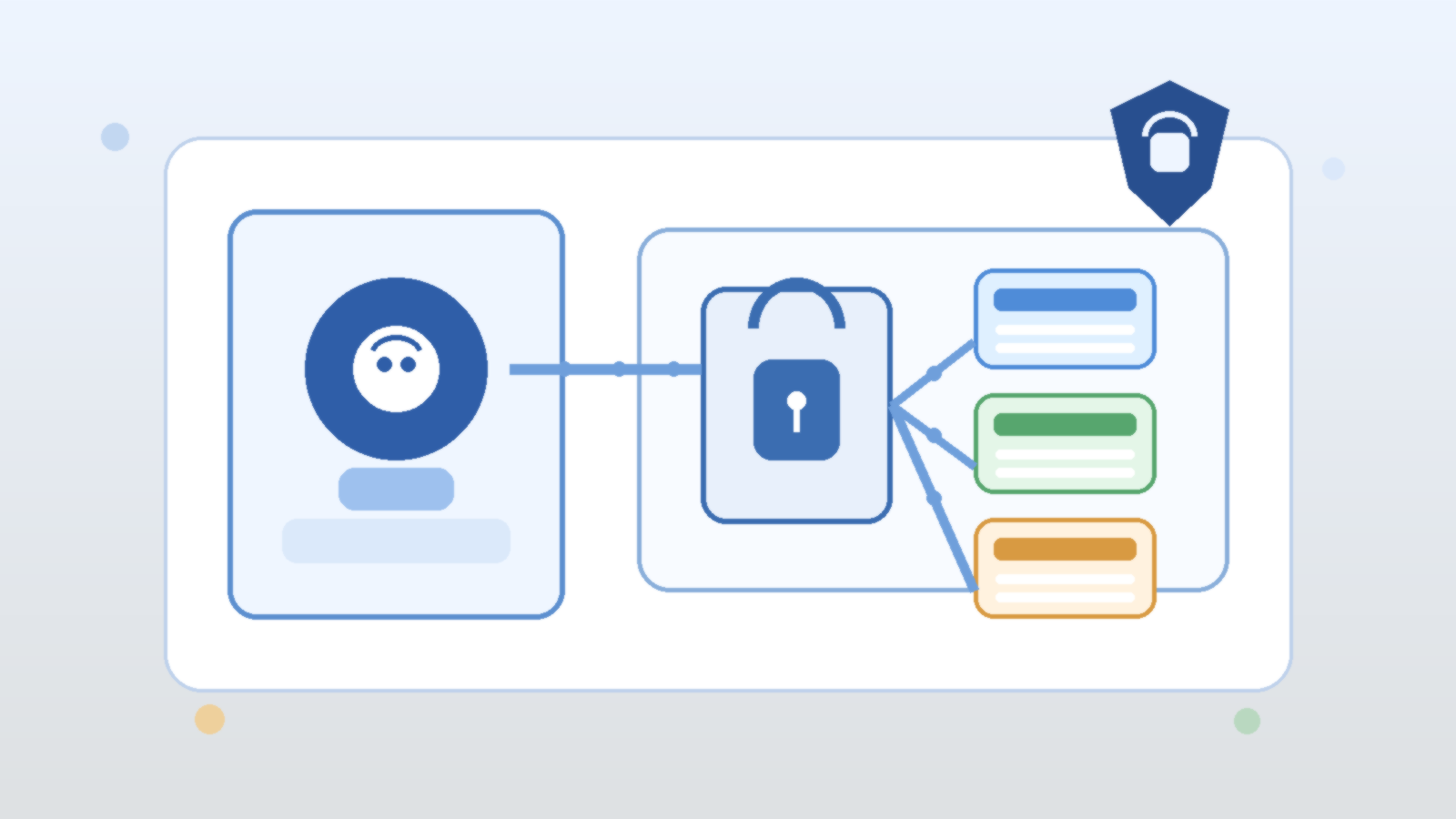
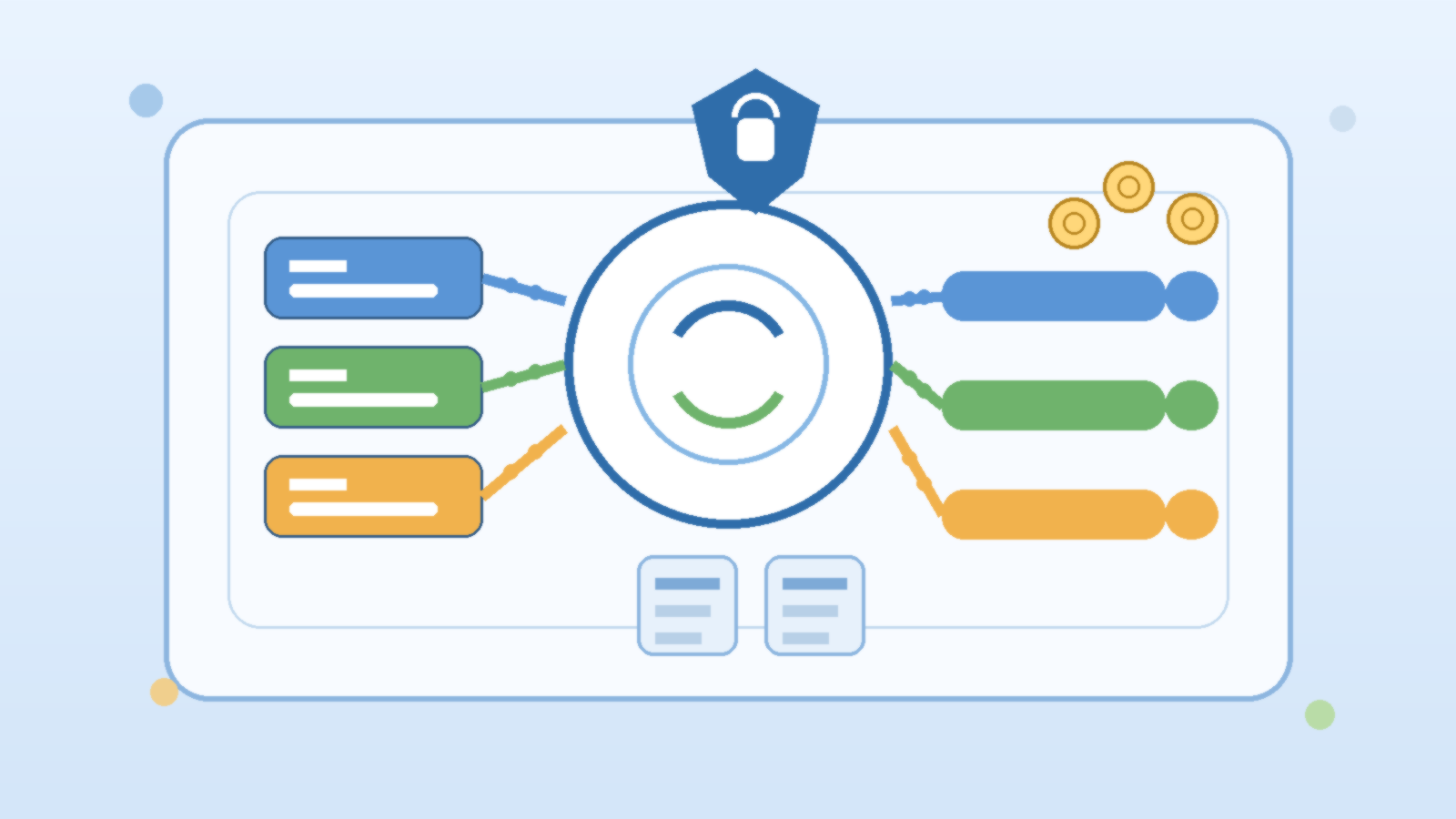
    AI coding assistants have moved from novelty to normal workflow faster than most governance models expected. Teams that spent years tightening branch protection, code review, secret scanning, and dependency controls are now adding tools that can draft code, rewrite tests, explain architecture, and suggest automation in seconds. The productivity upside is real. So is the temptation to treat these tools like harmless autocomplete with a better marketing team.

    That framing is too soft for GitHub Enterprise environments. Once AI coding assistants can influence production repositories, infrastructure code, and internal developer platforms, they stop being a personal preference and become part of the software delivery system. The practical question is not whether developers should use them. It is how to govern them without dragging every team into a slow approval ritual that kills the benefit.

    Start With Repository Risk, Not One Global Policy

    Organizations often begin with a blanket position. Either the assistant is allowed everywhere because the company wants speed, or it is blocked everywhere because security wants certainty. Both approaches create friction. A low-risk internal utility repository does not need the same controls as a billing service, a regulated workload, or an infrastructure repository that can change identity, networking, or production access paths.

    A better operating model starts by grouping repositories by risk and business impact. That gives platform teams a way to set stronger defaults for sensitive codebases while still letting lower-risk teams adopt useful AI workflows quickly. Governance gets easier when it reflects how the repositories already differ in consequence.

    Approval Boundaries Matter More Than Fancy Prompting

    One of the easiest mistakes is focusing on prompt quality before approval design. Good prompts help, but they do not replace review boundaries. If an assistant can generate deployment logic, modify permissions, or change secrets handling, the key safeguard is not a more elegant instruction block. It is making sure risky changes still flow through the right review path before merge or execution.

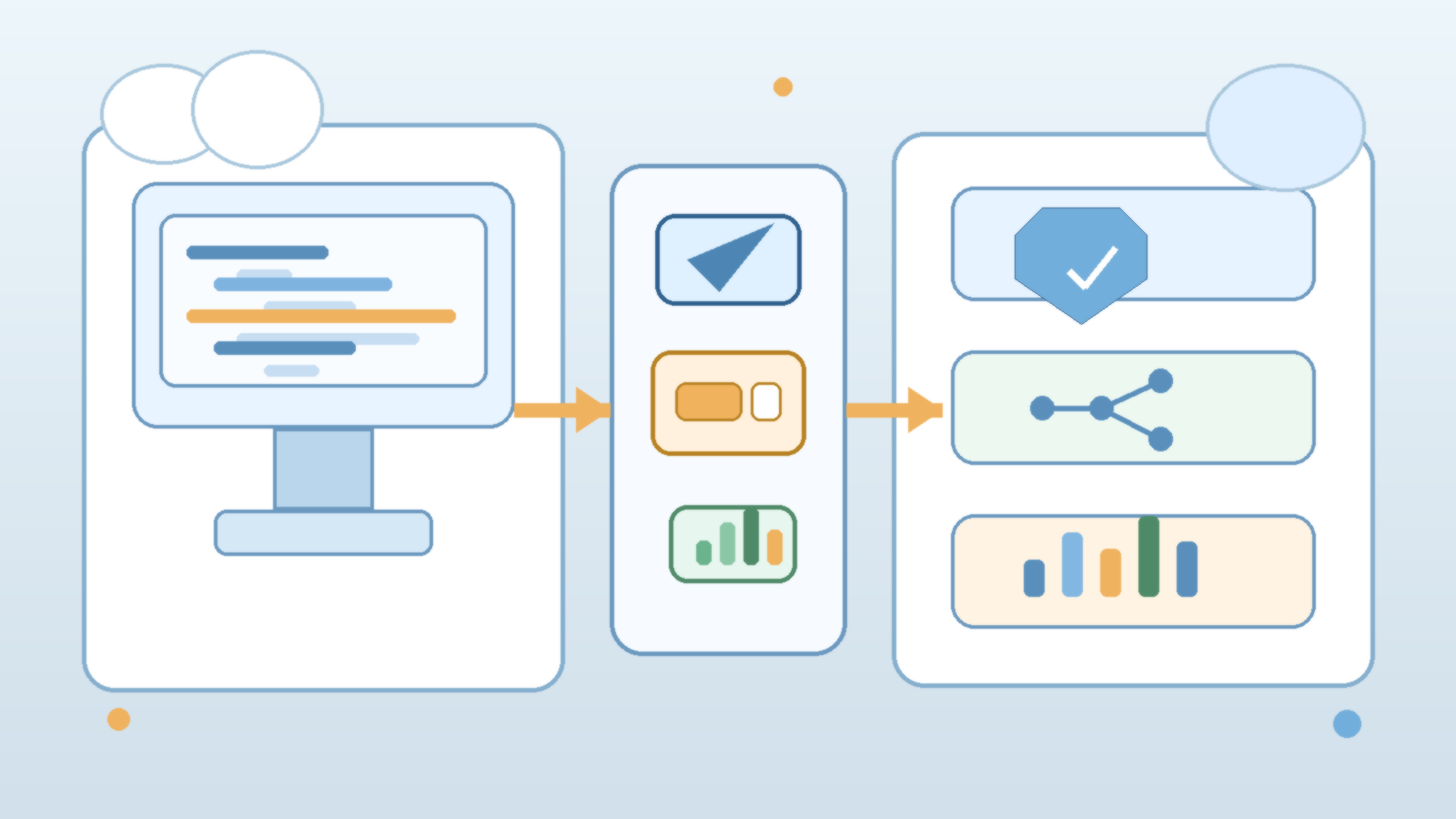
    That means branch protection, required reviewers, status checks, environment approvals, and workflow restrictions still carry most of the real safety load. AI suggestions should enter the same controlled path as human-written code, especially when repositories hold infrastructure definitions, policy logic, or production automation. Teams move faster when the boundaries are obvious and consistent.

    Separate Code Generation From Credential Reach

    Many GitHub discussions about AI focus on code quality and licensing. Those matter, but the more immediate enterprise risk is operational reach. A coding assistant that helps draft a workflow file is one thing. A generated workflow that can deploy to production, read broad secrets, or push changes across multiple repositories is another. The danger usually appears in the connection between suggestion and execution.

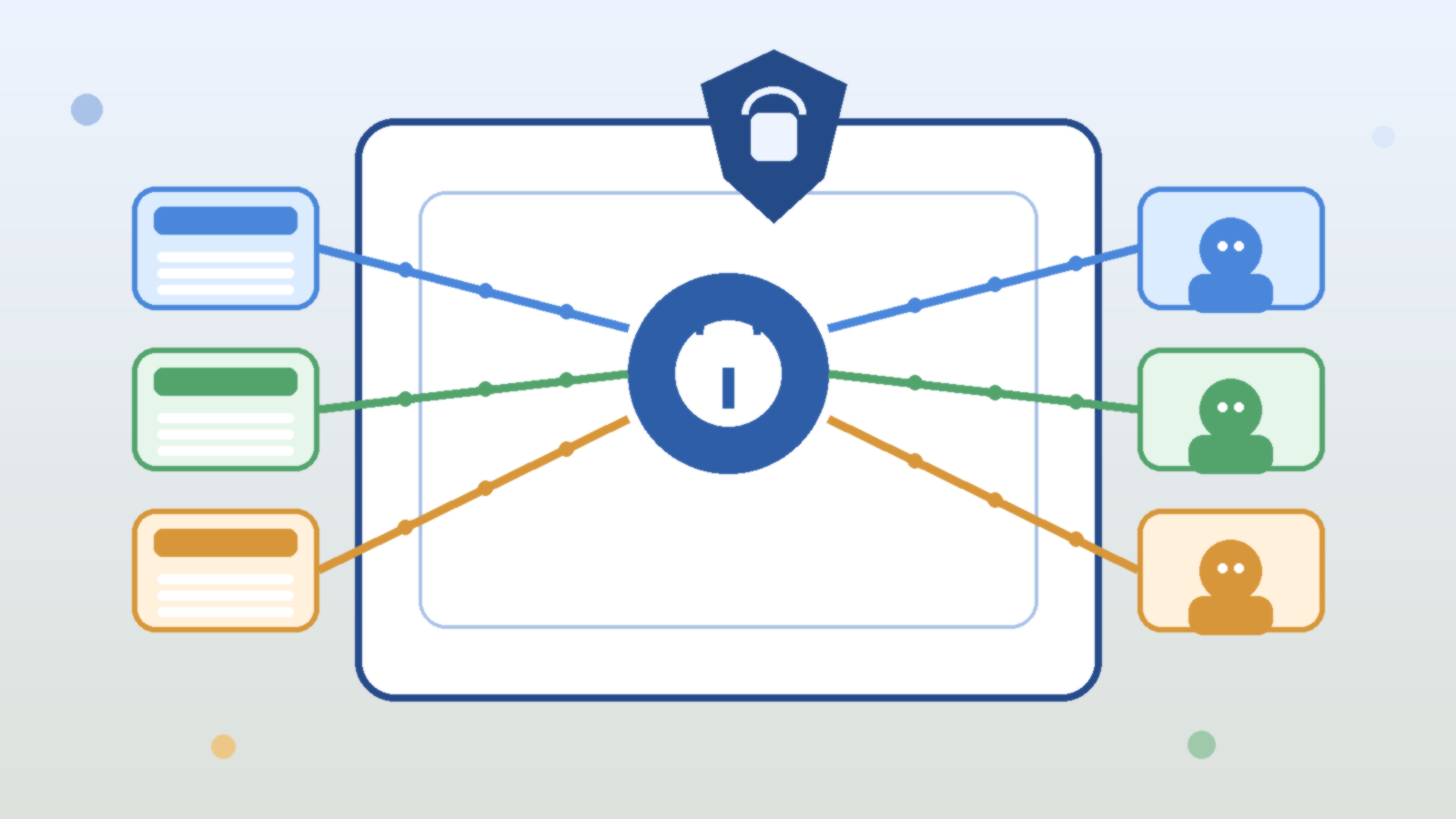
    Platform teams should keep that boundary clean. Repository secrets, environment secrets, OpenID Connect trust, and deployment credentials should stay tightly scoped even if developers use AI tools every day. The point is to make sure a helpful suggestion does not automatically inherit the power to become a high-impact action without scrutiny.

    Auditability Should Cover More Than the Final Commit

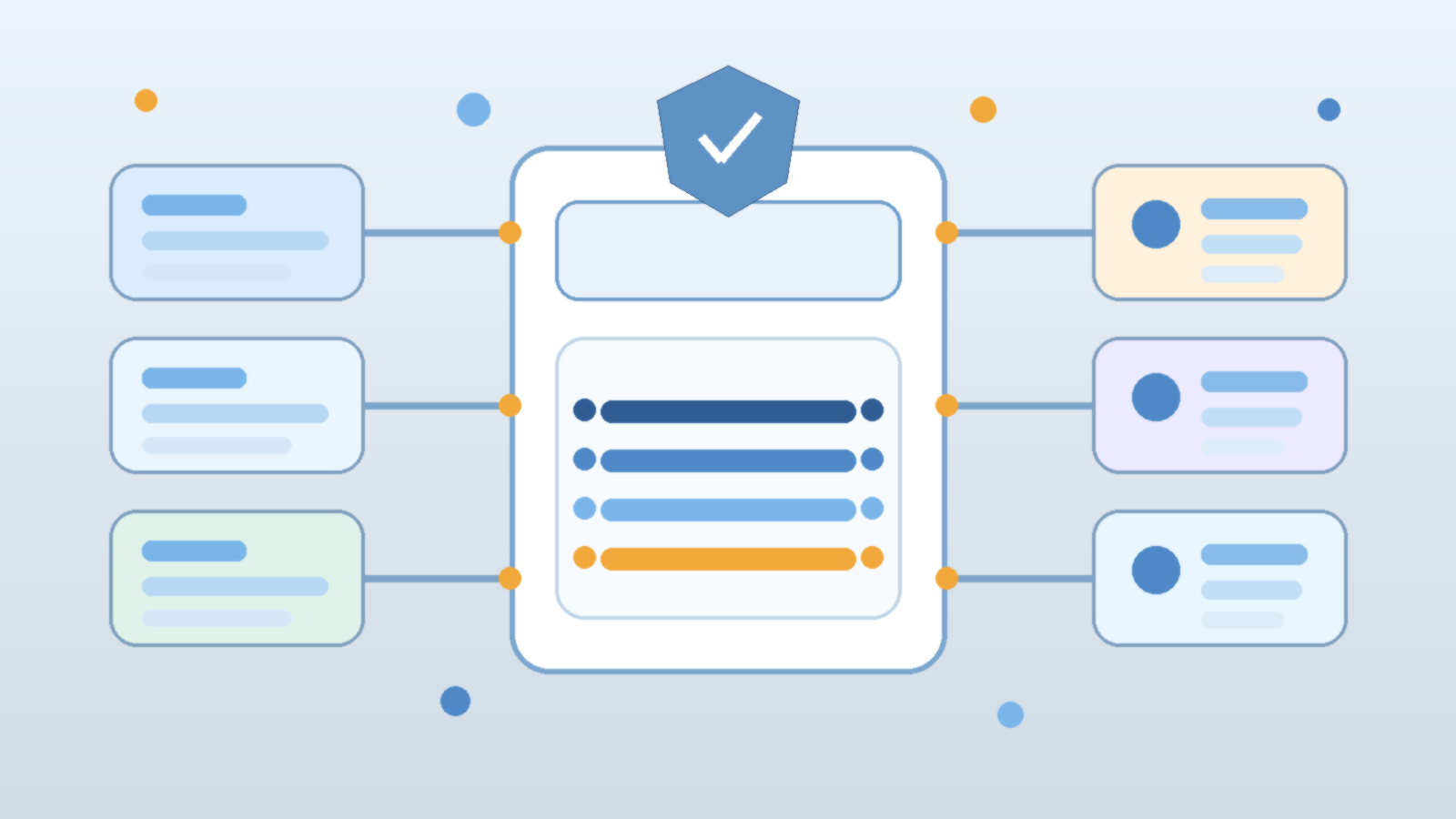
    Enterprises do not need a perfect transcript of every developer conversation with an assistant, but they do need enough evidence to understand what happened when a risky change lands. That usually means correlating commits, pull requests, review events, workflow runs, and repository settings rather than pretending the final diff tells the whole story. If AI use is common, leaders should be able to ask which controls still stood between a suggestion and production.

    Clear auditability also helps honest teams. When a generated change introduces a bug, a weak policy should not force everyone into finger-pointing about whether the problem was human review, missing tests, or overconfident automation. The better model is to make the delivery trail visible enough that the organization can improve the right control instead of arguing about the tool in general.

    Protect the Shared Platform Repositories First

    Not all repositories deserve equal attention, and that is fine. If an enterprise only has time to tighten a small slice of GitHub before enabling broader AI usage, the smartest targets are usually the shared platform repositories. Terraform modules, reusable GitHub Actions, deployment templates, organization-wide workflows, and internal libraries quietly shape dozens of downstream systems. Weak review on those assets spreads faster than a bug in one application repo.

    That is why AI-assisted edits in shared platform code should usually trigger stricter review expectations, not looser ones. A convenient suggestion in the wrong reusable component can become a multiplier for bad assumptions. The scale of impact matters more than how small the change looked in one pull request.

    Give Developers Safe Defaults Instead of Endless Warnings

    Governance fails when it reads like a sermon and behaves like a scavenger hunt. Developers are more likely to follow a policy when the platform already nudges them toward the safe path. Strong templates, preconfigured branch rules, secret scanning, code owners, reusable approval workflows, and environment protections do more work than a wiki page full of vague reminders about using AI responsibly.

    The same logic applies to training. Teams do not need a dramatic lecture every week about why generated code is imperfect. They need practical examples of what to review closely: authentication changes, permission scope, data handling, shell execution, destructive operations, and workflow automation. Useful guardrails beat theatrical fear.

    Measure Outcomes, Not Just Adoption

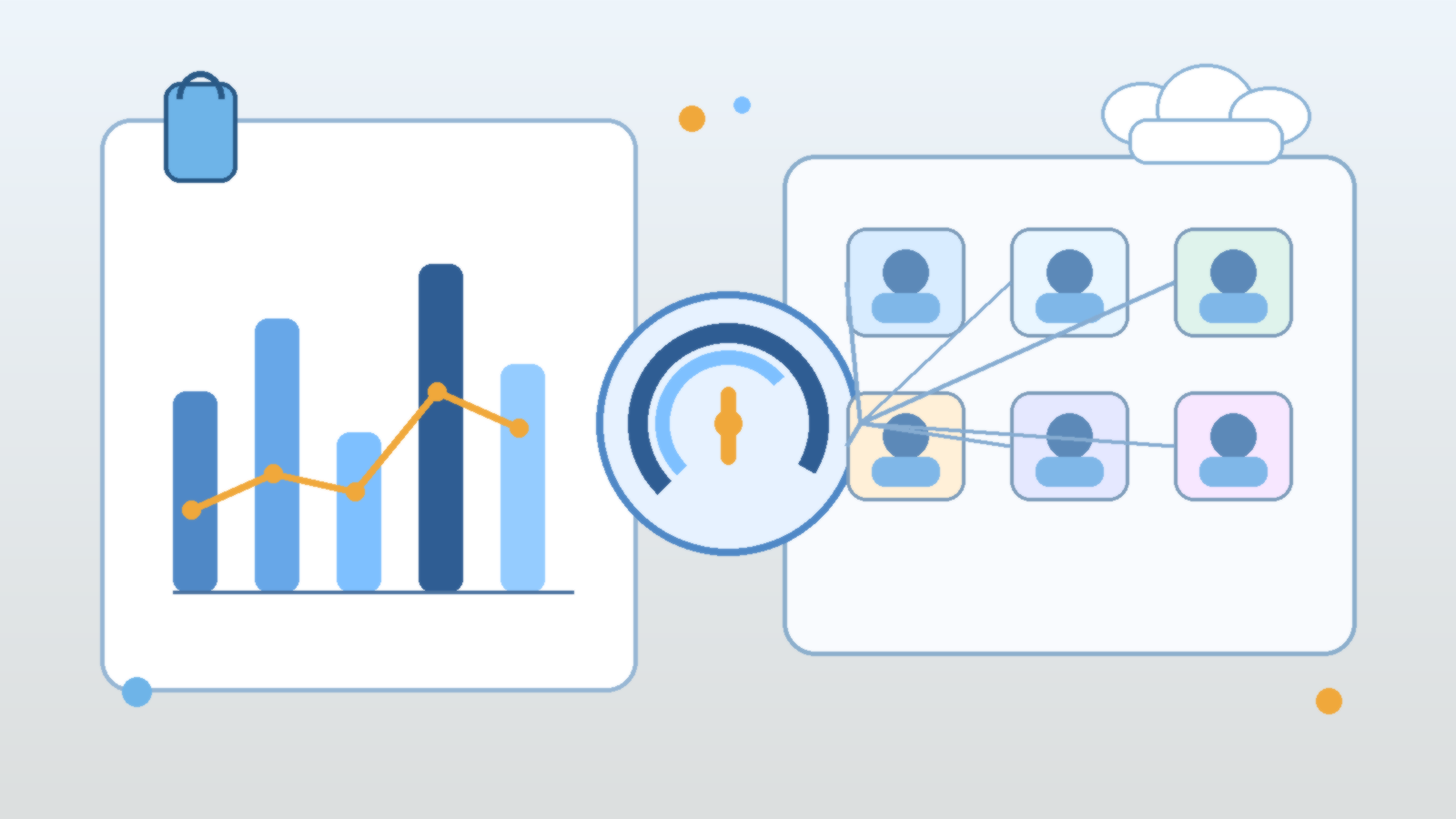
    Many AI rollout plans focus on activation metrics. How many users enabled the tool? How many suggestions were accepted? Those numbers may help with licensing decisions, but they do not say much about operational health. Enterprises should also care about outcomes such as review quality, change failure patterns, secret exposure incidents, workflow misconfigurations, and whether protected repositories are seeing better or worse engineering hygiene over time.

    That measurement approach keeps the conversation grounded. If AI assistants are helping teams ship faster without raising incident noise, that is useful evidence. If adoption rises while review quality falls in high-impact repositories, the organization has a policy problem, not a dashboard victory.

    Final Takeaway

    AI coding assistants belong in modern GitHub workflows, but they should enter through the same disciplined door as every other change to the software delivery system. Repository risk tiers, approval boundaries, scoped credentials, and visible audit trails matter more than enthusiasm about the tool itself.

    The teams that get this right usually do not ban AI or hand it unlimited freedom. They make the safe path easy, keep high-impact repositories under stronger control, and judge success by delivery outcomes instead of hype. That is a much better foundation than hoping autocomplete has become wise enough to govern itself.
  • How to Use Prompt Caching in Enterprise AI Without Losing Cost Visibility or Data Boundaries

    How to Use Prompt Caching in Enterprise AI Without Losing Cost Visibility or Data Boundaries

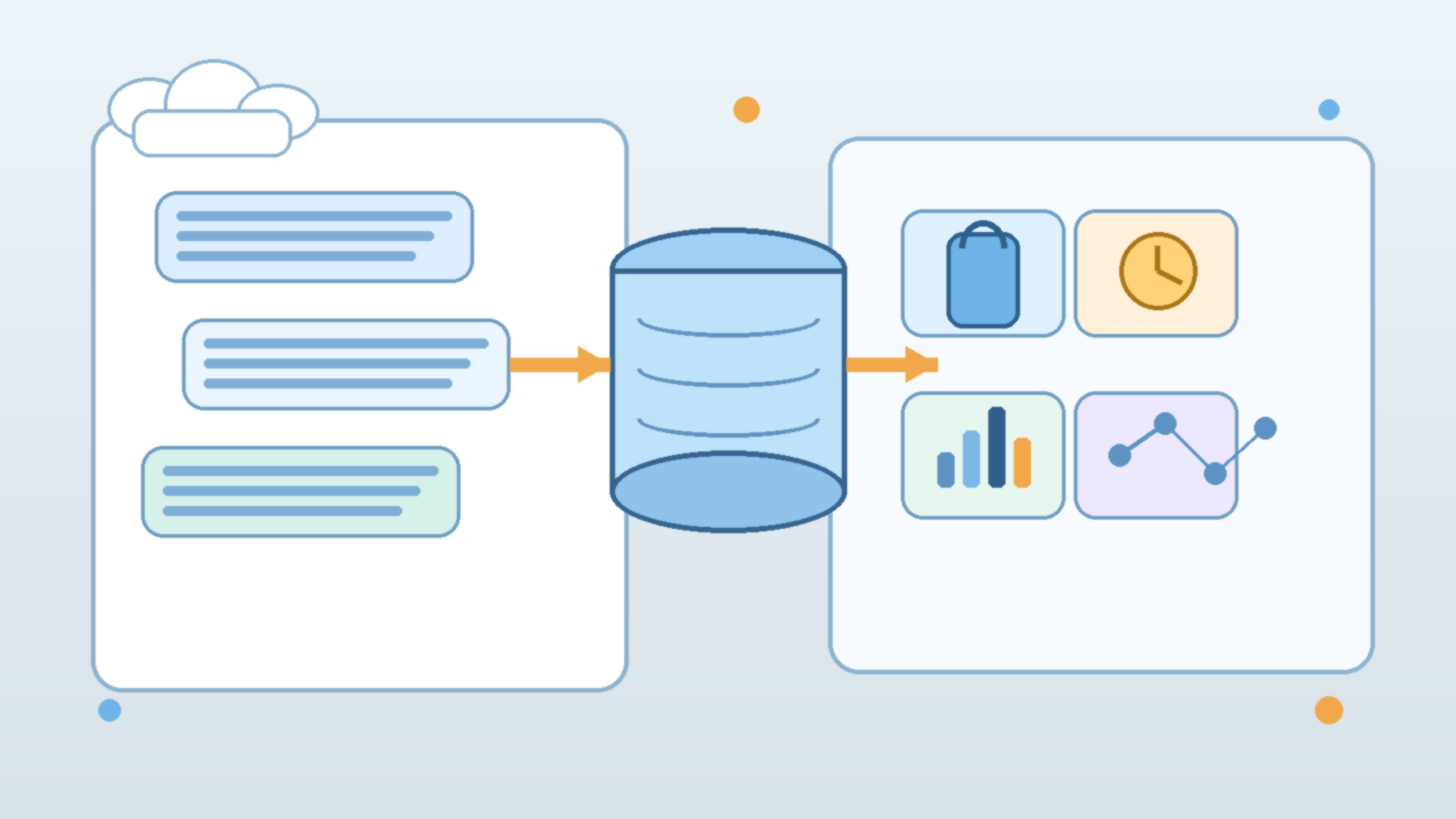
    Prompt caching is easy to like because the benefits show up quickly. Responses can get faster, repeated workloads can get cheaper, and platform teams finally have one optimization that feels more concrete than another round of prompt tweaking. The danger is that some teams treat caching like a harmless switch instead of a policy decision.

    That mindset usually works until multiple internal applications share models, prompts, and platform controls. Then the real questions appear. What exactly is being cached, how long should it live, who benefits from the hit rate, and what happens when yesterday’s prompt structure quietly shapes today’s production behavior? In enterprise AI, prompt caching is not just a performance feature. It is part of the operating model.

    Prompt Caching Changes Cost Curves, but It Also Changes Accountability

    Teams often discover prompt caching during optimization work. A workflow repeats the same long system prompt, a retrieval layer sends similar scaffolding on every request, or a high-volume internal app keeps paying to rebuild the same context over and over. Caching can reduce that waste, which is useful. It can also make usage patterns harder to interpret if nobody tracks where the savings came from or which teams are effectively leaning on shared cached context.

    That matters because cost visibility drives better decisions. If one group invests in cleaner prompts and another group inherits the cache efficiency without understanding it, the platform can look healthier than it really is. The optimization is real, but the attribution gets fuzzy. Enterprise teams should decide up front whether cache gains are measured per application, per environment, or as a shared platform benefit.

    Cache Lifetimes Should Follow Risk, Not Just Performance Goals

    Not every prompt deserves the same retention window. A stable internal assistant with carefully managed instructions may tolerate longer cache lifetimes than a fast-moving application that changes policy rules, product details, or safety guidance every few hours. If the cache window is too long, teams can end up optimizing yesterday’s assumptions. If it is too short, the platform may keep most of the complexity without gaining much efficiency.

    The practical answer is to tie cache lifetime to the volatility and sensitivity of the workload. Prompts that contain policy logic, routing hints, role assumptions, or time-sensitive business rules should usually have tighter controls than generic formatting instructions. Performance is important, but stale behavior in an enterprise workflow can be more expensive than a slower request.

    Shared Platforms Need Clear Boundaries Around What Can Be Reused

    Prompt caching gets trickier when several teams share the same model access layer. In that setup, the main question is not only whether the cache works. It is whether the reuse boundary is appropriate. Teams should be able to answer a few boring but important questions: is the cache scoped to one application, one tenant, one environment, or a broader platform pool; can prompts containing sensitive instructions or customer-specific context ever be reused; and what metadata is logged when a cache hit occurs?

    Those questions sound operational, but they are really governance questions. Reuse across the wrong boundary can create confusion about data handling, policy separation, and responsibility for downstream behavior. A cache hit should feel predictable, not mysterious.

    Do Not Let Caching Hide Bad Prompt Hygiene

    Caching can make a weak prompt strategy look temporarily acceptable. A long, bloated instruction set may become cheaper once repeated sections are reused, but that does not mean the prompt is well designed. Teams still need to review whether instructions are clear, whether duplicated context should be removed, and whether the application is sending information that does not belong in the request at all.

    That editorial discipline matters because a cache can lock in bad habits. When a poorly structured prompt becomes cheaper, organizations may stop questioning it. Over time, the platform inherits unnecessary complexity that becomes harder to unwind because nobody wants to disturb the optimization path that made the metrics look better.

    Logging and Invalidation Policies Matter More Than Teams Expect

    Enterprise AI teams rarely regret having an invalidation plan. They do regret realizing too late that a prompt change, compliance update, or incident response action does not reliably flush the old behavior path. If prompt caching is enabled, someone should own the conditions that force refresh. Policy revisions, critical prompt edits, environment promotions, and security events are common candidates.

    Logging should support that process without becoming a privacy problem of its own. Teams usually need enough telemetry to understand hit rates, cache scope, and operational impact. They do not necessarily need to spray full prompt contents into every downstream log sink. Good governance means retaining enough evidence to operate the system while still respecting data minimization.

    Show Application Owners the Tradeoff, Not Just the Feature

    Prompt caching decisions should not live only inside the platform team. Application owners need to understand what they are gaining and what they are accepting. Faster performance and lower repeated cost are attractive, but those gains come with rules about prompt stability, refresh timing, and scope. When teams understand that tradeoff, they make better design choices around release cadence, versioning, and prompt structure.

    This is especially important for internal AI products that evolve quickly. A team that changes core instructions every day may still use caching, but it should do so intentionally and with realistic expectations. The point is not to say yes or no to caching in the abstract. The point is to match the policy to the workload.

    Final Takeaway

    Prompt caching is one of those features that looks purely technical until an enterprise tries to operate it at scale. Then it becomes a question of scope, retention, invalidation, telemetry, and cost attribution. Teams that treat it as a governed platform capability usually get better performance without losing clarity.

    Teams that treat it like free magic often save money at first, then spend that savings back through stale behavior, murky ownership, and hard-to-explain platform side effects. The cache is useful. It just needs a grown-up policy around it.

  • How to Use Azure Policy Exemptions for AI Workloads Without Turning Guardrails Into Suggestions

    How to Use Azure Policy Exemptions for AI Workloads Without Turning Guardrails Into Suggestions

    Azure Policy is one of the cleanest ways to keep AI platform standards from drifting across subscriptions, resource groups, and experiments. The trouble starts when delivery pressure collides with those standards. A team needs to test a model deployment, wire up networking differently, or get around a policy conflict for one sprint, and suddenly the word exemption starts sounding like a productivity feature instead of a risk decision.

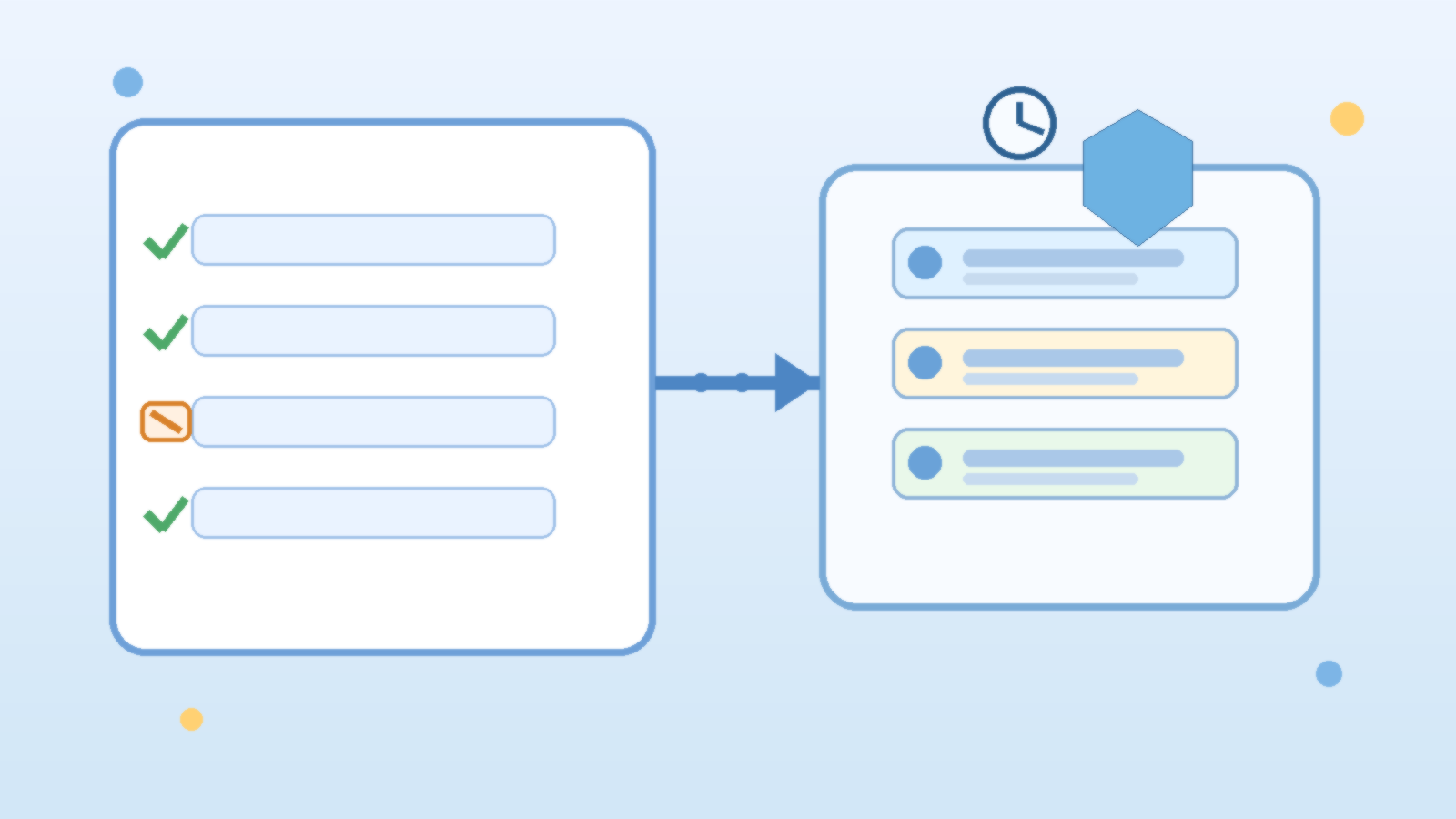
    That is where mature teams separate healthy flexibility from policy theater. Exemptions are not a failure of governance. They are a governance mechanism. The problem is not that exemptions exist. The problem is when they are created without scope, without evidence, and without a path back to compliance.

    Exemptions Should Explain Why the Policy Is Not Being Met Yet

    A useful exemption starts with a precise reason. Maybe a vendor dependency has not caught up with private networking requirements. Maybe an internal AI sandbox needs a temporary resource shape that conflicts with the normal landing zone baseline. Maybe an engineering team is migrating from one pattern to another and needs a narrow bridge period. Those are all understandable situations.

    What does not age well is a vague exemption that effectively says, “we needed this to work.” If the request cannot clearly explain the delivery blocker, the affected control, and the expected end state, it is not ready. Teams should have to articulate why the policy is temporarily impractical, not merely inconvenient.

    Scope the Exception Smaller Than the Team First Wants

    The easiest way to make exemptions dangerous is to grant them at a broad scope. A subscription-wide exemption for one AI prototype often becomes a quiet permission slip for unrelated workloads later. Strong governance teams default to the smallest scope that solves the real problem, whether that is one resource group, one policy assignment, or one short-lived deployment path.

    This matters even more for AI environments because platform patterns spread quickly. If one permissive exemption sits in the wrong place, future projects may inherit it by accident and call that reuse. Tight scoping keeps an unusual decision from becoming a silent architecture standard.

    Every Exemption Needs an Owner and an Expiration Date

    An exemption without an owner is just deferred accountability. Someone specific should be responsible for the risk, the follow-up work, and the retirement plan. That owner does not have to be the person clicking approve in Azure, but it should be the person who can drive remediation when the temporary state needs to end.

    Expiration matters for the same reason. A surprising number of “temporary” governance decisions stay alive because nobody created the forcing function to revisit them. If the exemption is still needed later, it can be renewed with updated evidence. What should not happen is an open-ended exception drifting into permanent policy decay.

    Document the Compensating Controls, Not Just the Deviation

    A good exemption request does more than identify the broken rule. It explains what will reduce risk while the rule is not being met. If an AI workload cannot use the preferred network control yet, perhaps access is restricted through another boundary. If a logging standard cannot be implemented immediately, perhaps the team adds manual review, temporary alerting, or narrower exposure until the full control lands.

    This is where governance becomes practical instead of theatrical. Leaders do not need a perfect environment on day one. They need evidence that the team understands the tradeoff and has chosen deliberate safeguards while the gap exists.

    Review Exemptions as a Portfolio, Not One Ticket at a Time

    Individual exemptions can look reasonable in isolation while creating a weak platform in aggregate. One allows broad outbound access, another delays tagging, another bypasses a deployment rule, and another weakens log retention. Each request sounds manageable. Together they can tell you that a supposedly governed AI platform is running mostly on exceptions.

    That is why a periodic exemption review matters. Security, platform, and cloud governance leads should look for clusters, aging exceptions, repeat patterns, and teams that keep hitting the same friction point. Sometimes the answer is to retire the exemption. Sometimes the answer is to improve the policy design because the platform standard is clearly out of sync with real work.

    Final Takeaway

    Azure Policy exemptions are not the enemy of governance. Unbounded exemptions are. When an exception is narrow, time-limited, owned, and backed by compensating controls, it helps serious teams ship without pretending standards are frictionless. When it is broad, vague, and forgotten, it turns guardrails into suggestions.

    The right goal is not “no exemptions ever.” The goal is making every exemption look temporary on purpose and defensible under review.

  • Why AI Agents Need Approval Boundaries Before They Need More Tools

    Why AI Agents Need Approval Boundaries Before They Need More Tools

    It is tempting to judge an AI agent by how many systems it can reach. The demo looks stronger when the agent can search knowledge bases, open tickets, message teams, trigger workflows, and touch cloud resources from one conversational loop. That kind of reach feels like progress because it makes the assistant look capable.

    In practice, enterprise teams usually hit a different limit first. The problem is not a lack of tools. The problem is a lack of approval boundaries. Once an agent can act across real systems, the important question stops being “what else can it connect to?” and becomes “what exactly is it allowed to do without another human step in the middle?”

    Tool access creates leverage, but approvals define trust

    An agent with broad tool access can move faster than a human operator in narrow workflows. It can summarize incidents, prepare draft changes, gather evidence, or line up the next recommended action. That leverage is real, and it is why teams keep experimenting with agentic systems.

    But trust does not come from raw capability. Trust comes from knowing where the agent stops. If a system can open a pull request but not merge one, suggest a customer response but not send it, or prepare an infrastructure change but not apply it without confirmation, operators understand the blast radius. Without those lines, every new integration increases uncertainty faster than it increases value.

    The first design question should be which actions are advisory, gated, or forbidden

    Teams often wire tools into an agent before they classify the actions those tools expose. That is backwards. Before adding another connector, decide which tasks fall into three simple buckets: advisory actions the agent may do freely, gated actions that need explicit human approval, and forbidden actions that should never be reachable from a conversational workflow.

    This classification immediately improves architecture decisions. Read-only research and summarization are usually much safer than account changes, customer-facing sends, or production mutations. Once that difference is explicit, it becomes easier to shape prompts, permission scopes, and user expectations around real operational risk instead of wishful thinking.

    Approval boundaries are more useful than vague instructions to “be careful”

    Some teams try to manage risk with generic policy language inside the prompt, such as telling the agent to avoid risky actions or ask before making changes. That helps at the margin, but it is not a strong control model. Instructions alone are soft boundaries. Real approval gates should exist in the tool path, the workflow engine, or the surrounding platform.

    That matters because a well-behaved model can still misread context, overgeneralize a rule, or act on incomplete information. A hard checkpoint is much more reliable than hoping the model always interprets caution exactly the way a human operator intended.

    Scoped permissions keep approval prompts honest

    Approval flows only work when the underlying permissions are scoped correctly. If an agent runs behind one oversized service account, then a friendly approval prompt can hide an ugly reality. The system may appear selective while still holding authority far beyond what any single task needs.

    A better pattern is to pair approval boundaries with narrow execution scopes. Read-only tools should be read-only in fact, not just by convention. Drafting tools should create drafts rather than live changes. Administrative actions should run through separate paths with stronger review requirements and clearer audit trails. This keeps the operational story aligned with the security story.

    Operators need reviewable checkpoints, not hidden autonomy

    The point of an approval boundary is not to slow everything down forever. It is to place human judgment at the moments where context, accountability, or consequences matter most. If an agent proposes a cloud policy change, queues a mass notification, or prepares a sensitive data export, the operator should see the intended action in a clear, reviewable form before it happens.

    Those checkpoints also improve debugging. When a workflow fails, teams can inspect where the proposal was generated, where it was reviewed, and where it was executed. That is much easier than reconstructing what happened after a fully autonomous chain quietly crossed three systems and made an irreversible mistake.

    More tools are useful only after the control model is boring and clear

    There is nothing wrong with giving agents more integrations once the basics are in place. Richer tool access can unlock better support workflows, faster internal operations, and stronger user experiences. The mistake is expanding the tool catalog before the control model is settled.

    Teams should want their approval model to feel almost boring. Everyone should know which actions are automatic, which actions pause for review, who can approve them, and how the decision is logged. When that foundation exists, new tools become additive. Without it, each new tool is another argument waiting to happen during an incident review.

    Final takeaway

    AI agents do not become enterprise-ready just because they can reach more systems. They become trustworthy when their actions are framed by clear approval boundaries, narrow permissions, and visible operator checkpoints. That is the discipline that turns capability into something a real team can live with.

    Before you add another tool to the agent, decide where the agent must stop and ask. In most environments, that answer matters more than the next connector on the roadmap.

  • Why AI Gateway Policy Matters More Than Model Choice Once Multiple Teams Share the Same Platform

    Why AI Gateway Policy Matters More Than Model Choice Once Multiple Teams Share the Same Platform

    Enterprise AI teams love to debate model quality, benchmark scores, and which vendor roadmap looks strongest this quarter. Those conversations matter, but they are rarely the first thing that causes trouble once several internal teams begin sharing the same AI platform. In practice, the cracks usually appear at the policy layer. A team gets access to an endpoint it should not have, another team sends more data than expected, a prototype starts calling an expensive model without guardrails, and nobody can explain who approved the path in the first place.

    That is why AI gateways deserve more attention than they usually get. The gateway is not just a routing convenience between applications and models. It is the enforcement point where an organization decides what is allowed, what is logged, what is blocked, and what gets treated differently depending on risk. When multiple teams share models, tools, and data paths, strong gateway policy often matters more than shaving a few points off a benchmark comparison.

    Model Choice Is Visible, Policy Failure Is Expensive

    Model decisions are easy to discuss because they are visible. People can compare price, latency, context windows, and output quality. Gateway policy is less glamorous. It lives in rules, headers, route definitions, authentication settings, rate limits, and approval logic. Yet that is where production risk actually gets shaped. A mediocre policy design can turn an otherwise solid model rollout into a governance mess.

    For example, one internal team may need access to a premium reasoning model for a narrow workflow, while another should only use a cheaper general-purpose model for low-risk tasks. If both can hit the same backend without strong gateway control, the platform loses cost discipline and technical separation immediately. The model may be excellent, but the operating model is already weak.

    A Gateway Creates a Real Control Plane for Shared AI

    Organizations usually mature once they realize they are not managing one chatbot. They are managing a growing set of internal applications, agents, copilots, evaluation jobs, and automation flows that all want model access. At that point, direct point-to-point access becomes difficult to defend. An AI gateway creates a proper control plane where policies can be applied consistently across workloads instead of being reimplemented poorly inside each app.

    This is where platform teams gain leverage. They can define which models are approved for which environments, which identities can reach which routes, which prompts or payload patterns should trigger inspection, and how quotas are carved up. That is far more valuable than simply exposing a common endpoint. A shared endpoint without differentiated policy is only centralized chaos.

    Route by Risk, Not Just by Vendor

    Many gateway implementations start with vendor routing. Requests for one model family go here, requests for another family go there. That is a reasonable start, but it is not enough. Mature gateways route by risk profile as well. A low-risk internal knowledge assistant should not be handled the same way as a workflow that can trigger downstream actions, access sensitive enterprise data, or generate content that enters customer-facing channels.

    Risk-based routing makes policy practical. It allows the platform to require stronger controls for higher-impact workloads: stricter authentication, tighter rate limits, additional inspection, approval gates for tool invocation, or more detailed audit logging. It also keeps lower-risk workloads from being slowed down by controls they do not need. One-size-fits-all policy usually ends in two bad outcomes at once: weak protection where it matters and frustrating friction where it does not.

    Separate Identity, Cost, and Content Controls

    A useful mental model is to treat AI gateway policy as three related layers. The first layer is identity and entitlement: who or what is allowed to call a route. The second is cost and performance governance: how often it can call, which models it can use, and what budget or quota applies. The third is content and behavior governance: what kind of input or output requires blocking, filtering, review, or extra monitoring.

    These layers should be designed separately even if they are enforced together. Teams get into trouble when they solve one layer and assume the rest is handled. Strong authentication without cost policy can still produce runaway spend. Tight quotas without content controls can still create data handling problems. Output filtering without identity separation can still let the wrong application reach the wrong backend. The point of the gateway is not to host one magic control. It is to become the place where multiple controls meet in a coherent way.

    Logging Needs to Explain Decisions, Not Just Traffic

    One underappreciated benefit of good gateway policy is auditability. It is not enough to know that a request happened. In shared AI environments, operators also need to understand why a request was allowed, denied, throttled, or routed differently. If an executive asks why a business unit hit a slower model during a launch week, the answer should be visible in policy and logs, not reconstructed from guesses and private chat threads.

    That means logs should capture policy decisions in human-usable terms. Which route matched? Which identity or application policy applied? Was a safety filter engaged? Was the request downgraded, retried, or blocked? Decision-aware logging is what turns an AI gateway from plumbing into operational governance.

    Do Not Let Every Application Bring Its Own Gateway Logic

    Without a strong shared gateway, development teams naturally recreate policy in application code. That feels fast at first. It is also how organizations end up with five different throttling strategies, three prompt filtering implementations, inconsistent authentication, and no clean way to update policy when the risk picture changes. App-level logic still has a place, but it should sit behind platform-level rules, not replace them.

    The practical standard is simple: application teams should own business behavior, while the platform owns cross-cutting enforcement. If every team can bypass that pattern, the platform has no real policy surface. It only has suggestions.

    Gateway Policy Should Change Faster Than Infrastructure

    Another reason the policy layer matters so much is operational speed. Model options, regulatory expectations, and internal risk appetite all change faster than core infrastructure. A gateway gives teams a place to adapt controls without redesigning every application. New model restrictions, revised egress rules, stricter prompt handling, or tighter quotas can be rolled out at the gateway far faster than waiting for every product team to refactor.

    That flexibility becomes critical during incidents and during growth. When a model starts behaving unpredictably, when a connector raises data exposure concerns, or when costs spike, the fastest safe response usually happens at the gateway. A platform without that layer is forced into slower, messier mitigation.

    Final Takeaway

    Once multiple teams share an AI platform, model choice is only part of the story. The gateway policy layer determines who can access models, which routes are appropriate for which workloads, how costs are constrained, how risk is separated, and whether operators can explain what happened afterward. That makes gateway policy more than an implementation detail. It becomes the operating discipline that keeps shared AI from turning into shared confusion.

    If an organization wants enterprise AI to scale cleanly, it should stop treating the gateway as a simple pass-through and start treating it as a real policy control plane. The model still matters. The policy layer is what makes the model usable at scale.

  • How to Set Azure OpenAI Quotas for Internal Teams Without Turning Every Launch Into a Budget Fight

    How to Set Azure OpenAI Quotas for Internal Teams Without Turning Every Launch Into a Budget Fight

    Illustration of Azure AI quota planning with dashboards, shared capacity, and team workload tiles

    Azure OpenAI projects usually do not fail because the model is unavailable. They fail because the organization never decided how shared capacity should be allocated once multiple teams want the same thing at the same time. One pilot gets plenty of headroom, a second team arrives with a deadline, a third team suddenly wants higher throughput for a demo, and finance starts asking why the new AI platform already feels unpredictable.

    The technical conversation often gets reduced to tokens per minute, requests per minute, or whether provisioned capacity is justified yet. Those details matter, but they are not the whole problem. The real issue is operational ownership. If nobody defines who gets quota, how it is reviewed, and what happens when demand spikes, every model launch turns into a rushed negotiation between engineering, platform, and budget owners.

    Quota Problems Usually Start as Ownership Problems

    Many internal teams begin with one shared Azure OpenAI resource and one optimistic assumption: there will be time to organize quotas later. That works while usage is light. Once multiple workloads compete for throughput, the shared pool becomes political. The loudest team asks for more. The most visible launch gets protected first. Smaller internal apps absorb throttling even if they serve important employees.

    That is why quota planning should be treated like service design instead of a one-time technical setting. Someone needs to own the allocation model, the exceptions process, and the review cadence. Without that, quota decisions drift into ad hoc favors, and every surprise 429 becomes an argument about whose workload matters more.

    Separate Baseline Capacity From Burst Requests

    A practical pattern is to define a baseline allocation for each internal team or application, then handle temporary spikes as explicit burst requests instead of pretending every workload deserves permanent peak capacity. Baseline quota should reflect normal operating demand, not launch-day nerves. Burst handling should cover events like executive demos, migration waves, training sessions, or a newly onboarded business unit.

    This matters because permanent over-allocation hides waste. Teams rarely give capacity back voluntarily once they have it. If the platform group allocates quota based on hypothetical worst-case usage for everyone, the result is a bloated plan that still does not feel fair. A baseline-plus-burst model is more honest. It admits that some demand is real and recurring, while some demand is temporary and should be treated that way.

    Tie Quota to a Named Service Owner and a Business Use Case

    Do not assign significant Azure OpenAI quota to anonymous experimentation. If a workload needs meaningful capacity, it should have a named owner, a clear user population, and a documented business purpose. That does not need to become a heavy governance board, but it should be enough to answer a few basic questions: who runs this service, who uses it, what happens if it is throttled, and what metric proves the allocation is still justified.

    This simple discipline improves both cost control and incident response. When quotas are tied to identifiable services, platform teams can see which internal products deserve priority, which are dormant, and which are still living on last quarter’s assumptions.

    Use Showback Before You Need Full Chargeback

    Organizations often avoid quota governance because they think the only serious option is full financial chargeback. That is overkill for many internal AI programs, especially early on. Showback is usually enough to improve behavior. If each team can see its approximate usage, reserved capacity, and the cost consequence of keeping extra headroom, conversations get much more grounded.

    Showback changes the tone from “the platform is blocking us” to “we are asking the platform to reserve capacity for this workload, and here is why.” That is a healthier discussion. It also gives finance and engineering a shared language without forcing every prototype into a billing maze too early.

    Design for Throttling Instead of Acting Shocked by It

    Even with good allocation, some workloads will still hit limits. That should not be treated as a scandal. It should be expected behavior that applications are designed to handle gracefully. Queueing, retries with backoff, workload prioritization, caching, and fallback models all belong in the engineering plan long before production traffic arrives.

    The important governance point is that application teams should not assume the platform will always solve a usage spike by handing out more quota. Sometimes the right answer is better request shaping, tighter prompt design, or a service-level decision about which users and actions deserve priority when demand exceeds the happy path.

    Review Quotas on a Calendar, Not Only During Complaints

    If quota reviews only happen during incidents, the review process will always feel punitive. A better pattern is a simple recurring check, often monthly or quarterly depending on scale, where platform and service owners look at utilization, recent throttling, upcoming launches, and idle allocations. That makes redistribution normal instead of dramatic.

    These reviews should be short and practical. The goal is not to produce another governance document nobody reads. The goal is to keep the capacity model aligned with reality before the next internal launch or leadership demo creates avoidable pressure.

    Provisioned Capacity Should Follow Predictability, Not Prestige

    Some teams push for provisioned capacity because it sounds more mature or more strategic. That is not a good reason. Provisioned throughput makes the most sense when a workload is steady enough, important enough, and predictable enough to justify that commitment. It is a capacity planning tool, not a trophy for the most influential internal sponsor.

    If your traffic pattern is still exploratory, standard shared capacity with stronger governance may be the better fit. If a workload has a stable usage floor and meaningful business dependency, moving part of its demand to provisioned capacity can reduce drama for everyone else. The point is to decide based on workload shape and operational confidence, not on who escalates hardest.

    Final Takeaway

    Azure OpenAI quota governance works best when it is boring. Define baseline allocations, make burst requests explicit, tie capacity to named owners, show teams what their reservations cost, and review the model before contention becomes a firefight. That turns quota from a budget argument into a service management practice.

    When internal AI platforms skip that discipline, every new launch feels urgent and every limit feels unfair. When they adopt it, teams still have hard conversations, but at least those conversations happen inside a system that makes sense.

  • What Model Context Protocol Changes for Enterprise AI Teams and What It Does Not

    What Model Context Protocol Changes for Enterprise AI Teams and What It Does Not

    Model Context Protocol, usually shortened to MCP, is getting a lot of attention because it promises a cleaner way for AI systems to connect to tools, data sources, and services. The excitement is understandable. Teams are tired of building one-off integrations for every assistant, agent, and model wrapper they experiment with. A shared protocol sounds like a shortcut to interoperability.

    That promise is real, but many teams are starting to talk about MCP as if standardizing the connection layer automatically solves trust, governance, and operational risk. It does not. MCP can make enterprise AI systems easier to compose and easier to extend. It does not remove the need to decide which tools should exist, who may use them, what data they can expose, how actions are approved, or how the whole setup is monitored.

    MCP helps with integration consistency, which is a real problem

    One reason enterprise AI projects stall is that every new assistant ends up with its own fragile tool wiring. A retrieval bot talks to one search system through custom code, a workflow assistant reaches a ticketing platform through a different adapter, and a third project invents its own approach for calling internal APIs. The result is repetitive platform work, uneven reliability, and a stack that becomes harder to audit every time another prototype shows up.

    MCP is useful because it creates a more standard way to describe and invoke tools. That can lower the cost of experimentation and reduce duplicated glue code. Platform teams can build reusable patterns instead of constantly redoing the same plumbing for each project. From a software architecture perspective, that is a meaningful improvement.

    A standard tool interface is not the same thing as a safe tool boundary

    This is where some of the current enthusiasm gets sloppy. A tool being available through MCP does not make it safe to expose broadly. If an assistant can query internal files, trigger cloud automation, read a ticket system, or write to a messaging platform, the core risk is still about permissions, approval paths, and data exposure. The protocol does not make those questions disappear. It just gives the model a more standardized way to ask for access.

    Enterprise teams should treat MCP servers the same way they treat any other privileged integration surface. Each server needs a defined trust level, an owner, a narrow scope, and a clear answer to the question of what damage it could do if misused. If that analysis has not happened, the existence of a neat protocol only makes it easier to scale bad assumptions.

    The real design work is in authorization, not just connectivity

    Many early AI integrations collapse all access into a single service account because it is quick. That is manageable for a toy demo and messy for almost anything else. Once assistants start operating across real systems, the important question is not whether the model can call a tool. It is whether the right identity is being enforced when that tool is called, with the right scope and the right audit trail.

    If your organization adopts MCP, spend more time on authorization models than on protocol enthusiasm. Decide whether tools run with user-scoped permissions, service-scoped permissions, delegated approvals, or staged execution patterns. Decide which actions should be read-only, which require confirmation, and which should never be reachable from a conversational flow at all. That is the difference between a useful integration layer and an avoidable incident.

    MCP can improve portability, but operations still need discipline

    Another reason teams like MCP is the hope that tools become more portable across model vendors and agent frameworks. In practice, that can help. A standardized description of tools reduces vendor lock-in pressure and makes platform choices less painful over time. That is good for enterprise teams that do not want their entire integration strategy tied to one rapidly changing stack.

    But portability on paper does not guarantee clean operations. Teams still need versioning, rollout control, usage telemetry, error handling, and ownership boundaries. If a tool definition changes, downstream assistants can break. If a server becomes slow or unreliable, user trust drops immediately. If a tool exposes too much data, the protocol will not save you. Standardization helps, but it does not replace platform discipline.

    Observability matters more once tools become easier to attach

    One subtle effect of MCP is that it can make tool expansion feel cheap. That is useful for innovation, but it also means the number of reachable capabilities may grow faster than the team’s visibility into what the assistant is actually doing. A model that can browse five internal systems through a tidy protocol is still a model making decisions about when and how to invoke those systems.

    That means logging needs to capture more than basic API failures. Teams need to know which tool was offered, which tool was selected, what identity it ran under, what high-level action occurred, how often it failed, and whether sensitive paths were touched. The easier it becomes to connect tools, the more important it is to make tool use legible to operators and reviewers.

    The practical enterprise question is where MCP fits in your control model

    The best way to evaluate MCP is not to ask whether it is good or bad. Ask where it belongs in your architecture. For many teams, it makes sense as a standard integration layer inside a broader control model that already includes identity, policy, network boundaries, audit logging, and approval rules for risky actions. In that role, MCP can be genuinely helpful.

    What it should not become is an excuse to skip those controls because the protocol feels modern and clean. Enterprises do not get safer because tools are easier for models to discover. They get safer because the surrounding system makes the easy path a well-governed path.

    Final takeaway

    Model Context Protocol changes the integration conversation in a useful way. It can reduce custom connector work, improve reuse, and make AI tooling less fragmented across teams. That is worth paying attention to.

    What it does not change is the hard part of enterprise AI: deciding what an assistant should be allowed to touch, how those actions are governed, and how risk is contained when something behaves unexpectedly. If your team treats MCP as a clean integration standard inside a larger control framework, it can be valuable. If you treat it as a substitute for that framework, you are just standardizing your way into the same old problems.

  • How to Use Azure Monitor and Application Insights for AI Agents Without Drowning in Trace Noise

    How to Use Azure Monitor and Application Insights for AI Agents Without Drowning in Trace Noise

    AI agents look impressive in demos because the path seems simple. A user asks for something, the agent plans a few steps, calls tools, and produces a result that feels smarter than a normal workflow. In production, though, the hardest part is often not the model itself. It is understanding what actually happened when an agent took too long, called the wrong dependency, ran up token costs, or quietly produced a bad answer that still looked confident.

    This is where Azure Monitor and Application Insights become useful, but only if teams treat observability as an agent design requirement instead of a cleanup task for later. The goal is not to collect every possible event. The goal is to make agent behavior legible enough that operators can answer a few critical questions quickly: what the agent was trying to do, which step failed, whether the issue came from the model or the surrounding system, and what changed before the problem appeared.

    Why AI Agents Create a Different Kind of Observability Problem

    Traditional applications usually follow clearer execution paths. A request enters an API, the code runs a predictable sequence, and the service returns a response. AI agents are less tidy. They often combine prompt construction, model calls, tool execution, retrieval, retries, policy checks, and branching decisions that depend on intermediate outputs. Two requests that look similar from the outside may take completely different routes internally.

    That variability means basic uptime monitoring is not enough. An agent can be technically available while still behaving badly. It may answer slowly because one tool call is dragging. It may become expensive because the prompt context keeps growing. It may look accurate on easy tasks and fall apart on multi-step ones. If your telemetry only shows request counts and average latency, you will know something feels wrong without knowing where to fix it.

    Start With a Trace Model That Follows the Agent Run

    The cleanest pattern is to treat each agent run as a traceable unit of work with child spans for meaningful stages. The root span should represent the end-to-end request or conversation turn. Under that, create spans for prompt assembly, retrieval, model invocation, tool calls, post-processing, and policy enforcement. If the agent loops through several steps, record each step in a way that preserves order and duration.

    This matters because operations teams rarely need a giant pile of isolated logs. They need a connected story. When a user says the agent gave a weak answer after twenty seconds, the response should not be a manual hunt across five dashboards. A trace should show whether the time went into vector search, an overloaded downstream API, repeated model retries, or a planning pattern that kept calling tools longer than expected.

    Instrument the Decision Points, Not Just the Failures

    Many teams log only hard errors. That catches crashes, but it misses the choices that explain poor outcomes. For agents, you also want telemetry around decision points: which tool was selected, why a fallback path was used, whether retrieval returned weak context, whether a safety filter modified the result, and how many iterations the plan required before producing an answer.

    These events do not need to contain raw prompts or sensitive user content. In fact, they often should not. They should contain enough structured metadata to explain behavior safely. Examples include tool name, step number, token counts, selected policy profile, retrieval hit count, confidence markers, and whether the run exited normally, degraded gracefully, or was escalated. That level of structure makes Application Insights far more useful than a wall of unshaped debug text.

    Separate Model Problems From System Problems

    One of the biggest operational mistakes is treating every bad outcome as a model quality issue. Sometimes the model is the problem, but often the surrounding system deserves the blame. Retrieval may be returning stale documents. A tool endpoint may be timing out. An agent may be sending far too much context because nobody enforced prompt budgets. If all of that lands in one generic error bucket, teams will waste time tuning prompts when the real problem is architecture.

    Azure Monitor works best when the telemetry schema makes that separation obvious. Model call spans should capture deployment name, latency, token usage, finish reason, and retry behavior. Tool spans should record dependency target, duration, success state, and error type. Retrieval spans should capture index or source identifier, hit counts, and confidence or scoring information when available. Once those boundaries are visible, operators can quickly decide whether they are dealing with model drift, dependency instability, or plain old integration debt.

    Use Sampling Carefully So You Do Not Blind Yourself

    Telemetry volume can explode fast in agent systems, especially when one user request fans out into multiple model calls and multiple tool steps. That makes sampling tempting, and sometimes necessary. The danger is aggressive sampling that quietly removes the very traces you need to debug rare but expensive failures. A platform that keeps every healthy request but drops complex edge cases is collecting cost without preserving insight.

    A better approach is to combine baseline sampling with targeted retention rules. Keep a representative sample of normal traffic, but preserve complete traces for slow runs, failed runs, high-cost runs, and policy-triggered runs. If an agent exceeded a token budget, called a restricted tool, or breached a latency threshold, that trace is almost always worth keeping. Storage is cheaper than ignorance during an incident review.

    Build Dashboards Around Operator Questions

    Fancy dashboards are easy to build and surprisingly easy to ignore. The useful ones answer real questions that an engineer or service owner will ask under pressure. Which agent workflows got slower this week. Which tools cause the most degraded runs. Which model deployment produces the highest retry rate. Which tenant, feature, or prompt pattern drives the most cost. Which policy controls are firing often enough to suggest a design problem instead of random noise.

    That means your workbook design should reflect operational ownership. A platform team may care about cross-service latency and token economics. An application owner may care about completion quality and task success. A security or governance lead may care about tool usage, blocked actions, and escalation patterns. One giant dashboard for everyone usually satisfies no one. A few focused views with consistent trace identifiers are more practical.

    Protect Privacy While Preserving Useful Telemetry

    Observability for AI systems can become a privacy problem if teams capture raw prompts, user-submitted data, or full model outputs without discipline. The answer is not to stop instrumenting. The answer is to define what must be logged, what should be hashed or redacted, and what should never leave the application boundary in the first place. Agent platforms need a telemetry policy, not just a telemetry SDK.

    In practice, that often means storing structured metadata rather than full conversational content, masking identifiers where possible, and controlling access to detailed traces through the same governance processes used for other sensitive logs. If your observability design makes privacy review impossible, the platform will either get blocked or drift into risky exceptions. Neither outcome is a sign of maturity.

    What Good Looks Like in Production

    A strong implementation is not dramatic. Every agent run has a durable correlation ID. Spans show the major execution stages clearly. Slow, failed, high-cost, and policy-sensitive traces are preserved. Dashboards map to operator needs instead of vanity metrics. Privacy controls are built into the telemetry design from the start. When something goes wrong, the team can explain the run with evidence instead of guesswork.

    That standard is more important than chasing perfect visibility. You do not need to log everything to operate agents well. You need enough connected, structured, and trustworthy telemetry to decide what happened and what to change next. In most organizations, that is the difference between an AI platform that can scale responsibly and one that becomes a permanent argument between engineering, operations, and governance.

    Final Takeaway

    Azure Monitor and Application Insights can make AI agents observable, but only if teams instrument the run, the decisions, and the surrounding dependencies with intention. If your telemetry only proves that the service was up, it is not enough. The real win is being able to tell why an agent behaved the way it did, which part of the system needs attention, and whether the platform is getting healthier or harder to trust over time.

  • How to Keep AI Sandbox Subscriptions From Becoming Permanent Azure Debt

    How to Keep AI Sandbox Subscriptions From Becoming Permanent Azure Debt

    AI teams often need a place to experiment quickly. A temporary Azure subscription, a fresh resource group, and a few model-connected services can feel like the fastest route from idea to proof of concept. The trouble is that many sandboxes are only temporary in theory. Once they start producing something useful, they quietly stick around, accumulate access, and keep spending money long after the original test should have been reviewed.

    That is how small experiments turn into permanent Azure debt. The problem is not that sandboxes exist. The problem is that they are created faster than they are governed, and nobody defines the point where a trial environment must either graduate into a managed platform or be shut down cleanly.

    Why AI Sandboxes Age Badly

    Traditional development sandboxes already have a tendency to linger, but AI sandboxes age even worse because they combine infrastructure, data access, identity permissions, and variable consumption costs. A team may start with a harmless prototype, then add Azure OpenAI access, a search index, storage accounts, test connectors, and a couple of service principals. Within weeks, the environment stops being a scratchpad and starts looking like a shadow platform.

    That drift matters because the risk compounds quietly. Costs continue in the background, model deployments remain available, access assignments go stale, and test data starts blending with more sensitive workflows. By the time someone notices, the sandbox is no longer simple enough to delete casually and no longer clean enough to trust as production.

    Set an Expiration Rule Before the First Resource Is Created

    The best time to govern a sandbox is before it exists. Every experimental Azure subscription or resource group should have an expected lifetime, an owner, and a review date tied to the original request. If there is no predefined checkpoint, people will naturally treat the environment as semi-permanent because nobody enjoys interrupting a working prototype to do cleanup paperwork.

    A lightweight expiration rule works better than a vague policy memo. Teams should know that an environment will be reviewed after a defined period, such as 30 or 45 days, and that the review must end in one of three outcomes: extend it with justification, promote it into a managed landing zone, or retire it. That one decision point prevents a lot of passive sprawl.

    Use Azure Policy and Tags to Make Temporary Really Mean Temporary

    Manual tracking breaks down quickly once several teams are running parallel experiments. Azure Policy and tagging give you a more durable way to spot sandboxes before they become invisible. Required tags for owner, cost center, expiration date, and environment purpose make it much easier to query what exists and why it still exists.

    Policy can reinforce those expectations by denying obviously noncompliant deployments or flagging resources that do not meet the minimum metadata standard. The goal is not to punish experimentation. It is to make experimental environments legible enough that platform teams can review them without playing detective across subscriptions and portals.

    Separate Prototype Freedom From Production Access

    A common mistake is letting a sandbox keep reaching further into real enterprise systems because the prototype is showing promise. That is usually the moment when a temporary environment becomes dangerous. Experimental work often needs flexibility, but that is not the same thing as open-ended access to production data, broad service principal rights, or unrestricted network paths.

    A better model is to keep the sandbox useful while limiting what it can touch. Sample datasets, constrained identities, narrow scopes, and approved integration paths let teams test ideas without normalizing risky shortcuts. If a proof of concept truly needs deeper access, that should be the signal to move it into a managed environment instead of stretching the sandbox beyond its original purpose.

    Watch for Cost Drift Before Finance Has To

    AI costs are especially easy to underestimate in a sandbox because usage looks small until several experiments overlap. Model calls, vector indexing, storage growth, and attached services can create a monthly bill that feels out of proportion to the casual way the environment was approved. Once that happens, teams either panic and overcorrect or quietly avoid talking about the spend at all.

    Azure budgets, alerts, and resource-level visibility should be part of the sandbox pattern from the start. A sandbox does not need enterprise-grade finance ceremony, but it does need an early warning system. If an experiment is valuable enough to keep growing, that is good news. It just means the environment should move into a more deliberate operating model before the bill becomes its defining feature.

    Make Promotion a Real Path, Not a Bureaucratic Wall

    Teams keep half-governed sandboxes alive for one simple reason: promotion into a proper platform often feels slower than leaving the prototype alone. If the managed path is painful, people will rationalize the shortcut. That is not a moral failure. It is a design failure in the platform process.

    The healthiest Azure environments give teams a clear migration path from experiment to supported service. That might mean a standard landing zone, reusable infrastructure templates, approved identity patterns, and a documented handoff into operational ownership. When promotion is easier than improvisation, sandboxes stop turning into accidental long-term architecture.

    Final Takeaway

    AI sandboxes are not the problem. Unbounded sandboxes are. If temporary subscriptions have no owner, no expiration rule, no policy shape, and no promotion path, they will eventually become a messy blend of prototype logic, real spend, and unclear accountability.

    The practical fix is to define the sandbox lifecycle up front, tag it clearly, limit what it can reach, and make graduation into a managed Azure pattern easier than neglect. That keeps experimentation fast without letting yesterday’s pilot become tomorrow’s permanent debt.

  • RAG Evaluation in 2026: The Metrics That Actually Matter

    RAG Evaluation in 2026: The Metrics That Actually Matter

    Retrieval-augmented generation, usually shortened to RAG, has become the default pattern for teams that want AI answers grounded in their own documents. The basic architecture is easy to sketch on a whiteboard: chunk content, index it, retrieve the closest matches, and feed them to a model. The hard part is proving that the system is actually good.

    Too many teams still evaluate RAG with weak proxies. They look at demo quality, a few favorite examples, or whether the answer sounds confident. That creates a dangerous gap between what looks polished in a product review and what holds up in production. A better approach is to score RAG systems against the metrics that reflect user trust, operational stability, and business usefulness.

    Start With Answer Quality, Not Retrieval Trivia

    The first question is simple: did the system help the user reach a correct and useful answer? Retrieval quality matters, but it is still only an input. If a team optimizes heavily for search-style measures while ignoring the final response, it can end up with technically good retrieval and disappointing user outcomes.

    That is why answer-level evaluation should sit at the top of the scorecard. Review responses for correctness, completeness, directness, and whether the output actually resolves the user task. A short, accurate answer that helps someone move forward is more valuable than a longer response that merely sounds sophisticated.

    Measure Grounding Separately From Fluency

    Modern models are very good at sounding coherent. That makes it easy to confuse fluency with grounding. In a RAG system, those are not the same thing. Grounding asks whether the answer is genuinely supported by the retrieved material, while fluency only tells you whether the wording feels smooth.

    High-performing teams score grounding explicitly. They check whether claims can be traced back to retrieved evidence, whether citations line up with the actual answer, and whether unsupported statements slip into the response. This is especially important in internal knowledge systems, policy assistants, and regulated workflows where a polished hallucination is worse than an obvious failure.

    Freshness Deserves Its Own Metric

    Many RAG failures are not really about model intelligence. They are freshness problems. The answer might be grounded in a document that used to be right, but is now outdated. That can be just as damaging as a fabricated answer because users still experience it as bad guidance.

    A useful scorecard should track how often the system answers from current material, how quickly new source documents become retrievable, and how often stale content remains dominant after an update. Teams that care about trust treat freshness windows, ingestion lag, and source retirement as measurable parts of system quality, not background plumbing.

    Track Retrieval Precision Without Worshipping It

    Retrieval metrics still matter. Precision at K, recall, ranking quality, and chunk relevance can reveal whether the system is bringing the right evidence into context. They are useful because they point directly to indexing, chunking, metadata, and ranking issues that can often be fixed faster than prompt-level problems.

    The trap is treating those measures like the whole story. A system can retrieve relevant chunks and still synthesize a poor answer, over-answer beyond the evidence, or fail to handle ambiguity. Use retrieval metrics as diagnostic signals, but keep answer quality and grounding above them in the final evaluation hierarchy.

    Include Refusal Quality and Escalation Behavior

    Strong RAG systems do not just answer well. They also fail well. When evidence is missing, conflicting, or outside policy, the system should avoid pretending certainty. It should narrow the claim, ask for clarification, or route the user to a safer next step.

    This means your scorecard should include refusal quality. Measure whether the assistant declines unsupported requests appropriately, whether it signals uncertainty clearly, and whether it escalates to a human or source link when confidence is weak. In real production settings, graceful limits are part of product quality.

    Operational Metrics Matter Because Latency Changes User Trust

    A RAG system can be accurate and still fail if it is too slow, too expensive, or too inconsistent. Latency affects whether people keep using the product. Retrieval spikes, embedding bottlenecks, or unstable prompt chains can make a system feel unreliable even when the underlying answers are sound.

    That is why mature teams add operational measures to the same scorecard. Track response time, cost per successful answer, failure rate, timeout rate, and context utilization. This keeps the evaluation grounded in something product teams can actually run and scale, not just something research teams can admire.

    A Practical 2026 RAG Scorecard

    If you want a simple starting point, build your review around a balanced set of dimensions instead of one headline metric. A practical scorecard usually includes the following:

    • Answer quality: correctness, completeness, and task usefulness.
    • Grounding: how well the response stays supported by retrieved evidence.
    • Freshness: whether current content is ingested and preferred quickly enough.
    • Retrieval quality: relevance, ranking, and coverage of supporting chunks.
    • Failure behavior: quality of refusals, uncertainty signals, and escalation paths.
    • Operational health: latency, cost, reliability, and consistency.

    That mix gives engineering, product, and governance stakeholders something useful to talk about together. It also prevents the common mistake of shipping a system that looks smart during demos but performs unevenly when real users ask messy questions.

    Final Takeaway

    In 2026, the best RAG teams are moving past vanity metrics. They evaluate the entire answer path: whether the right evidence was found, whether the answer stayed grounded, whether the information was fresh, and whether the system behaved responsibly under uncertainty.

    If your scorecard only measures what is easy, your users will eventually discover what you skipped. A better scorecard measures what actually protects trust.