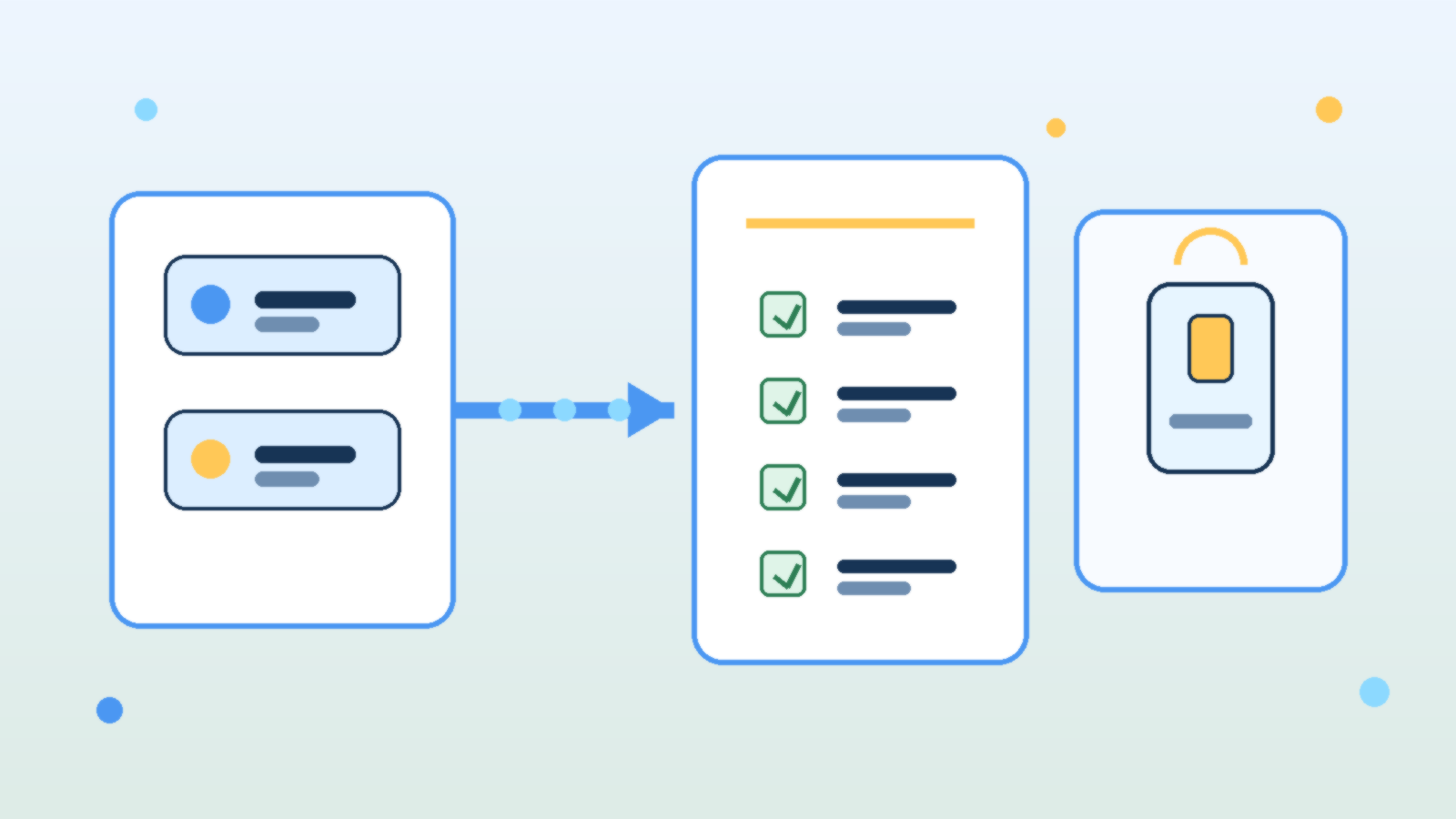
Teams love to talk about model swaps as if they are simple configuration changes. In practice, changing from one LLM to another can alter output style, refusal behavior, latency, token usage, tool-calling reliability, and even the kinds of mistakes the system makes. If an internal AI product is already wired into real work, a model upgrade is an operational change, not just a settings tweak.
That is why mature teams need a model upgrade runbook before they swap providers or major versions. A runbook forces the team to review what could break, what must be tested, who signs off, and how to roll back if the new model behaves differently under production pressure.
Treat Model Changes Like Product Changes, Not Playground Experiments
A model that looks impressive in a demo may still be a poor fit for a production workflow. Some models sound more confident while being less careful with facts. Others are cheaper but noticeably worse at following structured instructions. Some are faster but more fragile when long context, multi-step reasoning, or tool use enters the picture.
The point is not that newer models are bad. The point is that every model has a behavioral profile, and changing that profile affects the product your users actually experience. If your team treats a model swap like a harmless backend refresh, you are likely to discover the differences only after customers or coworkers do.
Document the Critical Behaviors You Cannot Afford to Lose
Before any upgrade, the team should name the behaviors that matter most. That list usually includes answer quality, citation discipline, formatting consistency, safety boundaries, cost per task, tool-calling success, and latency under normal load. A runbook is useful because it turns vague concerns into explicit checks.
Without that baseline, teams judge the new model by vibes. One person likes the tone, another likes the price, and nobody notices that JSON outputs started drifting, refusal rates changed, or the assistant now needs more retries to complete the same job. Operational clarity beats subjective enthusiasm here.
Test Prompts, Guardrails, and Tools Together
Prompt behavior rarely transfers perfectly across models. A system prompt that produced clean structured output on one provider may become overly verbose, too cautious, or unexpectedly brittle on another. The same goes for moderation settings, retrieval grounding, and function-calling schemas. A good runbook assumes that the whole stack needs validation, not just the model name.
This is especially important for internal AI tools that trigger actions or surface sensitive knowledge. Teams should test realistic workflows end to end: the prompt, the retrieved context, the safety checks, the tool call, the final answer, and the failure path. A model that performs well in isolation can still create operational headaches when dropped into a real chain of dependencies.
Plan for Cost and Latency Drift Before Finance or Users Notice
Many upgrades are justified by capability gains, but those gains often come with a price profile or latency pattern that changes how the product feels. If the new model uses more tokens, refuses caching opportunities, or responds more slowly during peak periods, the product may become harder to budget or less pleasant to use even if answer quality improves.
A runbook should require teams to test representative workloads, not just a few hand-picked prompts. That means checking throughput, token consumption, retry frequency, and timeout behavior on the tasks people actually run every day. Otherwise the first real benchmark becomes your production bill.
Define Approval Gates and a Rollback Path
The strongest runbooks include explicit approval gates. Someone should confirm that quality testing passed, safety checks still hold, cost impact is acceptable, and the user-facing experience is still aligned with the product’s purpose. This does not need to be bureaucratic theater, but it should be deliberate.
Rollback matters just as much. If the upgraded model starts failing under live conditions, the team should know how to revert quickly without improvising credentials, prompts, or routing rules under stress. Fast rollback is one of the clearest signals that a team respects AI changes as operational work instead of magical experimentation.
Capture What Changed So the Next Upgrade Is Easier
Every model swap teaches something about your product. Maybe the new model required shorter tool instructions. Maybe it handled retrieval better but overused hedging language. Maybe it cut cost on simple tasks but struggled with the long documents your users depend on. Those lessons should be captured while they are fresh.
This is where teams either get stronger or keep relearning the same pain. A short post-upgrade note about prompt changes, known regressions, evaluation results, and rollback conditions turns one migration into reusable operational knowledge.
Final Takeaway
Internal AI products are not stable just because the user interface stays the same. If the underlying model changes, the product changes too. Teams that treat upgrades like serious operational events usually catch regressions early, protect costs, and keep trust intact.
The practical move is simple: build a runbook before you need one. When the next provider release or pricing shift arrives, you will be able to test, approve, and roll back with discipline instead of hoping the new model behaves exactly like the old one.
Leave a Reply