Category: Security

  • Why Cloud Teams Need Simpler Runbooks, Not More Documentation

    Why Cloud Teams Need Simpler Runbooks, Not More Documentation

    When systems get more complex, teams often respond by writing more documentation. That sounds sensible, but in practice it often creates a different problem: nobody can find the one page they actually need when something is on fire. Strong cloud teams usually need simpler runbooks, not larger piles of documentation.

    Runbooks Should Be Actionable Under Pressure

    A runbook is not the same thing as a knowledge base article. During an incident, people need short, clear steps with the right links, commands, and escalation paths. Long explanations might be useful for training, but they slow people down when response time matters.

    The best runbooks assume the reader is under pressure and has no patience for extra scrolling.

    Too Much Documentation Creates Decision Friction

    If a team has six different pages for the same service, no one knows which one is current. That uncertainty creates hesitation, and hesitation is expensive during outages and risky changes. Simpler runbooks reduce the time spent deciding which document to trust.

    Documentation volume is not the same as operational clarity.

    Separate Explanation from Execution

    Teams often mix background explanation and emergency procedure into the same page. That makes both weaker. A cleaner pattern is to keep a short execution runbook for urgent work and a separate reference doc for deeper context.

    This gives responders speed while still preserving the why behind the process.

    Review Runbooks After Real Incidents

    The best time to improve a runbook is right after it fails to help enough. If responders had to improvise steps, chase outdated links, or ignore the document entirely, that is a sign the runbook needs revision. Real incidents reveal the difference between documentation that exists and documentation that works.

    Teams should treat runbooks like operational tools, not static paperwork.

    Final Takeaway

    Cloud teams do not need endless pages to feel prepared. They need a smaller set of clear, current runbooks that are easy to use when decisions need to happen fast.

  • Why Family Laptops Should Use Separate Browser Profiles Instead of One Shared Browser

    Why Family Laptops Should Use Separate Browser Profiles Instead of One Shared Browser

    A family laptop often starts with good intentions. It sits in a kitchen, living room, or shared workspace, and everyone uses the same browser because it feels convenient. Then little problems start piling up: the wrong account stays signed in, autofill exposes private details, bookmarks turn into clutter, and one person’s search history changes what everyone else sees.

    None of that feels dramatic at first, which is exactly why it gets ignored. A shared browser on a shared computer quietly mixes privacy, security, and usability into one messy pile. The easier fix is not buying more hardware. It is giving each regular user their own browser profile.

    One Shared Browser Blends Too Many Digital Lives

    Browsers remember a surprising amount. They keep passwords, payment suggestions, browsing history, synced tabs, extension settings, and account sessions. When a household treats all of that as communal by default, people start bumping into each other’s digital lives in ways that are awkward at best and risky at worst.

    A teenager should not accidentally open a parent’s work email because the tab was still active. A spouse should not have to wonder whether saved cards are being exposed in checkout screens. Even in very trusting homes, convenience has a way of leaking more context than anyone intended to share.

    Separate Profiles Clean Up the Everyday Experience

    The biggest win is often practical, not philosophical. Separate profiles give each person their own bookmarks, open tabs, extensions, theme, and sign-in state. That means the browser stops feeling like a digital junk drawer and starts behaving more like a personalized workspace.

    This also reduces accidental mistakes. When Alex opens the laptop, Alex sees Alex’s accounts. When a child opens it, they land in a different profile with different defaults. That small separation removes a lot of friction before it turns into confusion.

    Profiles Are Also a Quiet Security Upgrade

    Separate browser profiles do not replace good device security, but they do shrink the blast radius of normal family life. Saved passwords stay tied to the right person. Browser extensions for work or school do not automatically affect everyone else. Sync settings become more intentional instead of silently blending accounts together.

    That matters most on laptops that move around the house or leave the house entirely. If one profile is signed in everywhere and used by everyone, a stolen or misplaced device can expose far more than the family realized. Clear profile boundaries make cleanup and account recovery less chaotic.

    Create a Real Guest Option for Short-Term Use

    Not every person touching the laptop needs a full profile. Visiting relatives, a babysitter helping with school pickup information, or a friend checking directions usually need temporary access, not a permanent digital footprint on the machine. Guest mode exists for a reason, and households should use it.

    That keeps temporary browsing separate from the family’s regular habits while also avoiding the bad shortcut of handing someone a signed-in personal window. It is a simple boundary, but it prevents a lot of accidental exposure.

    Keep the Setup Simple Enough to Stick

    The best household system is one people will actually use. That usually means giving each regular user a clearly named browser profile, pinning the browser icon where everyone can find it, and explaining the difference between personal profiles and guest access in one sentence. If the rule is too complicated, people will ignore it and fall back to the shared profile out of habit.

    A little setup work now prevents a lot of digital housekeeping later. The goal is not to make the family laptop feel locked down. It is to make it feel orderly, respectful, and easier for everyone to use without stepping on each other.

    Final Takeaway

    When a household shares one laptop, sharing one browser profile feels harmless because it is familiar. In practice, it creates unnecessary mess and avoidable privacy leaks. Separate profiles are one of those rare tech habits that improve security and convenience at the same time.

    If a family computer still runs through one giant shared browser, that is an easy upgrade to fix this week. Give each person their own profile, keep guest use temporary, and let the laptop stop pretending every user is the same person.

  • Why Your Family Smart Speaker Needs Separate Voice Profiles Before It Starts Reading the Wrong Calendar

    Why Your Family Smart Speaker Needs Separate Voice Profiles Before It Starts Reading the Wrong Calendar

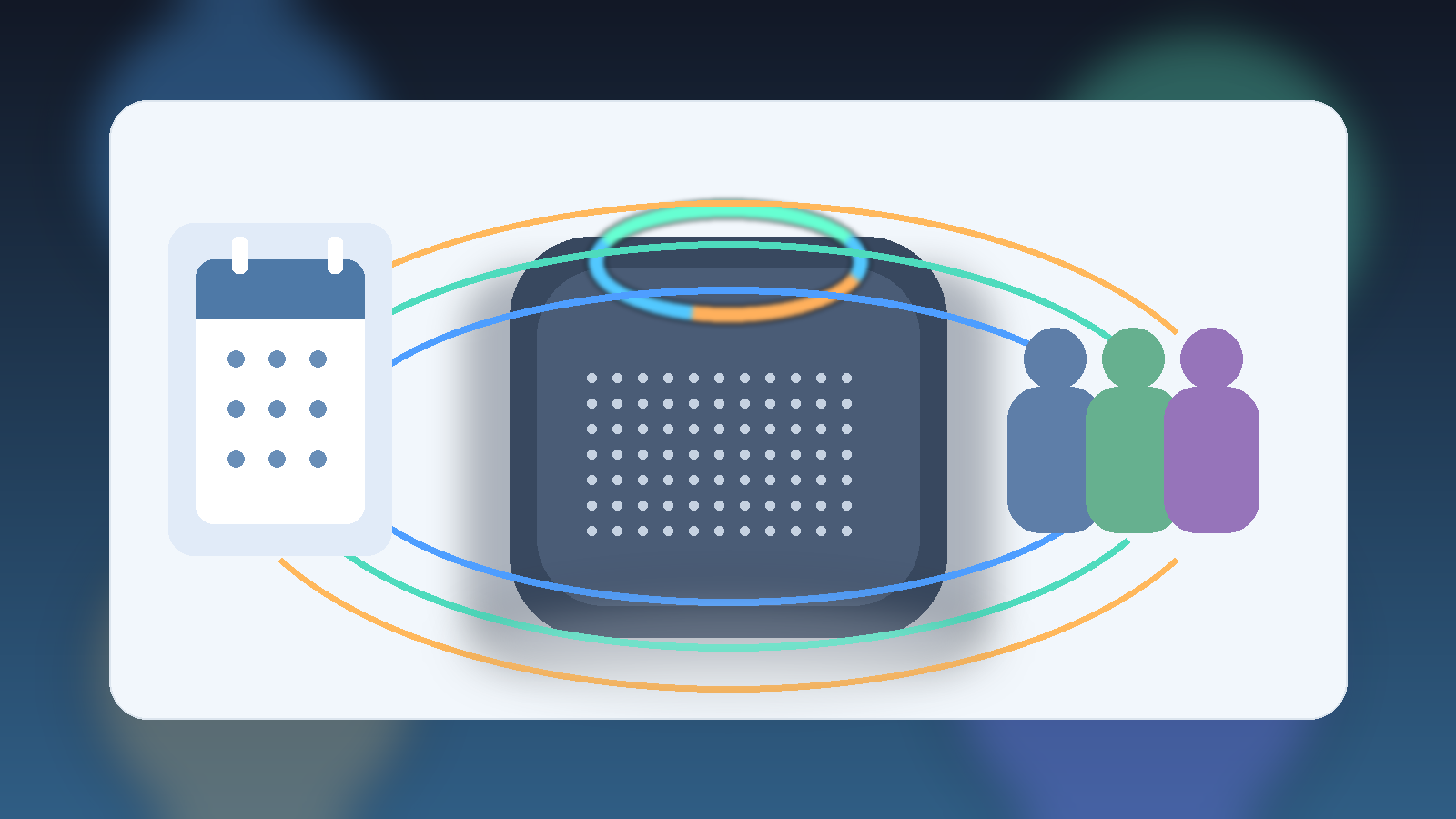
    A shared smart speaker can be one of the handiest pieces of family tech in the house. It can read the weather while breakfast is happening, add groceries before someone forgets, and put a reminder in front of everybody at the right moment. The trouble starts when the speaker treats every voice like the same person. That is when one family member hears another person’s calendar, messages, shopping list, or music recommendations.

    Separate voice profiles are not just a nice personalization feature. In a house with multiple people, they are a practical boundary. They help the speaker answer the right person, limit accidental purchases, and reduce the weird feeling that a device in the kitchen knows too much about everyone at once.

    Convenience turns into confusion surprisingly fast

    Most families set up a smart speaker in a hurry. Someone plugs it in, connects Wi-Fi, links one account, and starts using it. That works for the first few minutes because basic questions are the same for everyone. Then daily life shows up. One person asks about tomorrow’s first appointment, another person wants a reminder, and a child asks the speaker to play something that reshapes the whole recommendation history.

    Without separate voice profiles, the device often defaults to the household account that was used during setup. That means personal information can leak in small ways even if nothing dramatic happens. A spouse may hear the wrong commute time. A teenager might trigger the family shopping account. Guests can stumble into responses that were never meant for them. None of that feels like a breach in the cinematic sense, but it is exactly the kind of low-grade privacy mess that makes people stop trusting the device.

    Calendar and messaging mistakes are the real warning sign

    The most obvious risk is not usually a hacked speaker. It is a badly configured one. Smart speakers become far more sensitive when they are connected to calendars, reminders, contacts, shopping lists, or messaging services. If the assistant cannot reliably tell who is speaking, it may answer with the wrong person’s information simply because the device is trying to be helpful.

    That is why families should treat a smart speaker more like a shared computer and less like a harmless kitchen radio. The second it can read private events, place orders, or interact with personal accounts, identity matters. A separate voice profile is the quickest way to reduce mistaken responses without giving up the convenience that made the speaker appealing in the first place.

    Voice profiles also reduce accidental buying and account crossover

    Many households do not realize how much account authority their speaker has until something odd appears on the doorstep or in a purchase history. Even when purchase confirmations exist, the root problem is often that the device is acting through a single family member’s account. Separate voice recognition will not solve every purchasing issue on its own, but it makes it easier to pair the right person with the right permissions.

    This is also where family rules matter. Kids should know whether the speaker is allowed to order anything. Adults should know which services are linked and whether voice purchasing is disabled, PIN-protected, or restricted to one profile. If the answer is “I’m not sure,” that is already a sign the setup needs attention.

    • Review which shopping or payment services are connected to the speaker.
    • Disable voice purchasing entirely if the household does not truly need it.
    • Use a confirmation PIN or equivalent safeguard when the platform supports it.
    • Check whether children’s voices are being recognized as generic adult requests.

    A short setup review is usually enough

    The good news is that this is rarely a major project. For most homes, a useful cleanup can happen in fifteen minutes. Open the speaker app, look for household members, confirm who has a voice profile, and check which calendars, music services, shopping features, and communication tools are tied to the device. If somebody uses the speaker regularly and still gets generic responses, their profile probably was never trained properly or has gone stale.

    It is also worth testing the setup out loud. Ask each family member to request their own calendar, reminders, or music. If the responses look interchangeable, the device is still operating as one blended identity. That is the moment to retrain voices, remove old household members, or tighten what the assistant is allowed to access.

    Shared devices need house rules, not just settings

    Even a well-configured speaker works better when the family agrees on basic rules. Decide whether guests can use it freely, whether children can send messages through it, and whether anyone should be able to ask for calendar details in common spaces. Families do not need a formal policy document, but they do need the equivalent of “this is for household convenience, not for everyone’s private business.”

    That small conversation does two useful things. First, it keeps the speaker aligned with how the household actually lives. Second, it reminds everyone that the device is a shared interface tied to real accounts and real information. Good smart-home habits are usually less about fear and more about clear boundaries.

    The practical bottom line

    If a smart speaker in your home can access calendars, shopping, messages, or personalized media, separate voice profiles are worth the effort. They make the device more accurate, reduce awkward information leaks, and help keep one person’s account from becoming the accidental default identity for the whole house. A quick review now is much easier than untangling confusion after the speaker starts answering the wrong person with the wrong details.

  • Why Family Location Sharing Needs an Off Switch for School, Sleep, and Private Time

    Why Family Location Sharing Needs an Off Switch for School, Sleep, and Private Time

    Family location sharing can be genuinely useful. It helps parents confirm that a child got to practice, lets a spouse know the other person is still on the road, and makes it easier to coordinate pickups when plans shift at the last minute. In the right context, it reduces friction and adds peace of mind.

    The trouble starts when a practical safety tool quietly becomes permanent background surveillance. A feature that feels reassuring during travel or emergencies can become invasive when it stays on all the time without clear boundaries. Families usually do better when location sharing is treated like a situational tool, not a default entitlement.

    Useful Does Not Mean Unlimited

    Location sharing often gets framed as a simple choice between safety and privacy, which is a lazy way to think about it. Real family life is more nuanced than that. A teenager walking home after a late event is different from a teenager sitting in class. A partner on a road trip is different from a partner trying to have a quiet hour without being tracked by default.

    That is why families need rules about when location sharing helps and when it stops being appropriate. The point is not to reject the feature. The point is to keep it aligned with actual needs instead of letting the app decide the social norm.

    School Time Is Not the Same as Travel Time

    Many parents turn on location sharing for a good reason, then forget to revisit the setting once the immediate reason passes. Over time, that can normalize checking on someone who is simply going through an ordinary school day. For younger children, some visibility may make sense. For older kids, constant passive monitoring can create tension without adding much real safety.

    A better approach is to tie the setting to context. Big transitions, late pickups, long drives, public events, and unfamiliar routes are strong reasons to use it. Sitting in algebra class usually is not. Families that name the difference out loud tend to build more trust than families that leave the setting permanently enabled and never discuss it again.

    Sleep and Downtime Need Privacy Too

    Tech boundaries are not only for children. Adults also deserve parts of the day that are not quietly translated into data points for everyone else. If someone is home for the night, asleep, or simply having private downtime, constant location visibility often adds more habit than value. People should not have to justify every still moment on a map.

    This matters because family trust is shaped by defaults. When every movement is visible all the time, it becomes easy to ask low-value questions just because the information exists. That can make normal life feel strangely audited. A small off switch restores the idea that care does not require perpetual observation.

    Private Time Is Not Suspicious Time

    One of the worst habits around location sharing is treating any desire for privacy as proof that something is wrong. That logic poisons the entire tool. Wanting space, wanting to meet a friend without commentary, or wanting a quiet errand without live updates is not the same thing as deception. Healthy families leave room for ordinary privacy.

    If the household rule implies that turning off sharing always triggers conflict, then the feature is no longer serving coordination. It is serving control. That is the moment to step back and reset expectations before resentment becomes the real outcome.

    Make the Boundaries Simple Enough to Use

    Most families do not need a giant policy document. They need a rule simple enough to remember in real life. For example: use location sharing for travel, pickups, and unusual situations; turn it off during normal school hours, sleep, and routine private time unless everyone agrees otherwise. That kind of rule is practical because it matches actual use cases.

    • Turn sharing on for rides, events, late arrivals, and unfamiliar destinations.
    • Review which apps have location access and whether they really need it.
    • Talk about what counts as a normal privacy window instead of making people guess.
    • Revisit the settings after emergencies so temporary tracking does not become permanent habit.

    Those steps are not complicated, but they do something important. They make the feature intentional again. Intentional tools create confidence. Unexamined defaults create friction.

    Final Takeaway

    Family location sharing works best when it is tied to specific moments that actually benefit from visibility. It works worst when it becomes a silent expectation that everyone should always be trackable. Safety matters, but so does dignity, and strong households need both.

    The smart default is not “always on” or “never use it.” It is simpler than that: share location when the situation calls for coordination or protection, and keep an obvious off switch for school, sleep, and private time.

  • Why Family Streaming Devices Need Purchase Controls Before Someone Buys the Wrong Thing

    Why Family Streaming Devices Need Purchase Controls Before Someone Buys the Wrong Thing

    Streaming devices are designed to feel frictionless. A remote is always nearby, the account is already signed in, and the next movie, rental, or app upgrade is only a few clicks away. That convenience is great when an adult is intentionally making a purchase, but it can turn into a minor household disaster when a child, guest, or distracted grown-up confirms a charge without really meaning to.

    Many families treat surprise digital purchases like random bad luck, but the real problem is usually missing guardrails. If a smart TV, streaming stick, tablet, or game console is connected to payment details, it deserves the same kind of basic controls people expect from any other checkout system. A little friction in the right place is a feature, not an annoyance.

    One-Click Buying Is Convenient Right Up Until It Is Not

    Streaming platforms work hard to reduce hesitation. That is not evil on its own. It is simply how digital storefronts are built. The trouble is that a household device is often shared by multiple people with very different judgment, attention, and permission levels. What feels like a seamless experience for one person can feel like a trap for everyone else when the bill arrives.

    Families run into this with rented movies, paid channel trials, in-app subscriptions, premium app upgrades, and accidental content purchases made by tapping through a bright menu too quickly. Once payment credentials are remembered on the device, the path from curiosity to charge can become absurdly short.

    Shared Living Room Devices Need Shared-Risk Thinking

    A streaming device in the living room is not really a personal gadget, even if one adult set it up. It is a household surface. Kids explore menus, relatives visit, babysitters hand over remotes, and adults themselves make sleepy late-night decisions they might reconsider in the morning. That means the device should be configured for the environment it lives in, not just for the person who first signed in.

    Thinking this way shifts the question from “Who messed up?” to “Why was an easy mistake so easy to make?” Good household tech defaults assume normal human behavior, including impatience, curiosity, and distraction.

    Add Friction Where Money Changes Hands

    The best streaming purchase control is not a complicated lecture. It is a simple prompt for a PIN, password, biometric confirmation, or separate approval step before real money leaves the account. Most families do not need to block every purchase forever. They just need to make accidental spending slightly harder than casual browsing.

    This is one of those cases where a tiny delay improves the whole system. A child who has to ask for help before confirming a rental is less likely to buy the wrong version. An adult who sees a payment prompt gets one extra second to realize they are accepting a recurring trial instead of a one-time movie night expense.

    Do Not Store More Payment Access Than You Actually Need

    Some households leave full purchasing power attached to every device because it feels easier than managing settings later. That works until the same device starts serving as a toy, babysitter screen, or guest entertainment hub. If a platform allows removing saved cards, limiting purchases, or requiring re-entry of payment details, those options are often worth using.

    The practical goal is to match payment convenience to the real-world risk of the device. A private office TV used by one adult may not need the same restrictions as the family room screen that everyone touches all weekend.

    Make the Rule Easy to Explain

    Household rules work better when they are short enough to remember. A good one is simple: browsing is fine, but buying always needs an adult check. That gives children a clear boundary without making the device feel forbidden or mysterious. It also gives adults a consistent standard for guests and other relatives.

    • Turn on purchase PINs or confirmation prompts anywhere the platform allows them.
    • Review saved payment methods on streaming boxes, smart TVs, tablets, and game consoles.
    • Disable one-click purchases on devices that children use regularly.
    • Check for free-trial settings that quietly roll into paid subscriptions.

    Those steps are boring in the best possible way. They prevent disputes, reduce refund headaches, and make the household budget less vulnerable to one impulsive button press.

    Review Digital Storefronts the Same Way You Review App Permissions

    Families already benefit from checking who can install apps, who can access location data, and which devices stay signed in. Streaming purchases deserve the same periodic review. If a device has not been checked in a year, there is a decent chance the account settings, subscription offers, and stored payment details have drifted into a more permissive state than anyone intended.

    A quick review once in a while is enough for most homes. The point is not to create a giant policy manual for movie night. It is to make sure entertainment stays entertaining instead of becoming a recurring source of preventable charges.

    Final Takeaway

    Streaming devices are easy to trust because they feel familiar and low-stakes. In reality, they are storefronts sitting in the middle of the house. If a device can spend money, it deserves intentional controls that reflect who uses it and how often.

    The smart default is simple: keep browsing easy, make buying deliberate, and treat living room tech like shared household infrastructure instead of harmless background noise.

  • Why Your Family Browser Needs an Extension Cleanup Before Something Breaks

    Why Your Family Browser Needs an Extension Cleanup Before Something Breaks

    Browser extensions are one of those small conveniences that can turn into a quiet mess. Someone installs a coupon finder, a homework helper, a PDF tool, a weather add-on, a shopping tracker, and three random utilities they barely remember choosing. None of them feel important enough to review later, so they stay. Months down the road, the browser feels slower, websites start acting strangely, and nobody is quite sure why.

    That pattern shows up in a lot of households because family devices tend to accumulate software in tiny harmless-looking layers. An extension may save five seconds today, then keep broad page access, inject ads, collect browsing data, or conflict with another tool for the next year. Families do not need to fear every extension, but they do need to stop treating the extension bar like a junk drawer that never gets cleaned out.

    Extensions Often Keep More Access Than People Realize

    The biggest misunderstanding is thinking an extension is just a button. In reality, many extensions can read and change data on websites, observe browsing activity, autofill information, or inject their own scripts into pages. Some do that for legitimate reasons. Others do it because the business model depends on collecting more information than the user would knowingly volunteer.

    For a family, that matters because the browser is where school portals, banking pages, shopping carts, medical forms, and shared household logins often live. An unnecessary extension sitting in the background may have more visibility into that activity than anyone in the house would find acceptable if it were explained plainly.

    Performance Problems Are Often Really Extension Problems

    When a browser starts feeling flaky, many people blame the laptop, the Wi-Fi, or the website they are visiting. Sometimes that is true. But just as often, the browser is fighting with too many add-ons at once. One extension blocks scripts, another rewrites links, another injects coupons, another changes the new tab page, and suddenly normal sites load badly or not at all.

    This is why cleanup matters even if security never enters the conversation. A crowded browser can create false tech emergencies. Families waste time rebooting devices, clearing caches, or blaming the internet when the real cause is one neglected add-on that nobody needed anymore.

    Shared Family Devices Need Stricter Defaults

    A shared family computer is not the same as one adult’s personal tinkering machine. The more people use a device, the more important it is to keep the browser predictable. If one person installs a niche note-taking tool, another adds a shopping helper, and a teenager experiments with study tools and game add-ons, the combined result can become impossible to troubleshoot.

    That does not mean nobody gets useful tools. It means a shared device should have a smaller approved set, and anything extra should earn its place. If an extension is not clearly helping, clearly trusted, and clearly still in use, it probably should not stay installed on the household machine.

    A Good Cleanup Rule Is Boring and Fast

    The best family rule is not complicated: once in a while, open the extension list and ask three questions. Do we still use this? Do we trust who made it? Does it need the access it has? That short review catches a surprising amount of junk before it causes trouble.

    • Remove anything nobody remembers installing.
    • Disable tools that were only needed for a one-time task.
    • Keep password managers and other high-trust tools, but verify they are the real official versions.
    • Be skeptical of add-ons that promise coupons, downloads, crypto rewards, or “free” shortcuts everywhere you browse.

    These checks are not glamorous, but they are exactly the kind of boring maintenance that keeps family tech from drifting into chaos. A browser with fewer moving parts is easier to secure, easier to explain, and easier to fix.

    Teach Kids and Teens That “Small Install” Does Not Mean “Small Risk”

    Younger users often understand how to install browser tools long before they understand permissions, data collection, or fake reviews. An extension can look harmless because it is not a full app and does not ask for an obvious payment. That does not make it low-risk. Families should explain that browser add-ons can affect every site the user visits, which gives them an outsized amount of influence for something installed in ten seconds.

    That conversation matters more than memorizing brand names. Stores change, reviews get manipulated, and even previously useful tools can be sold or updated in bad ways. The durable lesson is to install less, trust slowly, and remove anything that stops earning a place on the device.

    Final Takeaway

    A family browser should feel dependable, not mysterious. If pages are breaking, privacy feels murky, or the extension list looks like a forgotten attic, it is probably time for a cleanup. Most households do not need more browser tools. They need fewer tools with clearer reasons for staying.

    That is the quiet advantage of an extension review: it improves security, reduces weird behavior, and makes everyday tech less annoying without requiring anyone to become an expert.

  • Why Family Wi-Fi Needs a Backup Router Admin Plan Before Something Breaks

    Why Family Wi-Fi Needs a Backup Router Admin Plan Before Something Breaks

    Most families do not think about their router until the Wi-Fi gets weird. A video call starts freezing, the printer disappears, the smart TV refuses to connect, or the internet goes down right before homework, bedtime, or a weekend trip. In a surprising number of homes, the next problem is not the router itself. It is that only one person knows how to get into it.

    That creates an avoidable bottleneck. If the one household tech person is away, asleep, sick, or simply forgot which app or password controls the network, everyone else is stuck waiting for rescue. Families do not need every adult to become a networking expert, but they do need a basic backup plan for the system that connects almost everything in the house.

    The Router Is a Household Utility, Not a Personal Toy

    Home internet now carries much more than laptops and phones. It often supports doorbells, cameras, speakers, streaming boxes, tablets, game consoles, thermostats, and work devices. When that shared infrastructure depends on one person’s memory, the whole family inherits a single point of failure.

    That is why router access should be treated more like the breaker panel or the water shutoff than a private hobby. One person can still be the main admin, but the household should know who that is, where the important information lives, and what to do if that person is unavailable.

    Admin Access Is Different From the Wi-Fi Password

    Many families assume the Wi-Fi password is the only credential that matters. It is not. The network password lets devices join the internet, but the router admin login controls the settings behind the scenes. That includes changing the network name, updating security settings, restarting certain services, reviewing connected devices, setting parental controls, or fixing a bad configuration.

    When those two ideas get blurred together, households wind up with sloppy habits. People share the Wi-Fi password casually but never document the admin login at all. Later, when they need to replace a device, block an unknown gadget, or recover from a reset, nobody knows where the real control lives.

    Write Down the Recovery Basics Before You Need Them

    A useful backup plan is boring on purpose. At least two trusted adults should know the router brand, the app or web address used to manage it, where the admin credentials are stored, and whether the internet provider also controls part of the setup. If mesh extenders, parental controls, or smart-home hubs depend on the network, that should be part of the note too.

    The goal is not to create a giant manual. It is to make sure the next person is not starting from zero under pressure. A short note in a shared password manager or household tech document can save an absurd amount of frustration later.

    Avoid Heroics During an Outage

    Families tend to improvise badly when the internet is already failing. Someone factory-resets the router without checking the provider requirements. Someone else changes a setting they do not understand and makes the problem worse. Another person starts unplugging random gear because that worked once three years ago. That is how a small outage turns into an evening-long mess.

    A calmer pattern is to decide ahead of time what basic actions are safe. For example, it is reasonable to know how to power-cycle the modem and router in the right order, how long to wait before assuming it failed, and when to stop and contact the provider instead of experimenting. Good household tech habits are usually less about cleverness and more about having a simple plan before stress takes over.

    Backup Access Also Improves Security

    This is not only a convenience issue. It is also a security issue. If router settings live entirely in one person’s inbox, one old notebook, or one recycled phone, the household may not notice when the login becomes inaccessible or outdated. That can delay security updates, leave old devices connected longer than they should be, or push people toward risky shortcuts like reusing weak passwords.

    A shared recovery plan makes it easier to rotate credentials deliberately, remove old devices, and keep the network manageable over time. In other words, backup access is not about giving everybody full control for fun. It is about making the home network resilient enough to survive normal human life.

    Final Takeaway

    If your family internet depends on one person remembering everything, the setup is more fragile than it looks. A decent router admin plan does not require a networking certification. It just requires naming the owner, documenting the basics, and making sure one other trusted adult can help when something breaks.

    That is the difference between a house with Wi-Fi and a household that can actually recover when Wi-Fi stops cooperating.

  • Why Family Cloud Storage Needs a Shared Ownership Plan Before an Emergency

    Why Family Cloud Storage Needs a Shared Ownership Plan Before an Emergency

    Shared cloud storage sounds simple on the surface. One person opens the account, everyone saves photos and documents there, and life moves on. The problem shows up later, when a family realizes the entire archive depends on a single login, one billing method, and one person remembering how everything was organized.

    That setup works right up until it does not. A lost device, a locked account, a medical emergency, or even a subscription problem can suddenly turn “our family storage” into “one person’s storage that the rest of us cannot reach.” The fix is not complicated, but it does require treating shared access like a plan instead of a habit.

    Convenience Often Hides a Single Point of Failure

    Many families drift into cloud storage without making any explicit decisions. The first person who buys extra space becomes the default owner, then other people start depending on that account for photos, scans, school files, and shared records. Over time, the storage feels communal even though the control structure is not.

    That mismatch matters because ownership controls recovery. If the main account holder changes passwords, loses access to their email, or dies unexpectedly, everyone else may discover that their “shared” digital life was never truly shared in the first place.

    Separate Shared Access From Personal Identity

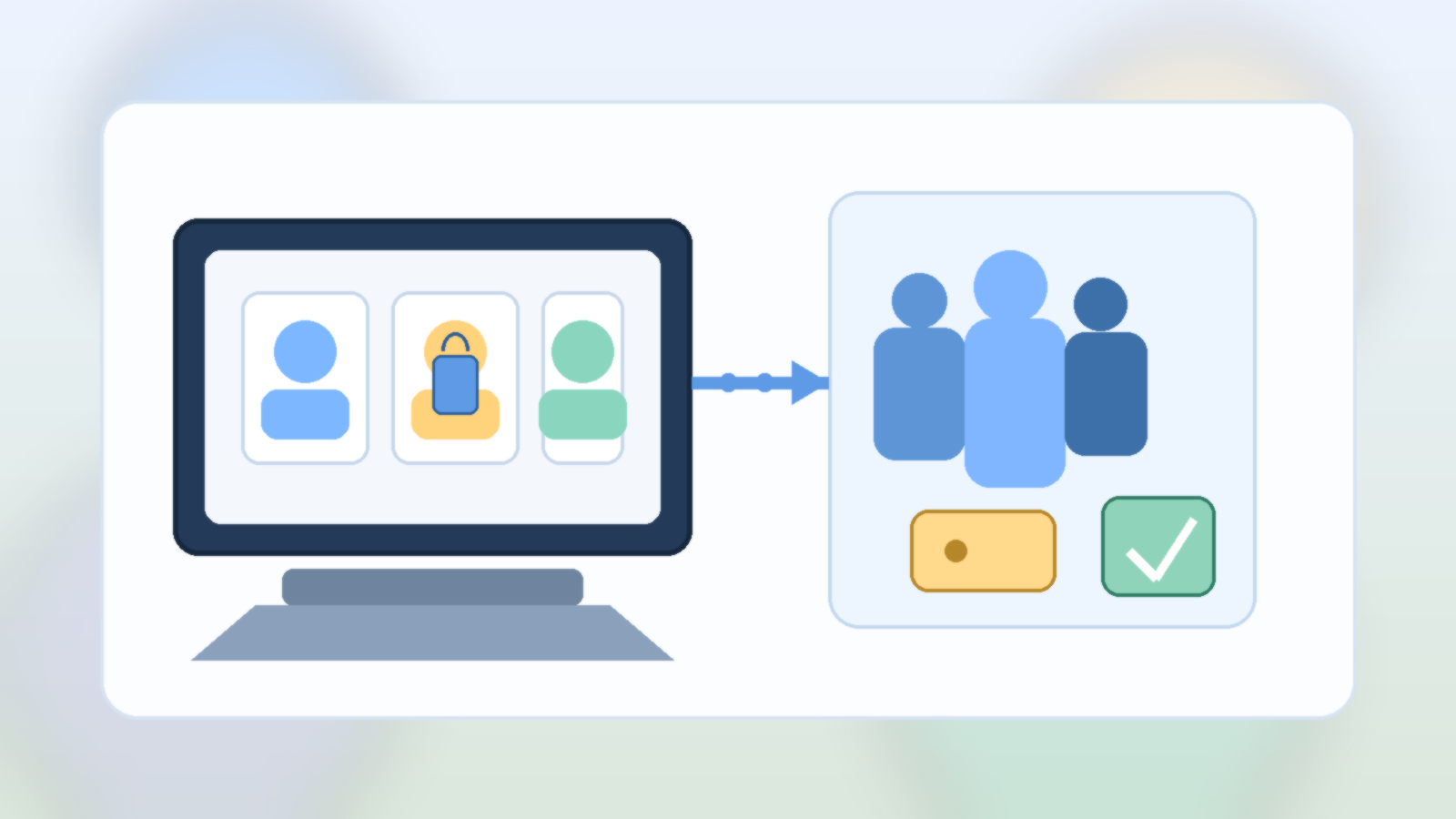
    The healthiest setup is one where family collaboration does not rely entirely on one person’s personal inbox or private login. Some platforms allow family sharing, delegated folders, shared albums, or admin roles. When those options exist, they are usually better than handing around one master password.

    This also protects everyday privacy. A spouse, parent, or adult child may need access to important household documents without also inheriting full visibility into someone else’s entire personal account history.

    Decide What Actually Needs Shared Control

    Not every file belongs in the same bucket. Families do better when they split personal material from household material on purpose. Insurance scans, appliance records, school forms, travel documents, and key family photos often deserve durable shared access. Private journals, individual work files, or one person’s tax workspace may not.

    That distinction keeps the system cleaner and makes emergency access less awkward. It is much easier to plan shared ownership when the shared area only contains things that truly need to outlast one person’s memory or availability.

    Make Recovery Boring, Not Heroic

    Good recovery planning should feel boring. At least two trusted adults should know which service holds the family archive, how billing is handled, and what backup protections exist. If recovery codes or account instructions are needed, they should live somewhere deliberate, such as a password manager with emergency access or another clearly documented secure location.

    The goal is to avoid a future scavenger hunt. In a stressful moment, nobody should have to guess which app contains the photos, which email address owns the subscription, or whether auto-renew quietly failed six months ago.

    Review Shared Storage Like a Household Utility

    Families review internet bills, phone plans, and insurance because those services matter. Shared cloud storage deserves the same treatment. A quick check once or twice a year can confirm who owns the account, who still has access, whether backups work, and whether the folder structure still makes sense.

    This kind of maintenance is not glamorous, but it prevents silent drift. The longer a storage system runs without review, the more likely it is to become confusing, brittle, or dependent on one person who never meant to become the family’s permanent digital gatekeeper.

    Final Takeaway

    Family cloud storage should survive normal human reality: forgotten passwords, changed phones, billing hiccups, and emergencies. If the whole setup depends on one account owner doing everything forever, it is not really a family system. It is borrowed convenience.

    A better approach is simple: define what is shared, assign access intentionally, and make sure at least one other trusted person can help recover what matters when life gets messy.