Category: AI

  • How to Separate AI Experimentation From Production Access in Azure

    How to Separate AI Experimentation From Production Access in Azure

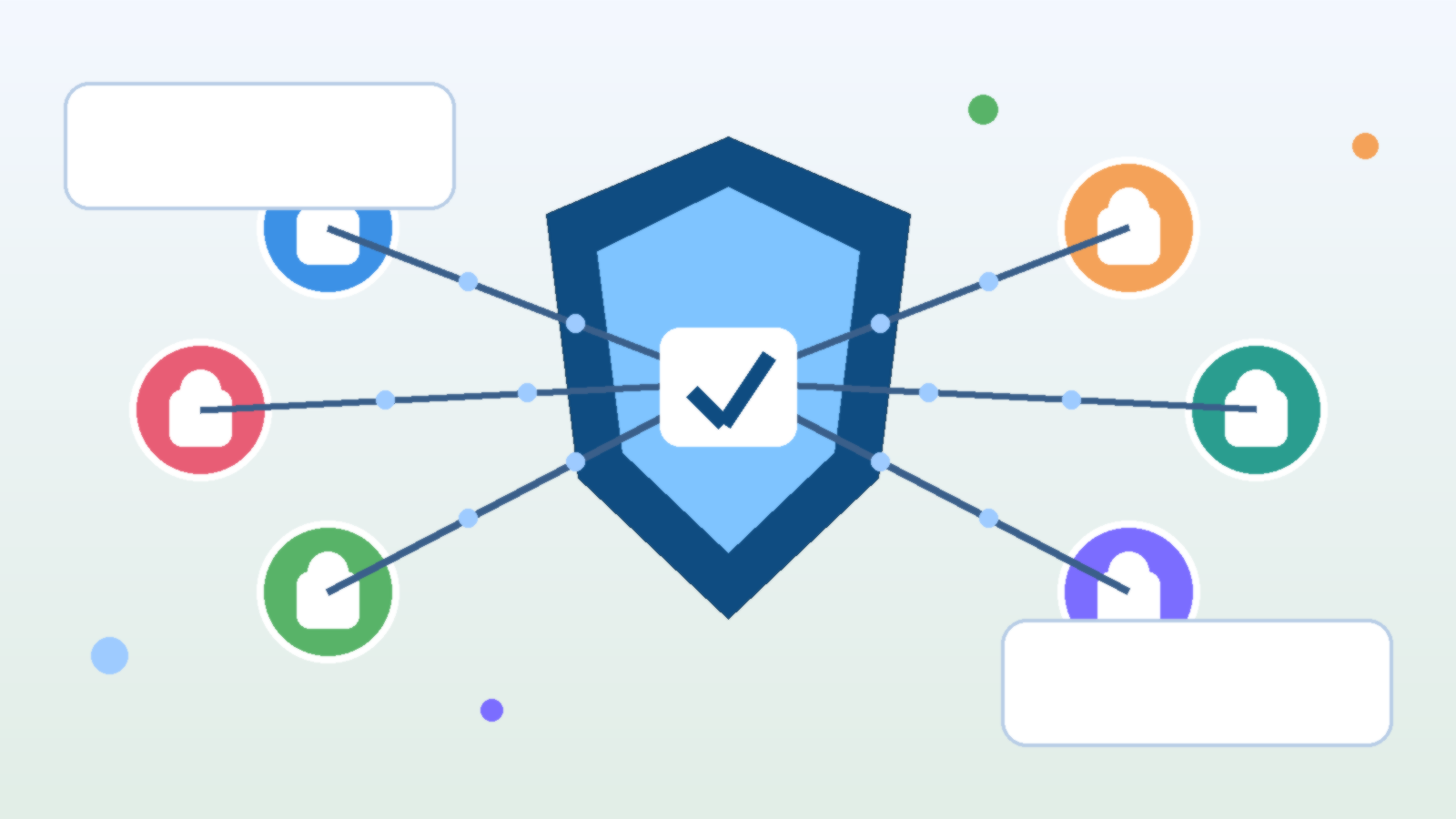
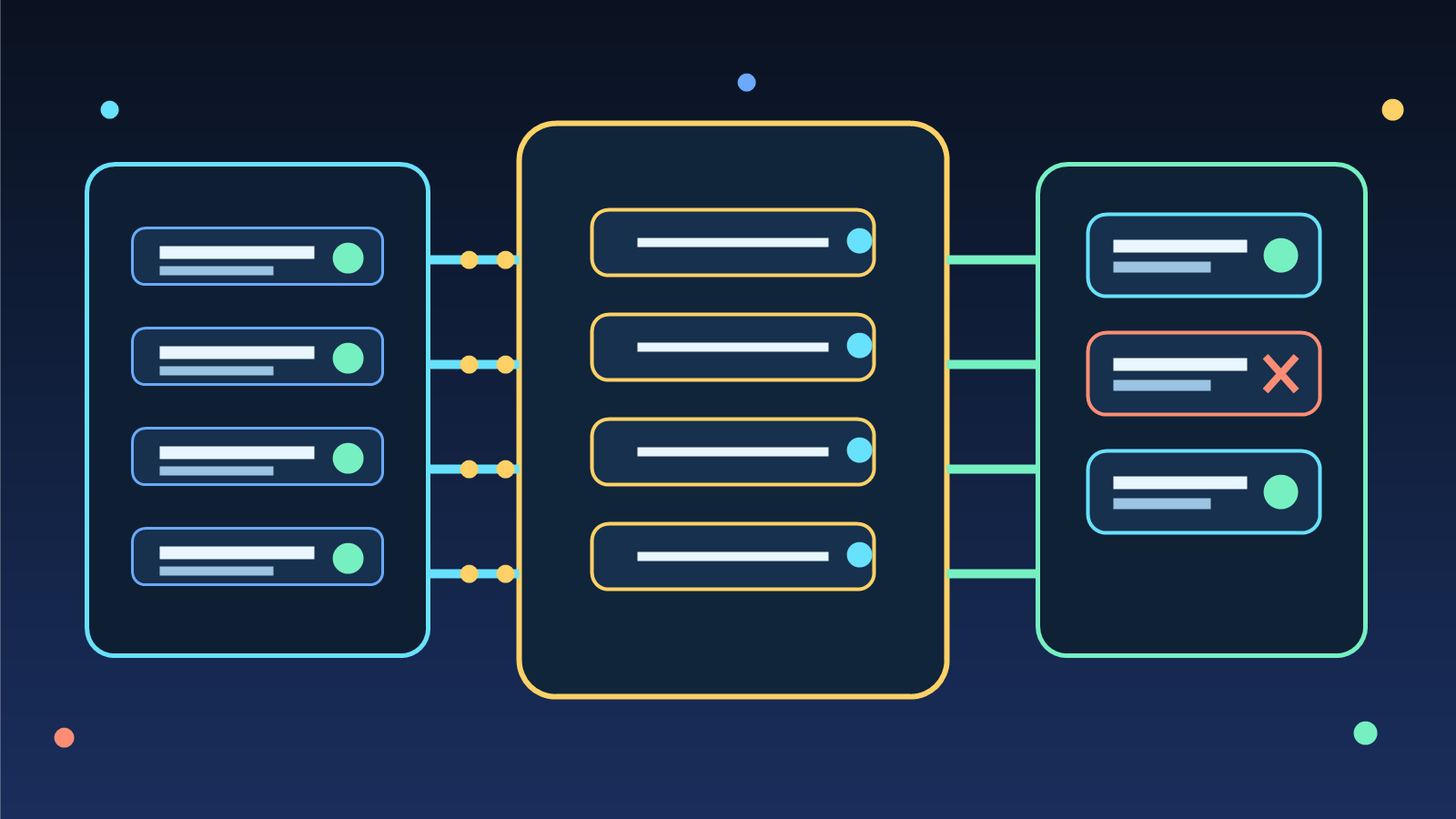
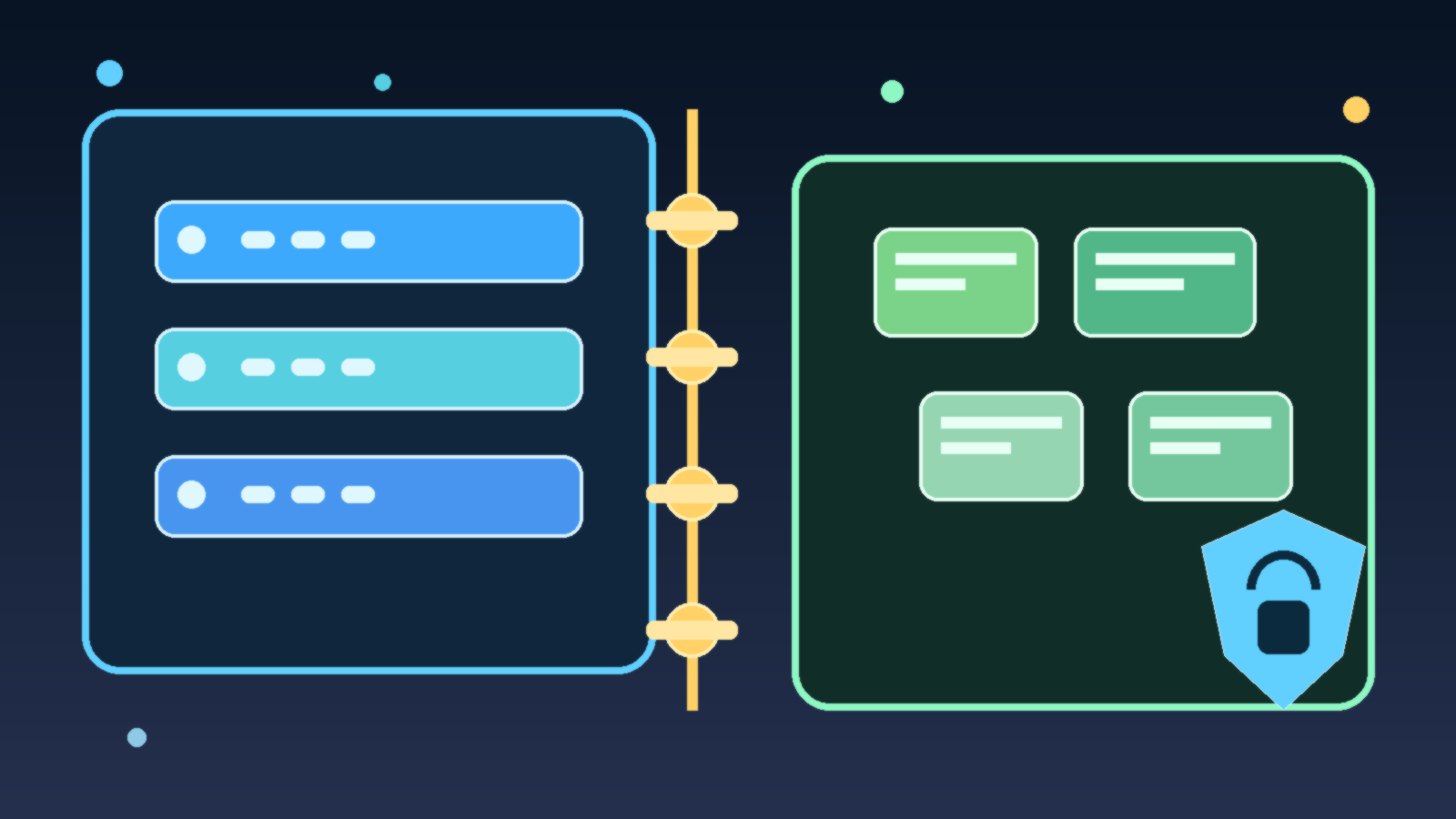
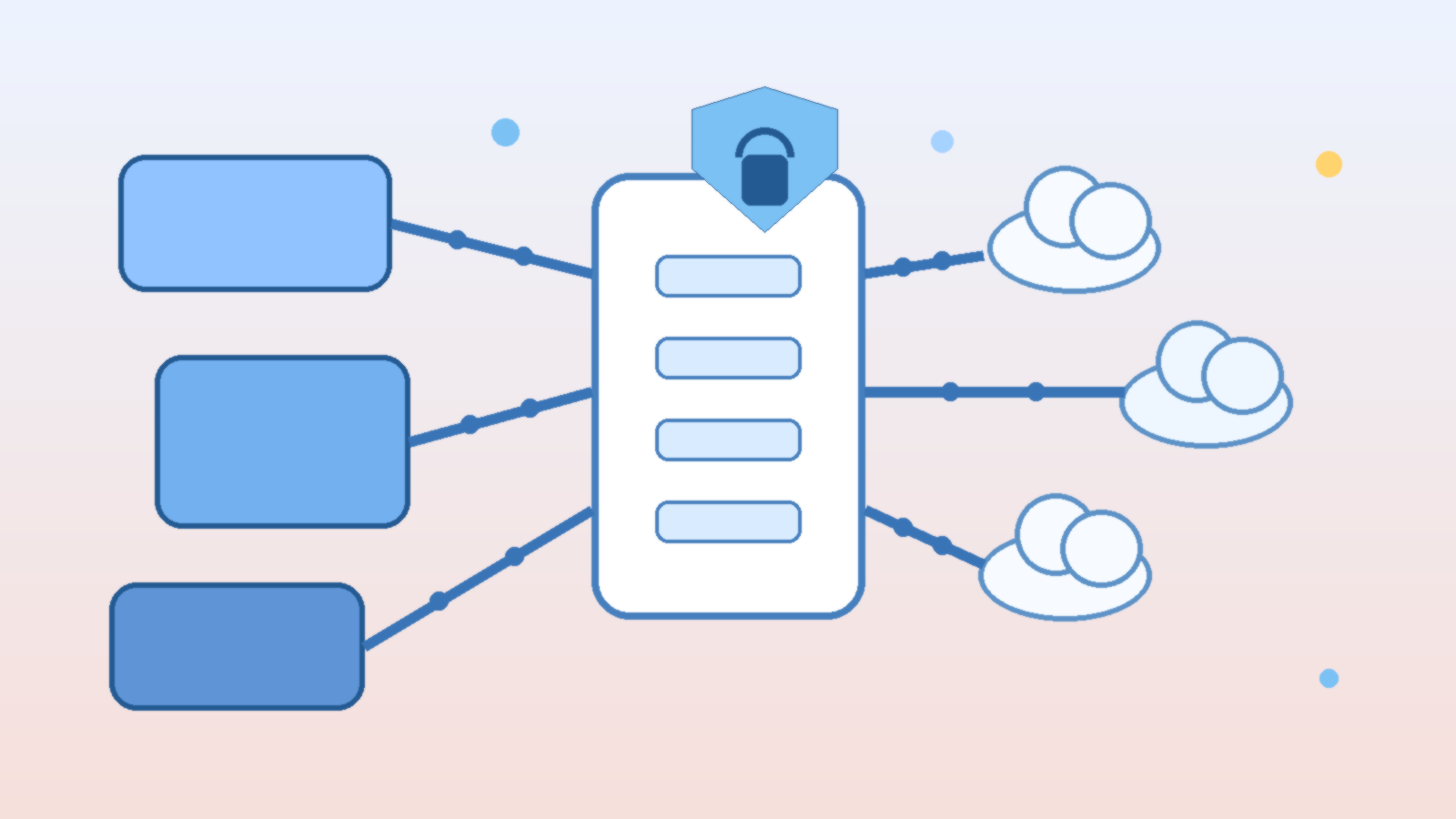
    Abstract illustration of separated cloud environments with controlled AI pathways and guarded production access

    Most internal AI projects start as experiments. A team wants to test a new model, compare embeddings, wire up a simple chatbot, or automate a narrow workflow. That early stage should be fast. The trouble starts when an experiment is allowed to borrow production access because it feels temporary. Temporary shortcuts tend to survive long enough to become architecture.

    In Azure environments, this usually shows up as a small proof of concept that can suddenly read real storage accounts, call internal APIs, or reach production secrets through an identity that was never meant to carry that much trust. The technical mistake is easy to spot in hindsight. The organizational mistake is assuming experimentation and production can share the same access model without consequences.

    Fast Experiments Need Different Defaults Than Stable Systems

    Experimentation has a different purpose than production. In the early phase, teams are still learning whether a workflow is useful, whether a model choice is affordable, and whether the data even supports the outcome they want. That uncertainty means the platform should optimize for safe learning, not broad convenience.

    When the same subscription, identities, and data paths are reused for both experimentation and production, people stop noticing how much trust has accumulated around a project that has not earned it yet. The experiment may still be immature, but its permissions can already be very real.

    Separate Environments Are About Trust Boundaries, Not Just Cost Centers

    Some teams create separate Azure environments mainly for billing or cleanup. Those are good reasons, but the stronger reason is trust isolation. A sandbox should not be able to reach production data stores just because the same engineers happen to own both spaces. It should not inherit the same managed identities, the same Key Vault permissions, or the same networking assumptions by default.

    That separation makes experimentation calmer. Teams can try new prompts, orchestration patterns, and retrieval ideas without quietly increasing the blast radius of every failed test. If something leaks, misroutes, or over-collects, the problem stays inside a smaller box.

    Production Data Should Arrive Late and in Narrow Form

    One of the fastest ways to make a proof of concept look impressive is to feed it real production data early. That is also one of the fastest ways to create a governance mess. Internal AI teams often justify the shortcut by saying synthetic data does not capture real edge cases. Sometimes that is true, but it should lead to controlled access design, not casual exposure.

    A healthier pattern is to start with synthetic or reduced datasets, then introduce tightly scoped production data only when the experiment is ready to answer a specific validation question. Even then, the data should be minimized, access should be time-bounded when possible, and the approval path should be explicit enough that someone can explain it later.

    Identity Design Matters More Than Team Intentions

    Good teams still create risky systems when the identity model is sloppy. In Azure, that often means a proof-of-concept app receives a role assignment at the resource-group or subscription level because it was the fastest way to make the error disappear. Nobody loves that choice, but it often survives because the project moves on and the access never gets revisited.

    That is why experiments need their own identities, their own scopes, and their own role reviews. If a sandbox workflow needs to read one container or call one internal service, give it exactly that path and nothing broader. Least privilege is not a slogan here. It is the difference between a useful trial and a quiet internal backdoor.

    Approval Gates Should Track Risk, Not Just Project Stage

    Many organizations only introduce controls when a project is labeled production. That is too late for AI systems that may already have seen sensitive data, invoked privileged tools, or shaped operational decisions during the pilot stage. The control model should follow risk signals instead: real data, external integrations, write actions, customer impact, or elevated permissions.

    Once those signals appear, the experiment should trigger stronger review. That might include architecture sign-off, security review, logging requirements, or clearer rollback plans. The point is not to smother early exploration. The point is to stop pretending that a risky prototype is harmless just because nobody renamed it yet.

    Observability Should Tell You When a Sandbox Is No Longer a Sandbox

    Teams need a practical way to notice when experimental systems begin to behave like production dependencies. In Azure, that can mean watching for expanding role assignments, increasing usage volume, growing numbers of downstream integrations, or repeated reliance on one proof of concept for real work. If nobody is measuring those signals, the platform cannot tell the difference between harmless exploration and shadow production.

    That observability should include identity and data boundaries, not just uptime graphs. If an experimental app starts pulling from sensitive stores or invoking higher-trust services, someone should be able to see that drift before the architecture review happens after the fact.

    Graduation to Production Should Be a Deliberate Rebuild, Not a Label Change

    The safest production launches often come from teams that are willing to rebuild key parts of the experiment instead of promoting the original shortcut-filled version. That usually means cleaner infrastructure definitions, narrower identities, stronger network boundaries, and explicit operating procedures. It feels slower in the short term, but it prevents the organization from institutionalizing every compromise made during discovery.

    An AI experiment proves an idea. A production system proves that the idea can be trusted. Those are related goals, but they are not the same deliverable.

    Final Takeaway

    AI experimentation should be easy to start and easy to contain. In Azure, that means separating sandbox work from production access on purpose, keeping identities narrow, introducing real data slowly, and treating promotion as a redesign step rather than a paperwork event.

    If your fastest AI experiments can already touch production systems, you do not have a flexible innovation model. You have a governance debt machine with good branding.
  • How to Build an AI Gateway Layer Without Locking Every Workflow to One Model Provider

    How to Build an AI Gateway Layer Without Locking Every Workflow to One Model Provider

    Teams often start with the fastest path: wire one application directly to one model provider, ship a feature, and promise to clean it up later. That works for a prototype, but it usually turns into a brittle operating model. Pricing changes, model behavior shifts, compliance requirements grow, and suddenly a simple integration becomes a dependency that is hard to unwind.

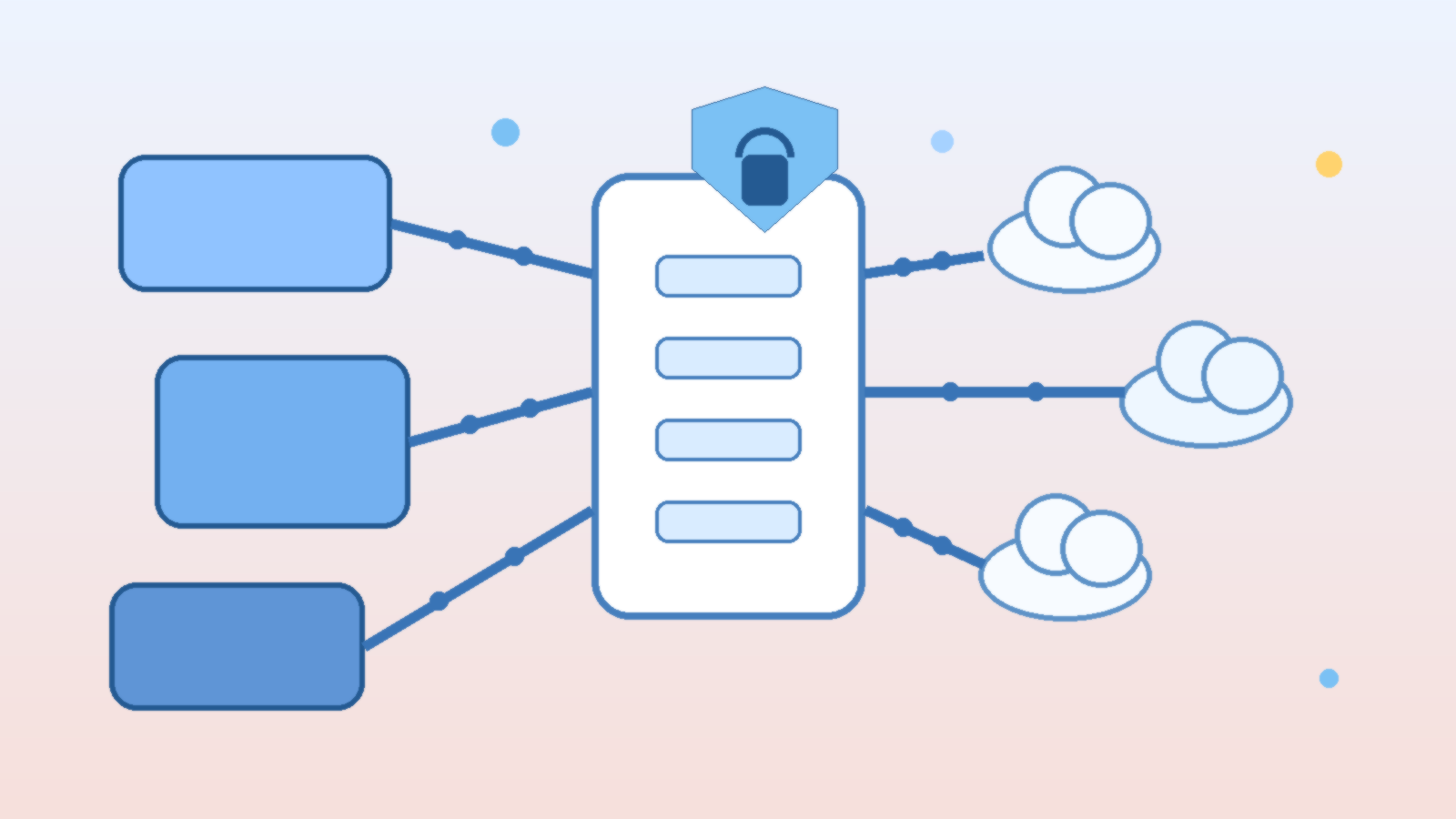
    An AI gateway layer gives teams a cleaner boundary. Instead of every app talking to every provider in its own custom way, the gateway becomes the control point for routing, policy, observability, and fallback behavior. The mistake is treating that layer like a glorified pass-through. If it only forwards requests, it adds latency without adding much value. If it becomes a disciplined platform boundary, it can make the rest of the stack easier to change.

    Start With the Contract, Not the Vendor List

    The first job of an AI gateway is to define a stable contract for internal consumers. Applications should know how to ask for a task, pass context, declare expected response shape, and receive traceable results. They should not need to know whether the answer came from Azure OpenAI, another hosted model, or a future internal service.

    That contract should include more than the prompt payload. It should define timeout behavior, retry policy, error categories, token accounting, and any structured output expectations. Once those rules are explicit, swapping providers becomes a controlled engineering exercise instead of a scavenger hunt through half a dozen apps.

    Centralize Policy Where It Can Actually Be Enforced

    Many organizations talk about AI policy, but enforcement still lives inside application code written by different teams at different times. That usually means inconsistent logging, uneven redaction, and a lot of trust in good intentions. A gateway is the natural place to standardize the controls that should not vary from one workflow to another.

    For example, the gateway can apply request classification, strip fields that should never leave the environment, attach tenant or project metadata, and block model access that is outside an approved policy set. That approach does not eliminate application responsibility, but it does remove a lot of duplicated security plumbing from the edges.

    Make Routing a Product Decision, Not a Secret Rule Set

    Provider routing tends to get messy when it evolves through one-off exceptions. One team wants the cheapest model for summarization, another wants the most accurate model for extraction, and a third wants a regional endpoint for data handling requirements. Those are all valid needs, but they should be expressed as routing policy that operators can understand, review, and change deliberately.

    A good gateway supports explicit routing criteria such as task type, latency target, sensitivity class, geography, or approved model tier. That makes the system easier to govern and much easier to explain during incident review. If nobody can tell why a request went to a given provider, the platform is already too opaque.

    Observability Has To Include Cost and Behavior

    Normal API monitoring is not enough for AI traffic. Teams need to see token usage, response quality drift, fallback rates, blocked requests, and structured failure modes. Otherwise the gateway becomes a black box that hides the real health of the platform behind a simple success code.

    Cost visibility matters just as much. An AI gateway should make it easy to answer practical questions: which workflows are consuming the most tokens, which teams are driving retries, and which provider choices are no longer justified by the value they deliver. Without those signals, multi-provider flexibility can quietly become multi-provider waste.

    Design for Graceful Degradation Before You Need It

    Provider independence sounds strategic until the first outage, quota cap, or model regression lands in production. That is when the gateway either proves its worth or exposes its shortcuts. If every internal workflow assumes one model family and one response pattern, failover will be more theoretical than real.

    Graceful degradation means identifying which tasks can fail over cleanly, which can use a cheaper backup path, and which should stop rather than produce unreliable output. The gateway should carry those rules in configuration and runbooks, not in tribal memory. That way operators can respond quickly without improvising under pressure.

    Keep the Gateway Thin Enough to Evolve

    There is a real danger on the other side: a gateway that becomes so ambitious it turns into a monolith. If the platform owns every prompt template, every orchestration step, every evaluation flow, and every application-specific quirk, teams will just recreate tight coupling at a different layer.

    The healthier model is a thin but opinionated platform. Let the gateway own shared concerns like contracts, policy, routing, auditability, and telemetry. Let product teams keep application logic and domain-specific behavior close to the product. That split gives the organization leverage without turning the platform into a bottleneck.

    Final Takeaway

    An AI gateway is not valuable because it makes diagrams look tidy. It is valuable because it gives teams a stable internal contract while the external model market keeps changing. When designed well, it reduces lock-in, improves governance, and makes operations calmer. When designed poorly, it becomes one more opaque hop in an already complicated stack.

    The practical goal is simple: keep application teams moving without letting every workflow hard-code today’s provider assumptions into tomorrow’s architecture. That is the difference between an integration shortcut and a real platform capability.

  • How to Build an AI Gateway Layer Without Locking Every Workflow to One Model Provider

    How to Build an AI Gateway Layer Without Locking Every Workflow to One Model Provider

    Teams often start with the fastest path: wire one application directly to one model provider, ship a feature, and promise to clean it up later. That works for a prototype, but it usually turns into a brittle operating model. Pricing changes, model behavior shifts, compliance requirements grow, and suddenly a simple integration becomes a dependency that is hard to unwind.

    An AI gateway layer gives teams a cleaner boundary. Instead of every app talking to every provider in its own custom way, the gateway becomes the control point for routing, policy, observability, and fallback behavior. The mistake is treating that layer like a glorified pass-through. If it only forwards requests, it adds latency without adding much value. If it becomes a disciplined platform boundary, it can make the rest of the stack easier to change.

    Start With the Contract, Not the Vendor List

    The first job of an AI gateway is to define a stable contract for internal consumers. Applications should know how to ask for a task, pass context, declare expected response shape, and receive traceable results. They should not need to know whether the answer came from Azure OpenAI, another hosted model, or a future internal service.

    That contract should include more than the prompt payload. It should define timeout behavior, retry policy, error categories, token accounting, and any structured output expectations. Once those rules are explicit, swapping providers becomes a controlled engineering exercise instead of a scavenger hunt through half a dozen apps.

    Centralize Policy Where It Can Actually Be Enforced

    Many organizations talk about AI policy, but enforcement still lives inside application code written by different teams at different times. That usually means inconsistent logging, uneven redaction, and a lot of trust in good intentions. A gateway is the natural place to standardize the controls that should not vary from one workflow to another.

    For example, the gateway can apply request classification, strip fields that should never leave the environment, attach tenant or project metadata, and block model access that is outside an approved policy set. That approach does not eliminate application responsibility, but it does remove a lot of duplicated security plumbing from the edges.

    Make Routing a Product Decision, Not a Secret Rule Set

    Provider routing tends to get messy when it evolves through one-off exceptions. One team wants the cheapest model for summarization, another wants the most accurate model for extraction, and a third wants a regional endpoint for data handling requirements. Those are all valid needs, but they should be expressed as routing policy that operators can understand, review, and change deliberately.

    A good gateway supports explicit routing criteria such as task type, latency target, sensitivity class, geography, or approved model tier. That makes the system easier to govern and much easier to explain during incident review. If nobody can tell why a request went to a given provider, the platform is already too opaque.

    Observability Has To Include Cost and Behavior

    Normal API monitoring is not enough for AI traffic. Teams need to see token usage, response quality drift, fallback rates, blocked requests, and structured failure modes. Otherwise the gateway becomes a black box that hides the real health of the platform behind a simple success code.

    Cost visibility matters just as much. An AI gateway should make it easy to answer practical questions: which workflows are consuming the most tokens, which teams are driving retries, and which provider choices are no longer justified by the value they deliver. Without those signals, multi-provider flexibility can quietly become multi-provider waste.

    Design for Graceful Degradation Before You Need It

    Provider independence sounds strategic until the first outage, quota cap, or model regression lands in production. That is when the gateway either proves its worth or exposes its shortcuts. If every internal workflow assumes one model family and one response pattern, failover will be more theoretical than real.

    Graceful degradation means identifying which tasks can fail over cleanly, which can use a cheaper backup path, and which should stop rather than produce unreliable output. The gateway should carry those rules in configuration and runbooks, not in tribal memory. That way operators can respond quickly without improvising under pressure.

    Keep the Gateway Thin Enough to Evolve

    There is a real danger on the other side: a gateway that becomes so ambitious it turns into a monolith. If the platform owns every prompt template, every orchestration step, every evaluation flow, and every application-specific quirk, teams will just recreate tight coupling at a different layer.

    The healthier model is a thin but opinionated platform. Let the gateway own shared concerns like contracts, policy, routing, auditability, and telemetry. Let product teams keep application logic and domain-specific behavior close to the product. That split gives the organization leverage without turning the platform into a bottleneck.

    Final Takeaway

    An AI gateway is not valuable because it makes diagrams look tidy. It is valuable because it gives teams a stable internal contract while the external model market keeps changing. When designed well, it reduces lock-in, improves governance, and makes operations calmer. When designed poorly, it becomes one more opaque hop in an already complicated stack.

    The practical goal is simple: keep application teams moving without letting every workflow hard-code today’s provider assumptions into tomorrow’s architecture. That is the difference between an integration shortcut and a real platform capability.

  • Why AI Agents Need a Permission Budget Before They Touch Production Systems

    Why AI Agents Need a Permission Budget Before They Touch Production Systems

    Teams love to talk about what an AI agent can do, but production trouble usually starts with what the agent is allowed to do. An agent that reads dashboards, opens tickets, updates records, triggers workflows, and calls external tools can accumulate real operational power long before anyone formally acknowledges it.

    That is why serious deployments need a permission budget before the agent ever touches production. A permission budget is a practical limit on what the system may read, write, trigger, approve, and expose by default. It forces the team to design around bounded authority instead of discovering the boundary after the first near miss.

    Capability Growth Usually Outruns Governance

    Most agent programs start with a narrow, reasonable use case. Maybe the first version summarizes alerts, drafts internal updates, or recommends next actions to a human operator. Then the obvious follow-up requests arrive. Can it reopen incidents automatically? Can it restart a failed job? Can it write back to the CRM? Can it call the cloud API directly when confidence is high?

    Each one sounds efficient in isolation. Together, they create a system whose real authority is much broader than the original design. If the team never defines an explicit budget for access, production permissions expand through convenience and one-off exceptions instead of through deliberate architecture.

    A Permission Budget Makes Access a Design Decision

    Budgeting permissions sounds restrictive, but it actually speeds up healthy delivery. The team agrees on the categories of access the agent can have in its current stage: read-only telemetry, limited ticket creation, low-risk configuration reads, or a narrow set of workflow triggers. Everything else stays out of scope until the team can justify it.

    That creates a cleaner operating model. Product owners know what automation is realistic. Security teams know what to review. Platform engineers know which credentials, roles, and tool connectors are truly required. Instead of debating every new capability from scratch, the budget becomes the reference point for whether a request belongs in the current release.

    Read, Write, Trigger, and Approve Should Be Treated Differently

    One reason agent permissions get messy is that teams bundle very different powers together. Reading a runbook is not the same as changing a firewall rule. Creating a draft support response is not the same as sending that response to a customer. Triggering a diagnostic workflow is not the same as approving a production change.

    A useful permission budget breaks these powers apart. Read access should be scoped by data sensitivity. Write access should be limited by object type and blast radius. Trigger rights should be limited to reversible workflows where audit trails are strong. Approval rights should usually stay human-controlled unless the action is narrow, low-risk, and fully observable.

    Budgets Need Technical Guardrails, Not Just Policy Language

    A slide deck that says “least privilege” is not a control. The budget needs technical enforcement. That can mean separate service principals for separate tools, environment-specific credentials, allowlisted actions, scoped APIs, row-level filtering, approval gates, and time-bound tokens instead of long-lived secrets.

    It also helps to isolate the dangerous paths. If an agent can both observe a problem and execute the fix, the execution path should be narrower, more logged, and easier to disable than the observation path. Production systems fail more safely when the powerful operations are few, explicit, and easy to audit.

    Escalation Rules Matter More Than Confidence Scores

    Teams often focus on model confidence when deciding whether an agent should act. Confidence has value, but it is a weak substitute for escalation design. A highly confident agent can still act on stale context, incomplete data, or a flawed tool result. A permission budget works better when it is paired with rules for when the system must stop, ask, or hand off.

    For example, an agent may be allowed to create a draft remediation plan, collect diagnostics, or execute a rollback in a sandbox. The moment it touches customer-facing settings, identity boundaries, billing records, or irreversible actions, the workflow should escalate to a human. That threshold should exist because of risk, not because the confidence score fell below an arbitrary number.

    Auditability Is Part of the Budget

    An organization does not really control an agent if it cannot reconstruct what the agent read, what tools it invoked, what it changed, and why the action appeared allowed at the time. Permission budgets should therefore include logging expectations. If an action cannot be tied back to a request, a credential, a tool call, and a resulting state change, it probably should not be production-eligible yet.

    This is especially important when multiple systems are involved. AI platforms, orchestration layers, cloud roles, and downstream applications may each record a different fragment of the story. The budget conversation should include how those fragments are correlated during reviews, incident response, and postmortems.

    Start Small Enough That You Can Expand Intentionally

    The best early agent deployments are usually a little boring. They summarize, classify, draft, collect, and recommend before they mutate production state. That is not a failure of ambition. It is a way to build trust with evidence. Once the team sees the agent behaving well under real conditions, it can expand the budget one category at a time with stronger tests and better telemetry.

    That expansion path matters because production access is sticky. Once a workflow depends on a broad permission set, it becomes politically and technically hard to narrow it later. Starting with a tight budget is easier than trying to claw back authority after the organization has grown comfortable with risky automation.

    Final Takeaway

    If an AI agent is heading toward production, the right question is not just whether it works. The harder and more useful question is what authority it should be allowed to accumulate at this stage. A permission budget gives teams a shared language for answering that question before convenience becomes policy.

    Agents can be powerful without being over-privileged. In most organizations, that is the difference between an automation program that matures safely and one that spends the next year explaining preventable exceptions.

  • How to Govern AI Tool Access Without Turning Every Agent Into a Security Exception

    How to Govern AI Tool Access Without Turning Every Agent Into a Security Exception

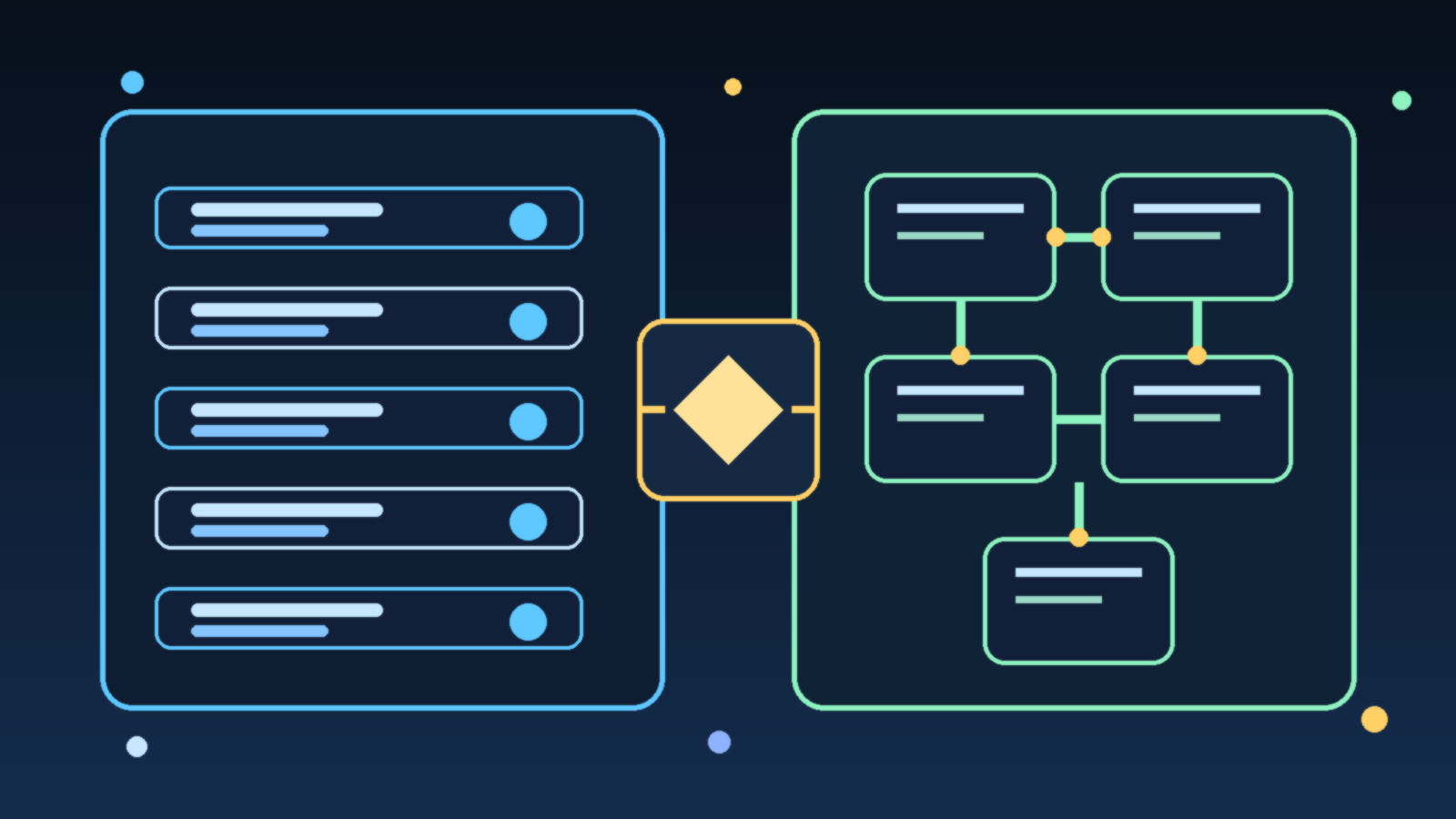
    Abstract illustration of a developer workspace, a central AI tool gateway, and governed tool lanes with policy controls

    AI agents become dramatically more useful once they can do more than answer questions. The moment an assistant can search internal systems, update a ticket, trigger a workflow, or call a cloud API, it stops being a clever interface and starts becoming an operational actor. That is where many organizations discover an awkward truth: tool access matters more than the model demo.

    When teams rush that part, they often create two bad options. Either the agent gets broad permissions because nobody wants to model the access cleanly, or every tool call becomes such a bureaucratic event that the system is not worth using. Good governance is the middle path. It gives the agent enough reach to be helpful while keeping access boundaries, approval rules, and audit trails clear enough that security teams do not have to treat every deployment like a special exception.

    Tool Access Is Really a Permission Design Problem

    It is tempting to frame agent safety as a prompting problem, but tool use changes the equation. A weak answer can be annoying. A weak action can change data, trigger downstream automation, or expose internal systems. Once tools enter the picture, governance needs to focus on what the agent is allowed to touch, under which conditions, and with what level of independence.

    That means teams should stop asking only whether the model is capable and start asking whether the permission model matches the real risk. Reading a knowledge base article is not the same as changing a billing record. Drafting a support response is not the same as sending it. Looking up cloud inventory is not the same as deleting a resource group. If all of those actions live in the same trust bucket, the design is already too loose.

    Define Access Tiers Before You Wire Up More Tools

    The safest way to scale agent capability is to sort tools into clear access tiers. A low-risk tier might include read-only search, documentation retrieval, and other reversible lookups. A middle tier might allow the agent to prepare drafts, create suggested changes, or open tickets that a human can review. A high-risk tier should include anything that changes permissions, edits production systems, sends external communications, or creates hard-to-reverse side effects.

    This tiering matters because it creates a standard pattern instead of endless one-off debates. Developers gain a more predictable way to integrate tools, operators know where approvals belong, and security teams can review the control model once instead of reinventing it for every new use case. Governance works better when it behaves like infrastructure rather than a collection of exceptions.

    Separate Drafting Power From Execution Power

    One of the most useful design moves is splitting preparation from execution. An agent may be allowed to gather data, build a proposed API payload, compose a ticket update, or assemble a cloud change plan without automatically being allowed to carry out the final step. That lets the system do the expensive thinking and formatting work while preserving a deliberate checkpoint for actions with real consequence.

    This pattern also improves adoption. Teams are usually far more comfortable trialing an agent that can prepare good work than one that starts making changes on day one. Once the draft quality and observability prove trustworthy, some tasks can graduate into higher autonomy based on evidence instead of optimism.

    Use Context-Aware Approval Instead of Blanket Approval

    Blanket approval looks simple, but it usually fails in one of two ways. If every tool invocation needs a human click, the agent becomes slow theater. If teams preapprove entire tool families just to reduce friction, they quietly eliminate the main protection they were trying to keep. The better approach is context-aware approval that keys off risk, target system, and expected blast radius.

    For example, read-only inventory queries can often run freely, creating a change ticket may only need a lightweight review, and modifying live permissions may require a stronger human checkpoint with the exact command or API payload visible. Approval becomes much more defensible when it reflects consequence instead of habit.

    Audit Trails Need to Capture Intent, Not Just Outcome

    Standard application logging is not enough for agent tool access. Teams need to know what the agent tried to do, what evidence it relied on, which tool it chose, which parameters it prepared, and whether a human approved or blocked the action. Without that record, post-incident review becomes a guessing exercise and routine debugging becomes far more painful than it needs to be.

    Intent logging is also good politics. Security and operations teams are much more willing to support agent rollouts when they can see a transparent chain of reasoning and control. The point is not to make the system feel mysterious and powerful. The point is to make it accountable enough that people trust where it is allowed to operate.

    Governance Should Create a Reusable Road, Not a Permanent Roadblock

    Poor governance slows teams down because it relies on repeated manual review, unclear ownership, and vague exceptions. Strong governance does the opposite. It defines standard tool classes, approval paths, audit requirements, and revocation controls so new agent workflows can launch on known patterns. That is how organizations avoid turning every agent project into a bespoke policy argument.

    In practice, that may mean publishing a small internal standard for read-only integrations, draft-only actions, and execution-capable actions. It may mean requiring service identities that can be revoked independently of a human account. It may also mean establishing visible boundaries for public-facing tasks, customer data access, and production changes. None of that is glamorous, but it is what lets teams scale tool-enabled AI without creating an expanding pile of security debt.

    Final Takeaway

    AI tool access should not force a choice between reckless autonomy and unusable red tape. The strongest designs recognize that tool use is a permission problem first. They define access tiers, separate drafting from execution, require approval where impact is real, and preserve enough logging to explain what the agent intended to do.

    If your team wants agents that help in production without becoming the next security exception, start by governing tools like a platform capability instead of a one-off shortcut. That discipline is what makes higher autonomy sustainable.

  • Azure AI Foundry vs Open Source Stacks: Which Path Fits Better in 2026?

    Azure AI Foundry vs Open Source Stacks: Which Path Fits Better in 2026?

    By 2026, most serious AI teams are no longer deciding whether to build with large models at all. They are deciding how much of the surrounding platform they want to own. That is where the real comparison between Azure AI Foundry and open source stacks starts. The argument is not just managed versus self-hosted. It is operational convenience versus architectural control, and both come with real tradeoffs.

    Azure AI Foundry gives teams a faster path to enterprise integration, governance features, and a cleaner front door for model work inside a Microsoft-heavy environment. Open source stacks offer deeper flexibility, more portability, and the ability to tune the platform around your exact requirements. Neither option wins by default. The right answer depends on your constraints, your internal skills, and how much complexity your team can absorb without pretending it is free.

    Choose Based on Operating Model, Not Ideology

    Teams often frame this as a philosophical decision. One side likes the comfort of a managed cloud platform. The other side prefers the freedom of open tools, open weights, and infrastructure they can inspect more directly. That framing is a little too romantic to be useful. Most teams do not fail because they picked the wrong philosophy. They fail because they picked an operating model they could not sustain.

    If your organization already runs heavily on Azure, has enterprise identity requirements, and wants tighter alignment with existing governance and budgeting patterns, Azure AI Foundry can reduce a lot of setup friction. If your team needs custom orchestration, model portability, or deeper control over serving, observability, and inference behavior, an open source stack may be the more honest fit. The deciding question is simple: which path best matches the ownership burden your team can carry every week, not just during launch month?

    Where Azure AI Foundry Usually Wins

    Azure AI Foundry tends to win when an organization values speed-to-standardization more than absolute platform flexibility. Teams can move faster when identity, access patterns, billing, and governance hooks already line up with the rest of the cloud estate. That does not magically solve AI product quality, but it does remove a lot of platform plumbing that would otherwise steal engineering time.

    This matters most in enterprises where AI work is expected to live alongside broader Azure controls. If security reviewers already understand the subscription model, logging paths, and policy boundaries, the path to production is usually smoother than introducing a custom platform with multiple new operational dependencies. For many internal copilots, knowledge workflows, and governed experimentation programs, managed alignment is a real advantage rather than a compromise.

    Where Open Source Stacks Usually Win

    Open source stacks tend to win when the team needs to shape the platform itself rather than simply consume one. That can mean model routing across vendors, custom retrieval pipelines, specialized serving infrastructure, tighter control over latency paths, or the ability to shift workloads across clouds without redesigning the whole system around one provider’s assumptions.

    The tradeoff is that open source freedom is not the same thing as open source simplicity. More control usually means more operational surface area. Someone has to own packaging, deployment, patching, observability, upgrades, rollback, and the subtle failure modes that appear when multiple components evolve at different speeds. Teams that underestimate that burden often end up recreating a messy internal platform while telling themselves they are avoiding lock-in.

    Governance and Compliance Look Different on Each Path

    Governance is one of the most practical dividing lines. Azure AI Foundry fits naturally when your environment already leans on Azure identity, role scoping, policy controls, and centralized operations. That does not guarantee safe AI usage, but it can make review and enforcement more legible for teams that already manage cloud risk in that ecosystem.

    Open source stacks can still support strong governance, but they require more intentional design. Logging, policy enforcement, model approval, prompt versioning, and data boundary controls do not disappear just because the tooling is flexible. In fact, flexibility increases the chance that two teams will implement the same control in different ways unless platform ownership is clear. That is why open source works best when the organization is willing to build governance into the platform, not bolt it on later.

    Cost Is Not Just About License Price or Token Price

    Cost comparisons often go sideways because teams compare visible platform charges while ignoring the labor required to operate the stack well. Azure AI Foundry may look more expensive on paper for some workloads, but the managed path can reduce internal maintenance, shorten approval cycles, and lower the number of moving parts that require specialist attention. That operational savings is real, even if it does not show up as a line item in the same budget view.

    Open source stacks can absolutely make financial sense, especially when the team can optimize infrastructure use, select lower-cost models intelligently, or avoid provider-specific pricing traps. But those savings only materialize if the team can actually run the platform efficiently. A cheaper architecture diagram can become an expensive operating reality if every upgrade, incident, or integration requires more custom work than expected.

    The Real Test Is How Fast You Can Improve Safely

    The strongest AI teams are not simply shipping once. They are evaluating, tuning, and improving continuously. That is why the most useful comparison is not which platform looks more modern. It is which platform lets your team test changes, manage risk, and iterate without constant platform drama.

    If Azure AI Foundry helps your team move with enough control and enough speed, it is a good answer. If an open source stack gives you the flexibility your product genuinely needs and you have the discipline to operate it well, that is also a good answer. The wrong move is choosing a platform because it sounds sophisticated while ignoring the daily work required to keep it healthy.

    Final Takeaway

    Azure AI Foundry is usually the stronger fit when enterprise alignment, governance familiarity, and faster standardization matter most. Open source stacks are usually stronger when portability, deep customization, and platform-level control matter enough to justify the added ownership burden.

    In 2026, the smarter question is not which side is more visionary. It is which platform choice your team can run responsibly six months from now, after the launch excitement wears off and the operational reality takes over.

  • Why Internal AI Teams Need Model Upgrade Runbooks Before They Swap Providers

    Why Internal AI Teams Need Model Upgrade Runbooks Before They Swap Providers

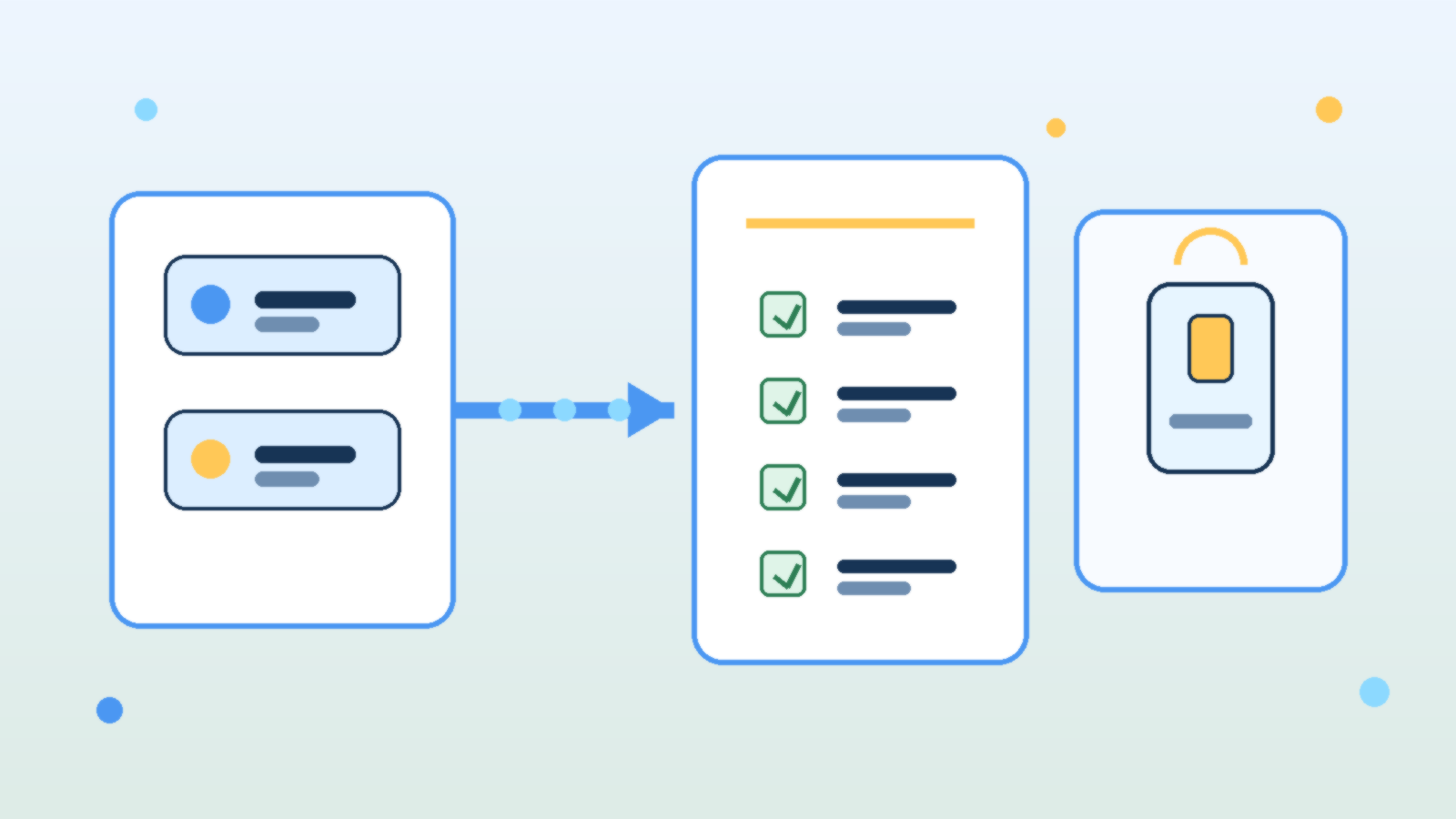
    Abstract illustration of AI model cards moving through a checklist into a production application panel

    Teams love to talk about model swaps as if they are simple configuration changes. In practice, changing from one LLM to another can alter output style, refusal behavior, latency, token usage, tool-calling reliability, and even the kinds of mistakes the system makes. If an internal AI product is already wired into real work, a model upgrade is an operational change, not just a settings tweak.

    That is why mature teams need a model upgrade runbook before they swap providers or major versions. A runbook forces the team to review what could break, what must be tested, who signs off, and how to roll back if the new model behaves differently under production pressure.

    Treat Model Changes Like Product Changes, Not Playground Experiments

    A model that looks impressive in a demo may still be a poor fit for a production workflow. Some models sound more confident while being less careful with facts. Others are cheaper but noticeably worse at following structured instructions. Some are faster but more fragile when long context, multi-step reasoning, or tool use enters the picture.

    The point is not that newer models are bad. The point is that every model has a behavioral profile, and changing that profile affects the product your users actually experience. If your team treats a model swap like a harmless backend refresh, you are likely to discover the differences only after customers or coworkers do.

    Document the Critical Behaviors You Cannot Afford to Lose

    Before any upgrade, the team should name the behaviors that matter most. That list usually includes answer quality, citation discipline, formatting consistency, safety boundaries, cost per task, tool-calling success, and latency under normal load. A runbook is useful because it turns vague concerns into explicit checks.

    Without that baseline, teams judge the new model by vibes. One person likes the tone, another likes the price, and nobody notices that JSON outputs started drifting, refusal rates changed, or the assistant now needs more retries to complete the same job. Operational clarity beats subjective enthusiasm here.

    Test Prompts, Guardrails, and Tools Together

    Prompt behavior rarely transfers perfectly across models. A system prompt that produced clean structured output on one provider may become overly verbose, too cautious, or unexpectedly brittle on another. The same goes for moderation settings, retrieval grounding, and function-calling schemas. A good runbook assumes that the whole stack needs validation, not just the model name.

    This is especially important for internal AI tools that trigger actions or surface sensitive knowledge. Teams should test realistic workflows end to end: the prompt, the retrieved context, the safety checks, the tool call, the final answer, and the failure path. A model that performs well in isolation can still create operational headaches when dropped into a real chain of dependencies.

    Plan for Cost and Latency Drift Before Finance or Users Notice

    Many upgrades are justified by capability gains, but those gains often come with a price profile or latency pattern that changes how the product feels. If the new model uses more tokens, refuses caching opportunities, or responds more slowly during peak periods, the product may become harder to budget or less pleasant to use even if answer quality improves.

    A runbook should require teams to test representative workloads, not just a few hand-picked prompts. That means checking throughput, token consumption, retry frequency, and timeout behavior on the tasks people actually run every day. Otherwise the first real benchmark becomes your production bill.

    Define Approval Gates and a Rollback Path

    The strongest runbooks include explicit approval gates. Someone should confirm that quality testing passed, safety checks still hold, cost impact is acceptable, and the user-facing experience is still aligned with the product’s purpose. This does not need to be bureaucratic theater, but it should be deliberate.

    Rollback matters just as much. If the upgraded model starts failing under live conditions, the team should know how to revert quickly without improvising credentials, prompts, or routing rules under stress. Fast rollback is one of the clearest signals that a team respects AI changes as operational work instead of magical experimentation.

    Capture What Changed So the Next Upgrade Is Easier

    Every model swap teaches something about your product. Maybe the new model required shorter tool instructions. Maybe it handled retrieval better but overused hedging language. Maybe it cut cost on simple tasks but struggled with the long documents your users depend on. Those lessons should be captured while they are fresh.

    This is where teams either get stronger or keep relearning the same pain. A short post-upgrade note about prompt changes, known regressions, evaluation results, and rollback conditions turns one migration into reusable operational knowledge.

    Final Takeaway

    Internal AI products are not stable just because the user interface stays the same. If the underlying model changes, the product changes too. Teams that treat upgrades like serious operational events usually catch regressions early, protect costs, and keep trust intact.

    The practical move is simple: build a runbook before you need one. When the next provider release or pricing shift arrives, you will be able to test, approve, and roll back with discipline instead of hoping the new model behaves exactly like the old one.

  • How to Set AI Data Boundaries Before Your Team Builds the Wrong Thing

    How to Set AI Data Boundaries Before Your Team Builds the Wrong Thing

    AI projects rarely become risky because a team wakes up one morning and decides to ignore common sense. Most problems start much earlier, when people move quickly with unclear assumptions about what data they can use, where it can go, and what the model is allowed to retain. By the time governance notices, the prototype already exists and nobody wants to slow it down.

    That is why data boundaries matter so much. They turn vague caution into operational rules that product managers, developers, analysts, and security teams can actually follow. If those rules are missing, even a well-intentioned AI effort can drift into risky prompt logs, accidental data exposure, or shadow integrations that were never reviewed properly.

    Start With Data Classes, Not Model Hype

    Teams often begin with model selection, vendor demos, and potential use cases. That sequence feels natural, but it is backwards. The first question should be what kinds of data the use case needs: public content, internal business information, customer records, regulated data, source code, financial data, or something else entirely.

    Once those classes are defined, governance stops being abstract. A team can see immediately whether a proposed workflow belongs in a low-risk sandbox, a tightly controlled enterprise environment, or nowhere at all. That clarity prevents expensive rework because the project is shaped around reality instead of optimism.

    Define Three Buckets People Can Remember

    Many organizations make data policy too complicated for daily use. A practical approach is to create three working buckets: allowed, restricted, and prohibited. Allowed data can be used in approved AI tools under normal controls. Restricted data may require a specific vendor, logging settings, human review, or an isolated environment. Prohibited data stays out of the workflow entirely until policy changes.

    This model is not perfect, but it is memorable. That matters because governance fails when policy only lives inside long documents nobody reads during a real project. Simple buckets give teams a fast decision aid before a prototype becomes a production dependency.

    • Allowed: low-risk internal knowledge, public documentation, or synthetic test content in approved tools.
    • Restricted: customer data, source code, financial records, or sensitive business context that needs stronger controls.
    • Prohibited: data that creates legal, contractual, or security exposure if placed into the current workflow.

    Attach Boundaries to Real Workflows

    Policy becomes useful when it maps to the tasks people are already trying to do. Summarizing meeting notes, drafting support replies, searching internal knowledge, reviewing code, and extracting details from contracts all involve different data paths. If the organization publishes only general statements about “using AI responsibly,” employees will interpret the rules differently and fill gaps with guesswork.

    A better pattern is to publish approved workflow examples. Show which tools are allowed for document drafting, which environments can touch source code, which data requires redaction first, and which use cases need legal or security review. Good examples reduce both accidental misuse and unnecessary fear.

    Decide What Happens to Prompts, Outputs, and Logs

    AI data boundaries are not only about the original input. Teams also need to know what happens to prompts, outputs, telemetry, feedback thumbs, and conversation history. A tool may look safe on the surface while quietly retaining logs in a place that violates policy or creates discovery problems later.

    This is where governance teams need to be blunt. If a vendor stores prompts by default, say so. If retention can be disabled only in an enterprise tier, document that requirement. If outputs can be copied into downstream systems, include those systems in the review. Boundaries should follow the whole data path, not just the first upload.

    Make the Safe Path Faster Than the Unsafe Path

    Employees route around controls when the approved route feels slow, confusing, or unavailable. If the company wants people to avoid consumer tools for sensitive work, it needs to provide an approved alternative that is easy to access and documented well enough to use without a scavenger hunt.

    That means governance is partly a product problem. The secure option should come with clear onboarding, known use cases, and decision support for edge cases. When the safe path is fast, most people will take it. When it is painful, shadow AI becomes the default.

    Review Boundary Decisions Before Scale Hides the Mistakes

    Data boundaries should be reviewed early, then revisited when a pilot grows into a real business process. A prototype that handles internal notes today may be asked to process customer messages next quarter. That change sounds incremental, but it can move the workflow into a completely different risk category.

    Good governance teams expect that drift and check for it on purpose. They do not assume the original boundary decision stays valid forever. A lightweight review at each expansion point is far cheaper than discovering later that an approved experiment quietly became an unapproved production system.

    Final Takeaway

    AI teams move fast when the boundaries are clear and trustworthy. They move recklessly when the rules are vague, buried, or missing. If you want better AI outcomes, do not start with slogans about innovation. Start by defining what data is allowed, what data is restricted, and what data is off limits before anyone builds the wrong thing around the wrong assumptions.

    That one step will not solve every governance problem, but it will prevent a surprising number of avoidable ones.

  • How to Govern AI Browser Agents Before They Touch Production

    How to Govern AI Browser Agents Before They Touch Production

    AI browser agents are moving from demos into real operational work. Teams are asking them to update records, click through portals, collect evidence, and even take action across SaaS tools that were built for humans. The upside is obvious: agents can remove repetitive work and connect systems that still do not have clean APIs. The downside is just as obvious once you think about it for more than five minutes. A browser agent with broad access can create the same kind of mess as an overprivileged intern, only much faster and at machine scale.

    If you want agents touching production systems, governance cannot be a slide deck or a policy PDF nobody reads. It has to show up in how you grant access, how tasks are approved, how actions are logged, and how failures are contained. The goal is not to make agents useless. The goal is to make them safe enough to trust with bounded work.

    Start With Task Boundaries, Not Model Hype

    The first control is deciding what the agent is actually allowed to do. Many teams start by asking whether the model is smart enough. That is the wrong first question. A smarter model does not solve weak guardrails. Start with a narrow task definition instead: which application, which workflow, which pages, which fields, which users, and which outputs are in scope. If you cannot describe the task clearly enough for a human reviewer to understand it, you are not ready to automate it with an agent.

    Good governance turns a vague instruction like “manage our customer portal” into a bounded instruction like “collect invoice status from these approved accounts and write the results into this staging table.” That kind of scoping reduces both accidental damage and the blast radius of a bad prompt, a hallucinated plan, or a compromised credential.

    Give Agents the Least Privilege They Can Actually Use

    Browser agents should not inherit a human administrator account just because it is convenient. Give them dedicated identities with only the permissions they need for the exact workflow they perform. If the task is read-only, keep it read-only. If the task needs writes, constrain those writes to a specific system, business unit, or record set whenever the application allows it.

    • Use separate service identities for different workflows rather than one all-purpose agent account.
    • Apply MFA-resistant session handling where possible, especially for privileged portals.
    • Restrict login locations, session duration, and accessible applications.
    • Rotate credentials on a schedule and immediately after suspicious behavior.

    This is not glamorous work, but it matters more than prompt tuning. Most real-world agent risk comes from access design, not from abstract model behavior.

    Build Human Approval Into High-Risk Actions

    There is a big difference between gathering information and making a production change. Governance should reflect that difference. Let the agent read broadly enough to prepare a recommendation, but require explicit approval before actions that create external impact: submitting orders, changing entitlements, editing finance records, sending messages to customers, or deleting data.

    A practical pattern is a staged workflow. In stage one, the agent navigates, validates inputs, and prepares a proposed action with screenshots or structured evidence. In stage two, a human approves or rejects the action. In stage three, the agent executes only the approved step and records what happened. That is slower than full autonomy, but it is usually the right tradeoff until you have enough evidence to trust the workflow more deeply.

    Make Observability a Product Requirement

    If an agent cannot explain what it touched, when it touched it, and why it made a decision, you do not have a production-ready system. You have a mystery box with credentials. Every meaningful run should leave behind an audit trail that maps prompt, plan, accessed applications, key page transitions, extracted data, approvals, and final actions. Screenshots, DOM snapshots, request logs, and structured event records all help here.

    The point of observability is not just post-incident forensics. It also improves operations. You can see where agents stall, where sites change, which controls generate false positives, and which tasks are too brittle to keep in production. That feedback loop is what separates a flashy proof of concept from a governable system.

    Design for Failure Before the First Incident

    Production agents will fail. Pages will change. Modals will appear unexpectedly. Sessions will expire. A model will occasionally misread context and aim at the wrong control. Governance needs failure handling that assumes these things will happen. Safe defaults matter: if confidence drops, if the page state is unexpected, or if validation does not match policy, the run should stop and escalate rather than improvise.

    Containment matters too. Use sandboxes, approval queues, reversible actions where possible, and strong alerting for abnormal behavior. Do not wait until the first bad run to decide who gets paged, what evidence is preserved, or how credentials are revoked.

    Treat Browser Agents Like a New Identity and Access Problem

    A lot of governance conversations around AI get stuck in abstract debates about model ethics. Those questions matter, but browser agents force a more immediate and practical conversation. They are acting inside real user interfaces with real business consequences. That makes them as much an identity, access, and operational control problem as an AI problem.

    The strongest teams are the ones that connect AI governance with existing security disciplines: least privilege, change control, environment separation, logging, approvals, and incident response. If your browser agent program is managed like an experimental side project instead of a production control surface, you are creating avoidable risk.

    The Bottom Line

    AI browser agents can be genuinely useful in production, especially where legacy systems and manual portals slow down teams. But the win does not come from turning them loose. It comes from deciding where they are useful, constraining what they can do, requiring approval when the stakes are high, and making every important action observable. That is what good governance looks like when agents stop being a lab experiment and start touching the real business.

  • Why AI Cost Controls Break Without Usage-Level Visibility

    Why AI Cost Controls Break Without Usage-Level Visibility

    Enterprise leaders love the idea of AI productivity, but finance teams usually meet the bill before they see the value. That is why so many “AI cost optimization” efforts stall out. They focus on list prices, model swaps, or a single monthly invoice, while the real problem lives one level deeper: nobody can clearly see which prompts, teams, tools, and workflows are creating cost and whether that cost is justified.

    If your organization only knows that “AI spend went up,” you do not have cost governance. You have an expensive mystery. The fix is not just cheaper models. It is usage-level visibility that links technical activity to business intent.

    Why top-line AI spend reports are not enough

    Most teams start with the easiest number to find: total spend by vendor or subscription. That is a useful starting point, but it does not help operators make better decisions. A monthly platform total cannot tell you whether cost growth came from a successful customer support assistant, a badly designed internal chatbot, or developers accidentally sending huge contexts to a premium model.

    Good governance needs a much tighter loop. You should be able to answer practical questions such as which application generated the call, which user or team triggered it, which model handled it, how many tokens or inference units were consumed, whether retrieval or tool calls were involved, how long it took, and what business workflow the request supported. Without that level of detail, every cost conversation turns into guesswork.

    The unit economics every AI team should track

    The most useful AI cost metric is not cost per month. It is cost per useful outcome. That outcome will vary by workload. For a support assistant, it may be cost per resolved conversation. For document processing, it may be cost per completed file. For a coding assistant, it may be cost per accepted suggestion or cost per completed task.

    • Cost per request: the baseline price of serving a single interaction.
    • Cost per session or workflow: the full spend for a multi-step task, including retries and tool calls.
    • Cost per successful outcome: the amount spent to produce something that actually met the business goal.
    • Cost by team, feature, and environment: the split that shows whether spend is concentrated in production value or experimental churn.
    • Latency and quality alongside cost: because a cheaper answer is not better if it is too slow or too poor to use.

    Those metrics let you compare architectures in a way that matters. A larger model can be the cheaper option if it reduces retries, escalations, or human cleanup. A smaller model can be the costly option if it creates low-quality output that downstream teams must fix manually.

    Where AI cost visibility usually breaks down

    The breakdown usually happens at the application layer. Finance may see vendor charges. Platform teams may see API traffic. Product teams may see user engagement. But those views are often disconnected. The result is a familiar pattern: everyone has data, but nobody has an explanation.

    There are a few common causes. Prompt versions are not tracked. Retrieval calls are billed separately from model inference. Caching savings are invisible. Development and production traffic are mixed together. Shared service accounts hide ownership. Tool-using agents create multi-step costs that never get tied back to a single workflow. By the time someone asks why a budget doubled, the evidence is scattered across logs, dashboards, and invoices.

    What a usable AI cost telemetry model looks like

    The cleanest approach is to treat AI activity like any other production workload: instrument it, label it, and make it queryable. Every request should carry metadata that survives all the way from the user action to the billing record. That usually means attaching identifiers for the application, feature, environment, tenant, user role, experiment flag, prompt template, model, and workflow instance.

    From there, you can build dashboards that answer the questions leadership actually asks. Which features have the best cost-to-value ratio? Which teams are burning budget in testing? Which prompt releases increased average token usage? Which workflows should move to a cheaper model? Which ones deserve a premium model because the business value is strong?

    If you are running AI on Azure, this usually means combining application telemetry, Azure Monitor or Log Analytics data, model usage metrics, and chargeback labels in a consistent schema. The exact tooling matters less than the discipline. If your labels are sloppy, your analysis will be sloppy too.

    Governance should shape behavior, not just reporting

    Visibility only matters if it changes decisions. Once you can see cost at the workflow level, you can start enforcing sensible controls. You can set routing rules that reserve premium models for high-value scenarios. You can cap context sizes. You can detect runaway agent loops. You can require prompt reviews for changes that increase average token consumption. You can separate experimentation budgets from production budgets so innovation does not quietly eat operational margin.

    That is where AI governance becomes practical instead of performative. Instead of generic warnings about responsible use, you get concrete operating rules tied to measurable behavior. Teams stop arguing in the abstract and start improving what they can actually see.

    A better question for leadership to ask

    Many executives ask, “How do we lower AI spend?” That is understandable, but it is usually the wrong first question. The better question is, “Which AI workloads have healthy unit economics, and which ones are still opaque?” Once you know that, cost reduction becomes a targeted exercise instead of a blanket reaction.

    AI programs do not fail because the invoices exist. They fail because leaders cannot distinguish productive spend from noisy spend. Usage-level visibility is what turns AI from a budget risk into an operating discipline. Until you have it, cost control will always feel one step behind reality.