Category: AI

  • When AI Automation Fails Quietly: 5 Warning Signs Teams Miss

    When AI Automation Fails Quietly: 5 Warning Signs Teams Miss

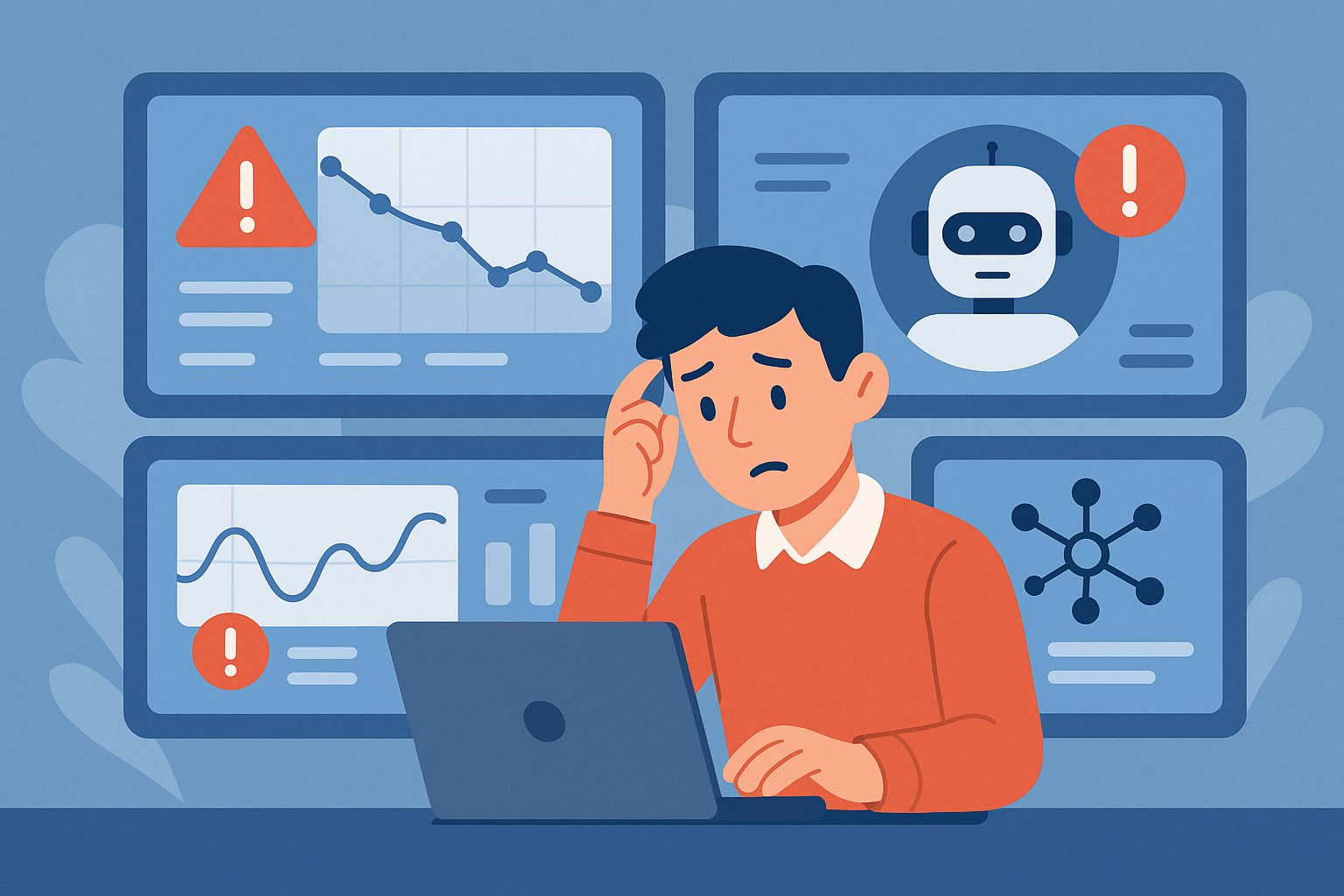
    AI automation does not always fail in dramatic ways. Sometimes it keeps running while quietly producing weaker results, missing edge cases, or increasing hidden operational risk. That kind of failure is especially dangerous because teams often notice it only after trust is already damaged.

    1) Output Quality Drifts Without Obvious Errors

    One of the first warning signs is that the system still appears healthy, but the work product slowly gets worse. Summaries become less precise, extracted data needs more cleanup, or drafted responses sound less helpful. Because nothing is crashing, these issues can hide in plain sight.

    This is why quality sampling matters. If no one reviews real outputs regularly, gradual decline can continue for weeks before anyone recognizes the pattern.

    2) Human Overrides Start Increasing

    When operators begin correcting the system more often, that is a signal. Even if those corrections are small, the rising override rate often means the automation is no longer saving as much time as expected.

    Teams should track override frequency the same way they track uptime. A stable system is not just available. It is useful without constant repair.

    3) Latency and Cost Rise Together

    If response time gets slower while costs climb, there is usually an underlying design issue. It may be unnecessary tool calls, bloated prompts, weak routing logic, or too much reliance on large models for simple tasks.

    That combination often appears before an obvious outage. Watching cost and latency together gives a much clearer picture than either metric alone.

    4) Edge Cases Get Handled Inconsistently

    A healthy automation system should fail in understandable ways. If the same unusual input sometimes works and sometimes breaks, the workflow is probably more brittle than it looks.

    Inconsistency is often a warning that the prompt, retrieval, or tool orchestration is under-specified. It usually means the system needs clearer guardrails, not just more model power.

    5) Teams Stop Trusting the System

    Once users start saying they need to double-check everything, the system has already crossed into a danger zone. Trust is expensive to rebuild. Even a technically functional workflow can become operationally useless if nobody believes it anymore.

    That is why AI reliability should be measured in business confidence as well as raw task completion.

    Final Takeaway

    Quiet failures are often more damaging than loud ones. The best defense is not blind optimism. It is regular review, clear metrics, and fast correction loops before small problems become normal behavior.
  • Prompt Engineering After the Hype: What Still Works in 2026

    Prompt Engineering After the Hype: What Still Works in 2026

    Prompt engineering is no longer the whole story, but it still matters. In 2026, the useful part is not clever phrasing. It is clear task structure.

    What Still Works

    • Clear role and task framing
    • Well-defined output formats
    • Examples for edge cases
    • Explicit constraints and refusal boundaries

    What Matters More Now

    Context quality, retrieval, tooling, and evaluation now matter more than micro-optimizing wording. Good prompts help, but system design decides outcomes.

  • Azure AI Foundry vs Open Source Stacks: Which Path Fits Better in 2026?

    Azure AI Foundry vs Open Source Stacks: Which Path Fits Better in 2026?

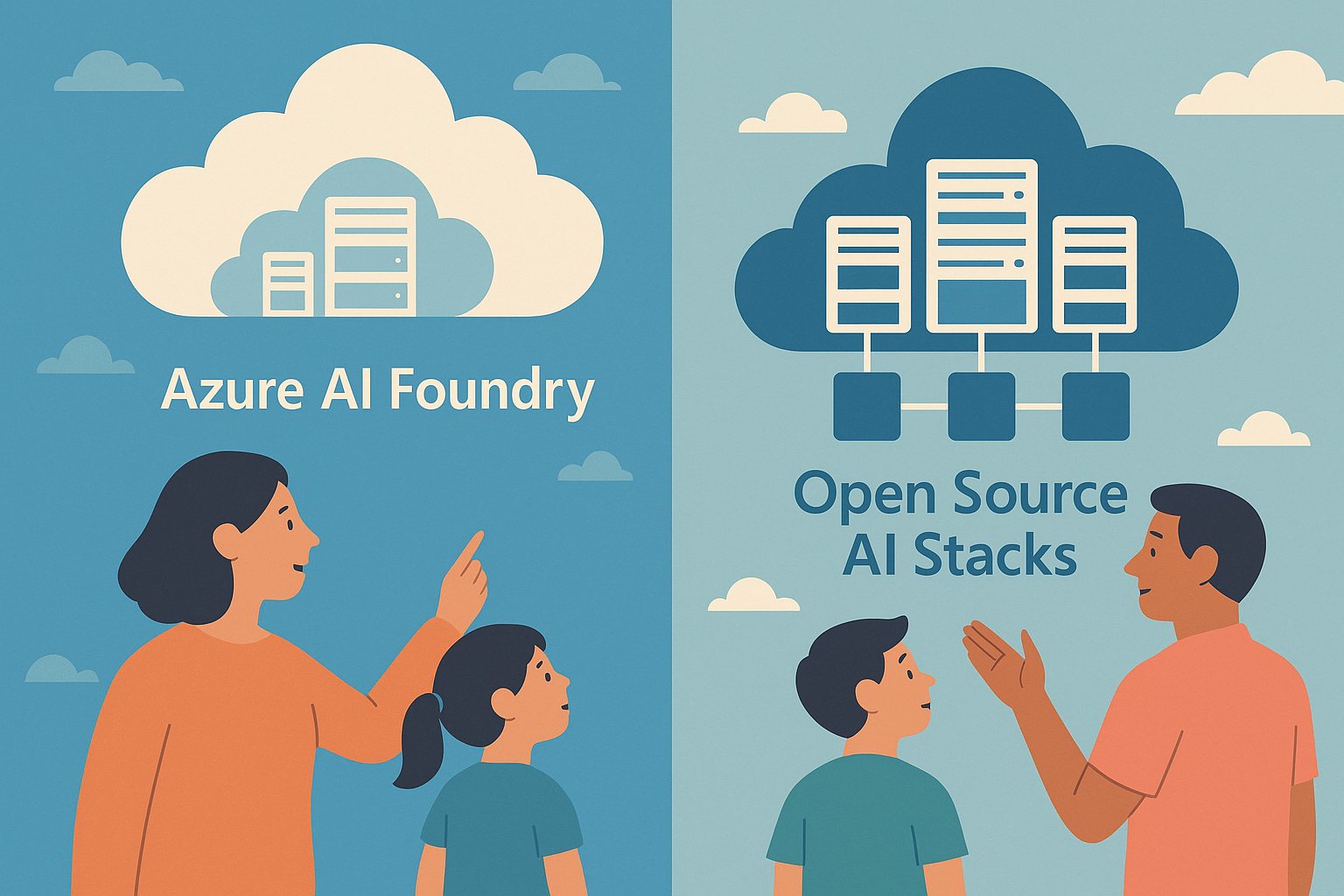
    Teams choosing an AI platform in 2026 usually face the same tradeoff: managed convenience versus open-source control. Neither path is automatically better.

    Choose Azure AI Foundry When

    • You want faster enterprise rollout
    • You need built-in governance and integration
    • Your team prefers less platform maintenance

    Choose Open Source When

    • You need deeper model and infrastructure control
    • You want portability across clouds
    • You can support the operational complexity

    The Real Decision

    The right answer depends less on ideology and more on internal skills, compliance needs, and how much platform ownership your team can realistically handle.

  • RAG Evaluation in 2026: The Metrics That Actually Matter

    RAG Evaluation in 2026: The Metrics That Actually Matter

    RAG systems fail when teams evaluate them with vague gut feelings instead of repeatable metrics. In 2026, strong teams treat retrieval and answer quality as measurable engineering work.

    The Core Metrics to Track

    • Retrieval precision
    • Retrieval recall
    • Answer groundedness
    • Task completion rate
    • Cost per successful answer

    Why Groundedness Matters

    A polished answer is not enough. If the answer is not supported by the retrieved context, it should not pass evaluation.

    Build a Stable Test Set

    Create a fixed benchmark set from real user questions. Review it regularly, but avoid changing it so often that you lose trend visibility.

    Final Takeaway

    The best RAG teams in 2026 do not just improve prompts. They improve measured retrieval quality and prove the system is getting better over time.

  • Why Small Language Models Are Winning More Real-World Workloads in 2026

    Why Small Language Models Are Winning More Real-World Workloads in 2026

    For a while, the industry conversation centered on the biggest possible models. In 2026, that story is changing. Small language models are winning more real-world workloads because they are cheaper, faster, easier to deploy, and often good enough for the job.

    Why Smaller Models Are Getting More Attention

    Teams are under pressure to reduce latency, lower inference costs, and keep more workloads private. That makes smaller models attractive for internal tools, edge devices, and high-volume automation.

    1) Lower Cost per Task

    For summarization, classification, extraction, and structured transformations, smaller models can handle huge request volumes without blowing up the budget.

    2) Better Latency

    Fast responses matter. In customer support tools, coding assistants, and device-side helpers, a quick answer often beats a slightly smarter but slower one.

    3) Easier On-Device and Private Deployment

    Smaller models are easier to run on laptops, workstations, and edge hardware. That makes them useful for privacy-sensitive workflows where data should stay local.

    4) More Predictable Scaling

    If your workload spikes, smaller models are usually easier to scale horizontally. This matters for products that need stable performance under load.

    Where Large Models Still Win

    • Complex multi-step reasoning
    • Hard coding and debugging tasks
    • Advanced research synthesis
    • High-stakes writing where nuance matters

    The smart move is not picking one camp forever. It is matching the model size to the business task.

    Final Takeaway

    In 2026, many teams are discovering that the best AI system is not the biggest one. It is the one that is fast, affordable, and dependable enough to use every day.

  • Multi-Agent Workflows in 2026: When to Use One Agent vs Many

    Multi-Agent Workflows in 2026: When to Use One Agent vs Many

    Teams are racing to adopt multi-agent systems, but more agents do not automatically mean better outcomes.

    In practice, many workloads perform best with a single well-scoped agent plus strong tools.

    Use One Agent When

    • The task is linear and has a clear start-to-finish flow.
    • You need predictable behavior and fast debugging.
    • Latency and cost are major constraints.

    Use Multiple Agents When

    • The task has distinct specialist domains (research, analysis, writing, QA).
    • Parallel execution creates real time savings.
    • You can enforce clear ownership and handoff rules.

    Common Failure Pattern

    Many teams split work into too many agents too early. That adds coordination overhead and raises failure rates.

    Practical Design Rule

    Start with one agent. Add specialists only when you can prove bottlenecks with metrics.

    Final Takeaway

    The best architecture is the simplest one that meets quality, speed, and reliability targets.

  • Azure Cost Optimization in 2026: 10 Moves That Actually Lower Spend

    Azure Cost Optimization in 2026: 10 Moves That Actually Lower Spend

    Most Azure cost reduction advice sounds good in a slide deck but fails in the real world. The moves below are the ones teams actually sustain.

    1) Fix Idle Compute First

    Start with VMs, AKS node pools, and App Service plans that run 24/7 without business need. Rightsize or schedule them off outside active hours.

    2) Use Reservations for Stable Workloads

    If usage is predictable, reserved capacity usually beats pay-as-you-go pricing by a large margin.

    3) Move Burst Jobs to Spot Where Safe

    CI pipelines, batch transforms, and non-critical workers can often run on spot capacity. Just design for interruption.

    4) Set Budget Alerts by Team

    Global budgets are useful, but team-level budgets create accountability and faster correction loops.

    5) Enforce Tagging Policy

    No owner tag means no deployment. You cannot optimize what you cannot attribute.

    6) Review Storage Tiers Monthly

    Blob, backup, and snapshot growth quietly becomes a major bill line. Archive cold data and remove stale copies.

    7) Cap Log and Telemetry Retention

    Observability is critical, but unlimited retention is expensive. Keep high-detail logs short, summarize for long-term trend analysis.

    8) Optimize Data Egress Paths

    Cross-region and internet egress costs add up quickly. Keep chatty services close together whenever possible.

    9) Add Cost Checks to Pull Requests

    Treat cost like performance or security. Catch expensive architecture changes before they hit production.

    10) Run a Weekly FinOps Review

    A short weekly review of anomalies, top spenders, and planned changes prevents surprise bills.

    Final Takeaway

    In 2026, strong Azure cost control comes from consistent operations, not one-time cleanup. Small weekly corrections beat quarterly fire drills.