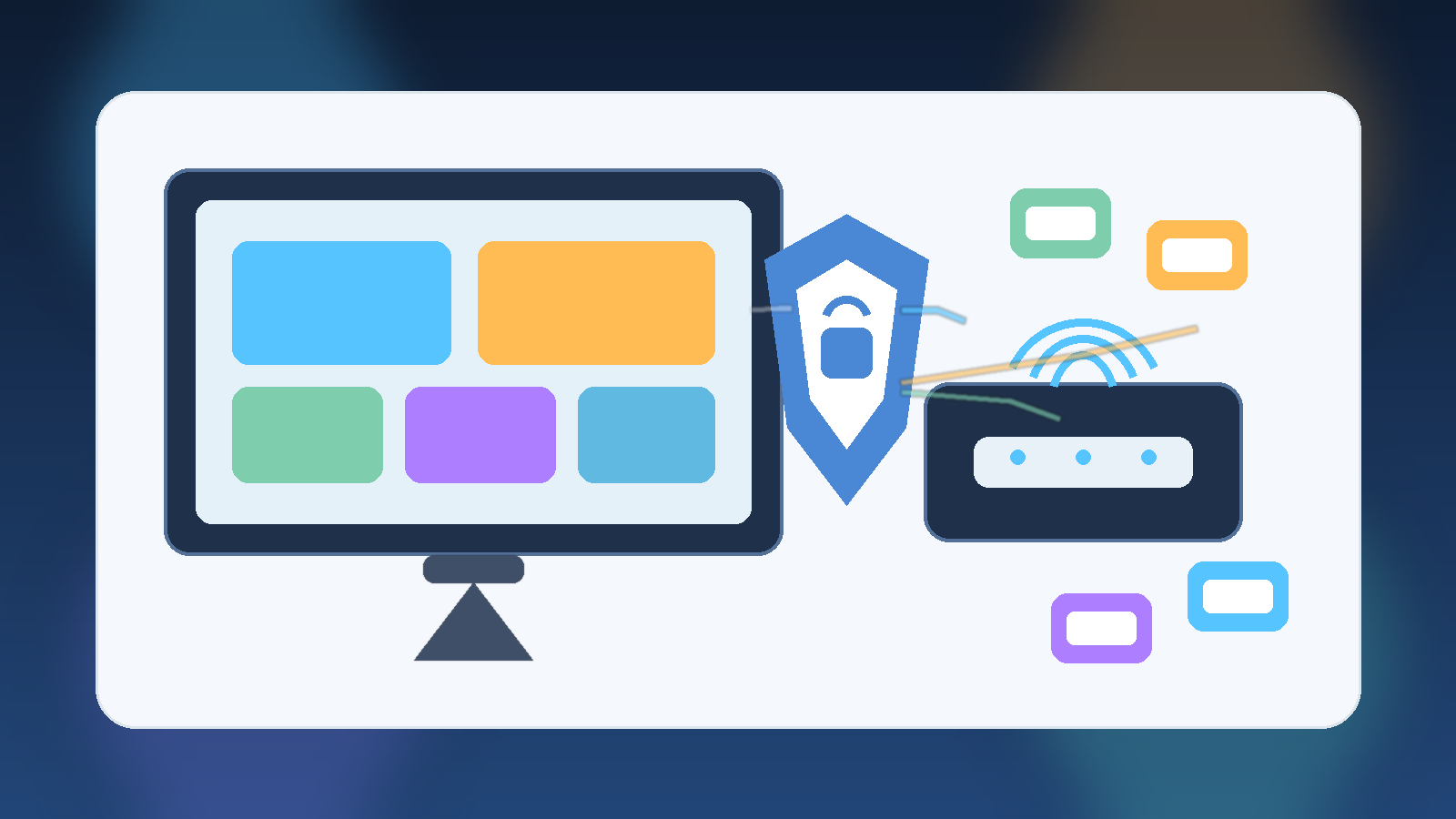
Smart TVs are convenient, but they are not just screens anymore. They are streaming devices, app platforms, voice assistants, shopping endpoints, and sometimes a loose collection of third-party integrations bundled into one living room box. That combination makes them useful, but it also makes them a poor candidate for sitting on the same unrestricted home network as laptops, phones, and work devices.
For most households, the practical answer is simple: put smart TVs and similar entertainment devices on a guest network or a separate IoT network. You do not need enterprise-grade infrastructure to get real value from that decision. A small layer of separation reduces risk, limits avoidable mess, and still keeps the household easy to live with.
A Smart TV Is More Connected Than It Looks
People often think of a TV as passive hardware, but modern smart TVs behave more like general-purpose internet devices with a giant display attached. They run apps, phone home for telemetry, receive software updates, and sometimes include microphones, cameras, ad-tech integrations, or account linkages across multiple services.
That does not mean every smart TV is dangerous by default. It means the device has a larger trust footprint than families usually assume. If something on it is misconfigured, outdated, or overly chatty, it should not have broad visibility into the same network segment where more sensitive devices live.
Network Separation Limits the Blast Radius
Good home security is often less about finding the perfect device and more about limiting what a device can reach when something goes wrong. A guest network helps because it creates a boundary. Even if a streaming box, smart TV app, or connected speaker behaves badly, the device is less likely to interact freely with family laptops, file shares, printers, or work machines.
This matters because the most common household security failures are not cinematic hacks. They are ordinary problems: old firmware, default settings that expose too much, abandoned apps, weak account hygiene, or a gadget that keeps talking to services nobody remembers enabling. Separation turns those problems into smaller problems.
It Also Helps With Privacy and Household Cleanup
A separate network is not only about defense. It also makes the home easier to manage. When entertainment devices are grouped together, troubleshooting gets clearer. You can see which devices belong to that category, reboot or rotate credentials with less confusion, and avoid mixing a child’s game console traffic with a parent’s work laptop or backup system.
There is a privacy angle too. Many smart TVs collect viewing, interaction, or diagnostic data. Families may not be able to eliminate that entirely, but they can avoid giving those devices unnecessary visibility into the rest of the home environment. A television does not need easy proximity to everything else you trust.
You Do Not Need a Fancy Setup to Benefit
The phrase network segmentation can sound intimidating, but the household version is usually straightforward. Many modern routers already support a guest Wi-Fi option. In a lot of homes, that is enough. Put smart TVs, streaming sticks, and similar media devices there, keep the primary network for phones, laptops, and tablets, and use a strong admin password on the router itself.
If the home setup is more advanced, an IoT-specific VLAN or SSID can be even better. But families should not wait for a perfect redesign. A simple guest network that gets used consistently is more valuable than a sophisticated security plan that never quite gets finished.
Watch for the One Tradeoff: Casting and Local Discovery
The main downside is convenience. Some casting features, remote apps, or local device discovery flows work best when everything sits on the same network. That means families may need to test how their favorite services behave after moving the TV to a guest network. In some router setups, guest isolation is strict enough to block those conveniences.
That tradeoff is real, but it is usually manageable. Some routers allow selective device communication, and some households decide that a small casting inconvenience is worth the cleaner security boundary. The right answer depends on what the family actually uses, not on the fantasy of a perfectly seamless house full of permanently trusted gadgets.
A Sensible Home Baseline
For most families, a strong baseline looks like this:
- Keep smart TVs and entertainment gadgets on a guest or IoT network.
- Use a strong router admin password and current firmware.
- Remove apps and services the household no longer uses.
- Review privacy settings after setup instead of accepting every default.
- Reserve the main home network for devices that hold more personal or work-related data.
None of those steps are dramatic, and that is exactly why they work. They are realistic. Home security improves when the safe path fits ordinary life.
Final Takeaway
Smart TVs do not need full trust just because they live in the family room. They are internet-connected devices with more complexity and more data-sharing potential than their name suggests. Giving them a separate network is one of the simplest ways to reduce unnecessary exposure without making the home harder to use.
If a household wants a practical security upgrade that does not require buying new hardware, moving smart TVs to a guest network is a very solid place to start.
Leave a Reply