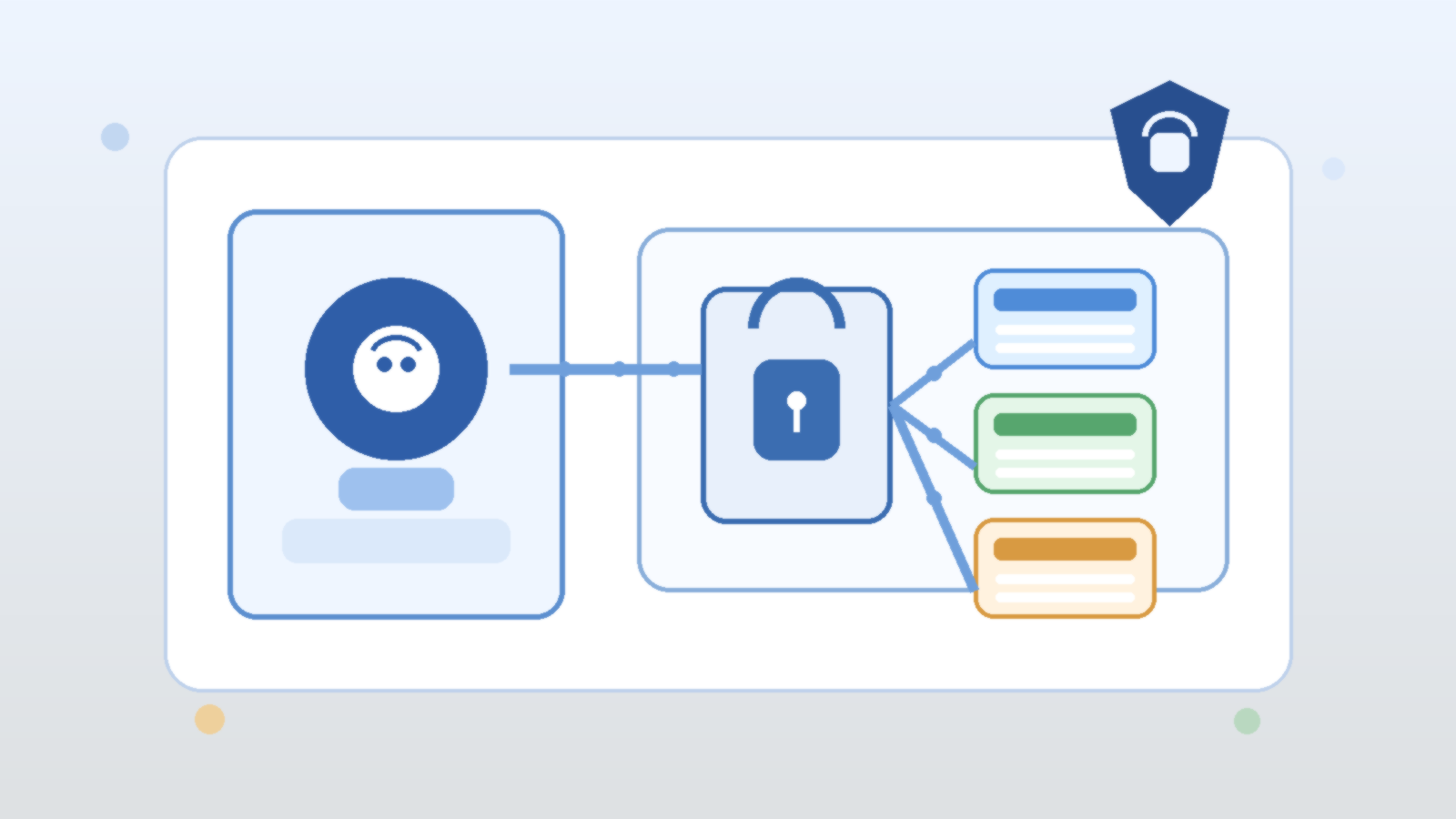
It is tempting to judge an AI agent by how many systems it can reach. The demo looks stronger when the agent can search knowledge bases, open tickets, message teams, trigger workflows, and touch cloud resources from one conversational loop. That kind of reach feels like progress because it makes the assistant look capable.
In practice, enterprise teams usually hit a different limit first. The problem is not a lack of tools. The problem is a lack of approval boundaries. Once an agent can act across real systems, the important question stops being “what else can it connect to?” and becomes “what exactly is it allowed to do without another human step in the middle?”
Tool access creates leverage, but approvals define trust
An agent with broad tool access can move faster than a human operator in narrow workflows. It can summarize incidents, prepare draft changes, gather evidence, or line up the next recommended action. That leverage is real, and it is why teams keep experimenting with agentic systems.
But trust does not come from raw capability. Trust comes from knowing where the agent stops. If a system can open a pull request but not merge one, suggest a customer response but not send it, or prepare an infrastructure change but not apply it without confirmation, operators understand the blast radius. Without those lines, every new integration increases uncertainty faster than it increases value.
The first design question should be which actions are advisory, gated, or forbidden
Teams often wire tools into an agent before they classify the actions those tools expose. That is backwards. Before adding another connector, decide which tasks fall into three simple buckets: advisory actions the agent may do freely, gated actions that need explicit human approval, and forbidden actions that should never be reachable from a conversational workflow.
This classification immediately improves architecture decisions. Read-only research and summarization are usually much safer than account changes, customer-facing sends, or production mutations. Once that difference is explicit, it becomes easier to shape prompts, permission scopes, and user expectations around real operational risk instead of wishful thinking.
Approval boundaries are more useful than vague instructions to “be careful”
Some teams try to manage risk with generic policy language inside the prompt, such as telling the agent to avoid risky actions or ask before making changes. That helps at the margin, but it is not a strong control model. Instructions alone are soft boundaries. Real approval gates should exist in the tool path, the workflow engine, or the surrounding platform.
That matters because a well-behaved model can still misread context, overgeneralize a rule, or act on incomplete information. A hard checkpoint is much more reliable than hoping the model always interprets caution exactly the way a human operator intended.
Scoped permissions keep approval prompts honest
Approval flows only work when the underlying permissions are scoped correctly. If an agent runs behind one oversized service account, then a friendly approval prompt can hide an ugly reality. The system may appear selective while still holding authority far beyond what any single task needs.
A better pattern is to pair approval boundaries with narrow execution scopes. Read-only tools should be read-only in fact, not just by convention. Drafting tools should create drafts rather than live changes. Administrative actions should run through separate paths with stronger review requirements and clearer audit trails. This keeps the operational story aligned with the security story.
Operators need reviewable checkpoints, not hidden autonomy
The point of an approval boundary is not to slow everything down forever. It is to place human judgment at the moments where context, accountability, or consequences matter most. If an agent proposes a cloud policy change, queues a mass notification, or prepares a sensitive data export, the operator should see the intended action in a clear, reviewable form before it happens.
Those checkpoints also improve debugging. When a workflow fails, teams can inspect where the proposal was generated, where it was reviewed, and where it was executed. That is much easier than reconstructing what happened after a fully autonomous chain quietly crossed three systems and made an irreversible mistake.
More tools are useful only after the control model is boring and clear
There is nothing wrong with giving agents more integrations once the basics are in place. Richer tool access can unlock better support workflows, faster internal operations, and stronger user experiences. The mistake is expanding the tool catalog before the control model is settled.
Teams should want their approval model to feel almost boring. Everyone should know which actions are automatic, which actions pause for review, who can approve them, and how the decision is logged. When that foundation exists, new tools become additive. Without it, each new tool is another argument waiting to happen during an incident review.
Final takeaway
AI agents do not become enterprise-ready just because they can reach more systems. They become trustworthy when their actions are framed by clear approval boundaries, narrow permissions, and visible operator checkpoints. That is the discipline that turns capability into something a real team can live with.
Before you add another tool to the agent, decide where the agent must stop and ask. In most environments, that answer matters more than the next connector on the roadmap.
Leave a Reply