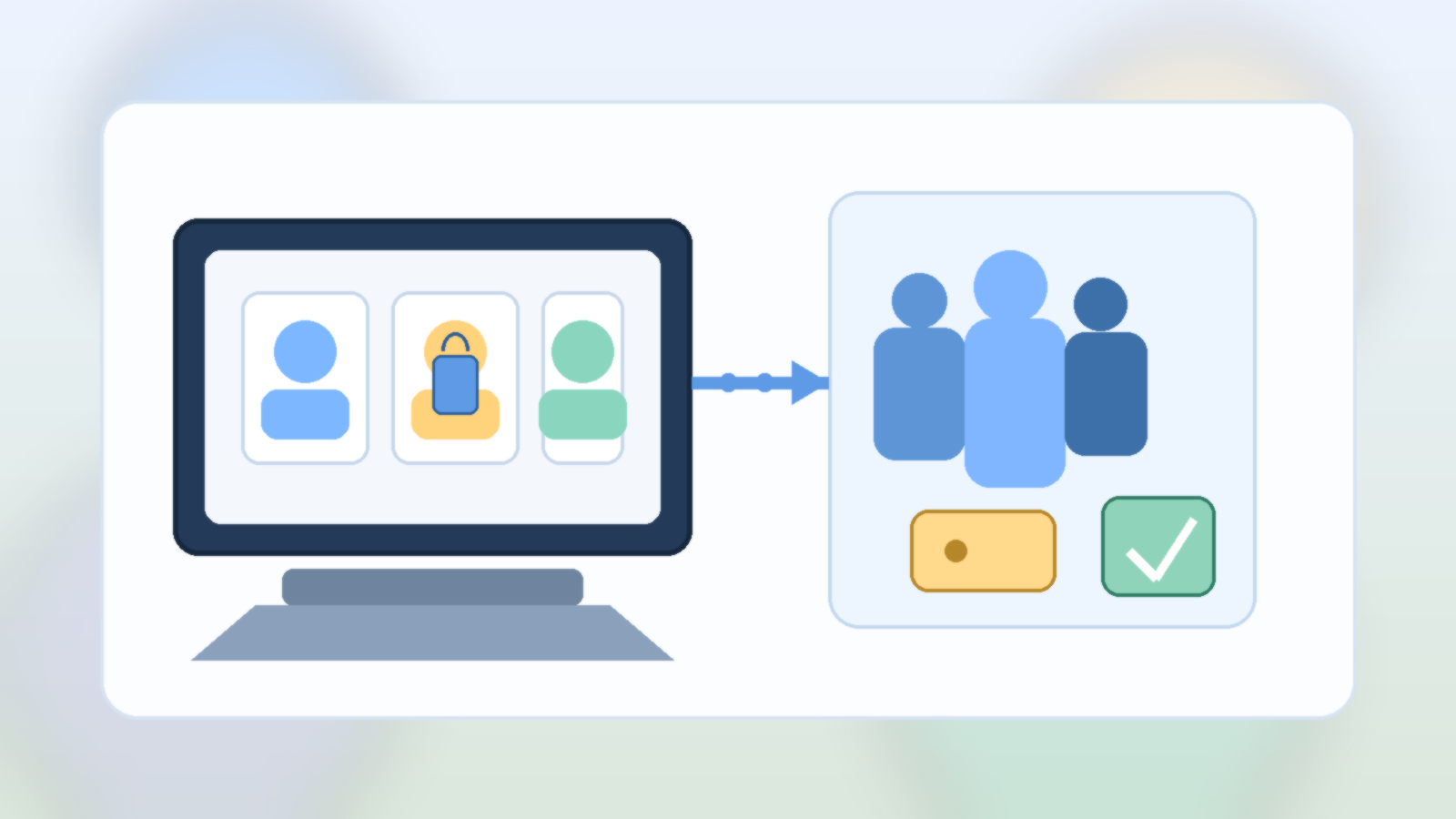
A family laptop often starts with good intentions. It sits in a kitchen, living room, or shared workspace, and everyone uses the same browser because it feels convenient. Then little problems start piling up: the wrong account stays signed in, autofill exposes private details, bookmarks turn into clutter, and one person’s search history changes what everyone else sees.
None of that feels dramatic at first, which is exactly why it gets ignored. A shared browser on a shared computer quietly mixes privacy, security, and usability into one messy pile. The easier fix is not buying more hardware. It is giving each regular user their own browser profile.
One Shared Browser Blends Too Many Digital Lives
Browsers remember a surprising amount. They keep passwords, payment suggestions, browsing history, synced tabs, extension settings, and account sessions. When a household treats all of that as communal by default, people start bumping into each other’s digital lives in ways that are awkward at best and risky at worst.
A teenager should not accidentally open a parent’s work email because the tab was still active. A spouse should not have to wonder whether saved cards are being exposed in checkout screens. Even in very trusting homes, convenience has a way of leaking more context than anyone intended to share.
Separate Profiles Clean Up the Everyday Experience
The biggest win is often practical, not philosophical. Separate profiles give each person their own bookmarks, open tabs, extensions, theme, and sign-in state. That means the browser stops feeling like a digital junk drawer and starts behaving more like a personalized workspace.
This also reduces accidental mistakes. When Alex opens the laptop, Alex sees Alex’s accounts. When a child opens it, they land in a different profile with different defaults. That small separation removes a lot of friction before it turns into confusion.
Profiles Are Also a Quiet Security Upgrade
Separate browser profiles do not replace good device security, but they do shrink the blast radius of normal family life. Saved passwords stay tied to the right person. Browser extensions for work or school do not automatically affect everyone else. Sync settings become more intentional instead of silently blending accounts together.
That matters most on laptops that move around the house or leave the house entirely. If one profile is signed in everywhere and used by everyone, a stolen or misplaced device can expose far more than the family realized. Clear profile boundaries make cleanup and account recovery less chaotic.
Create a Real Guest Option for Short-Term Use
Not every person touching the laptop needs a full profile. Visiting relatives, a babysitter helping with school pickup information, or a friend checking directions usually need temporary access, not a permanent digital footprint on the machine. Guest mode exists for a reason, and households should use it.
That keeps temporary browsing separate from the family’s regular habits while also avoiding the bad shortcut of handing someone a signed-in personal window. It is a simple boundary, but it prevents a lot of accidental exposure.
Keep the Setup Simple Enough to Stick
The best household system is one people will actually use. That usually means giving each regular user a clearly named browser profile, pinning the browser icon where everyone can find it, and explaining the difference between personal profiles and guest access in one sentence. If the rule is too complicated, people will ignore it and fall back to the shared profile out of habit.
A little setup work now prevents a lot of digital housekeeping later. The goal is not to make the family laptop feel locked down. It is to make it feel orderly, respectful, and easier for everyone to use without stepping on each other.
Final Takeaway
When a household shares one laptop, sharing one browser profile feels harmless because it is familiar. In practice, it creates unnecessary mess and avoidable privacy leaks. Separate profiles are one of those rare tech habits that improve security and convenience at the same time.
If a family computer still runs through one giant shared browser, that is an easy upgrade to fix this week. Give each person their own profile, keep guest use temporary, and let the laptop stop pretending every user is the same person.
Leave a Reply