Tag: Workload Identity

  • How to Use Microsoft Entra Workload Identities for Azure AI Without Letting Long-Lived Secrets Linger in Every Pipeline

    How to Use Microsoft Entra Workload Identities for Azure AI Without Letting Long-Lived Secrets Linger in Every Pipeline

    Long-lived secrets have a bad habit of surviving every architecture review. Teams know they should reduce them, but delivery pressure keeps pushing the cleanup to later. Then an AI workflow shows up with prompt orchestration, retrieval calls, evaluation jobs, scheduled pipelines, and a few internal helpers, and suddenly the old credential sprawl problem gets bigger instead of smaller.

    Microsoft Entra workload identities are one of the more practical ways to break that pattern in Azure. They let teams exchange trust signals for tokens instead of copying static secrets across CI pipelines, container apps, and automation jobs. That is useful, but it is not automatically safe. Federation reduces one class of risk while exposing design mistakes in scope, ownership, and lifecycle control.

    Why AI Platforms Magnify the Secret Problem

    Traditional applications often have a small set of service-to-service credentials that stay hidden behind a few stable components. Internal AI platforms are messier. A single product may touch model endpoints, search indexes, storage accounts, observability pipelines, background job runners, and external orchestration layers. If every one of those paths relies on copied client secrets, the platform quietly becomes a secret distribution exercise.

    That sprawl does not only increase rotation work. It also makes ownership harder to see. When several environments share the same app registration or when multiple jobs inherit one broad credential, nobody can answer a basic governance question quickly: which workload is actually allowed to do what? By the time that question matters during an incident or audit, the cleanup is already expensive.

    What Workload Identities Improve, and What They Do Not

    Workload identities improve the authentication path by replacing many static secrets with token exchange based on a trusted workload context. In practice, that usually means a pipeline, Kubernetes service account, containerized job, or cloud runtime proves what it is, receives a token, and uses that token to access the specific Azure resource it needs. The obvious win is that fewer long-lived credentials are left sitting in variables, config files, and build systems.

    The less obvious point is that workload identities do not solve bad authorization design. If a federated workload still gets broad rights across multiple subscriptions, resource groups, or data stores, the secretless pattern only makes that overreach easier to operate. Teams should treat federation as the front door and RBAC as the real boundary. One without the other is incomplete.

    Scope Each Trust Relationship to a Real Workload Boundary

    The most common design mistake is creating one flexible identity that many workloads can share. It feels efficient at first, especially when several jobs are managed by the same team. It is also how platforms drift into a world where staging, production, batch jobs, and evaluation tools all inherit the same permissions because the identity already exists.

    A better pattern is to scope trust relationships to real operational boundaries. Separate identities by environment, by application purpose, and by risk profile. A retrieval indexer does not need the same permissions as a deployment pipeline. A nightly evaluation run does not need the same access path as a customer-facing inference service. If two workloads would trigger different incident responses, they probably deserve different identities.

    Keep Azure AI Access Narrow and Intelligible

    Azure AI projects often connect several services at once, which makes permission creep easy to miss. A team starts by granting access to the model endpoint, then adds storage for prompt assets, then adds search, then logging, then a build pipeline that needs deployment rights. None of those changes feels dramatic on its own. Taken together, they can turn one workload identity into an all-access pass.

    The practical fix is boring in the best possible way. Give each workload the minimum rights needed for the resources it actually touches, and review that access when the architecture changes. If an inference app only needs to call a model endpoint and read from one index, it should not also hold broad write access to storage accounts or deployment configuration. Teams move faster when permissions make sense at a glance.

    Federation Needs Lifecycle Rules, Not Just Setup Instructions

    Some teams celebrate once the first federated credential works and then never revisit it. That is how stale trust relationships pile up. Repositories get renamed, pipelines change ownership, clusters are rebuilt, and internal AI prototypes quietly become semi-permanent workloads. If nobody reviews the federated credential inventory, the organization ends up with fewer secrets but a growing trust surface.

    Lifecycle controls matter here. Teams should know who owns each federated credential, what workload it serves, what environment it belongs to, and when it should be reviewed or removed. If a project is decommissioned, the trust relationship should disappear with it. Workload identity is cleaner than secret sprawl, but only if dead paths are actually removed.

    Logging Should Support Investigation Without Recreating Secret Chaos

    One benefit of workload identities is cleaner operational evidence. Authentication events can be tied to actual workloads instead of ambiguous reused credentials. That makes investigations faster when teams want to confirm which pipeline deployed a change or which scheduled job called a protected resource. For AI platforms, that clarity matters because background jobs and agent-style workflows often execute on behalf of systems rather than named humans.

    The trick is to preserve useful audit signals without turning logs into another dumping ground for sensitive detail. Teams usually need identity names, timestamps, target resources, and outcomes. They do not need every trace stream to become a verbose copy of internal prompt flow metadata. The goal is enough evidence to investigate and improve, not enough noise to hide the answer.

    Migration Works Better When You Target the Messiest Paths First

    Trying to replace every static secret in one motion usually creates friction. A better approach is to start where the pain is obvious. Pipelines with manual secret rotation, shared nonhuman accounts, container jobs that inherit copied credentials, and AI automation layers with too many environment variables are strong candidates. Those paths tend to deliver security and operational wins quickly.

    That sequencing also helps teams learn the pattern before they apply it everywhere. Once ownership, RBAC scope, review cadence, and monitoring are working for the first few workloads, the rollout becomes easier to repeat. Secretless identity is most successful when it becomes a platform habit instead of a heroic migration project.

    Final Takeaway

    Microsoft Entra workload identities are one of the cleanest ways to reduce credential sprawl in Azure AI environments, but they are not a shortcut around governance. The value comes from matching each trust relationship to a real workload boundary, keeping RBAC narrow, and cleaning up old paths before they fossilize into permanent platform debt.

    Teams that make that shift usually get two wins at once. They reduce the number of secrets lying around, and they get a clearer map of what each workload is actually allowed to do. In practice, that clarity is often worth as much as the security improvement.
  • How to Use Managed Identities in Azure Container Apps Without Leaking Secrets

    How to Use Managed Identities in Azure Container Apps Without Leaking Secrets

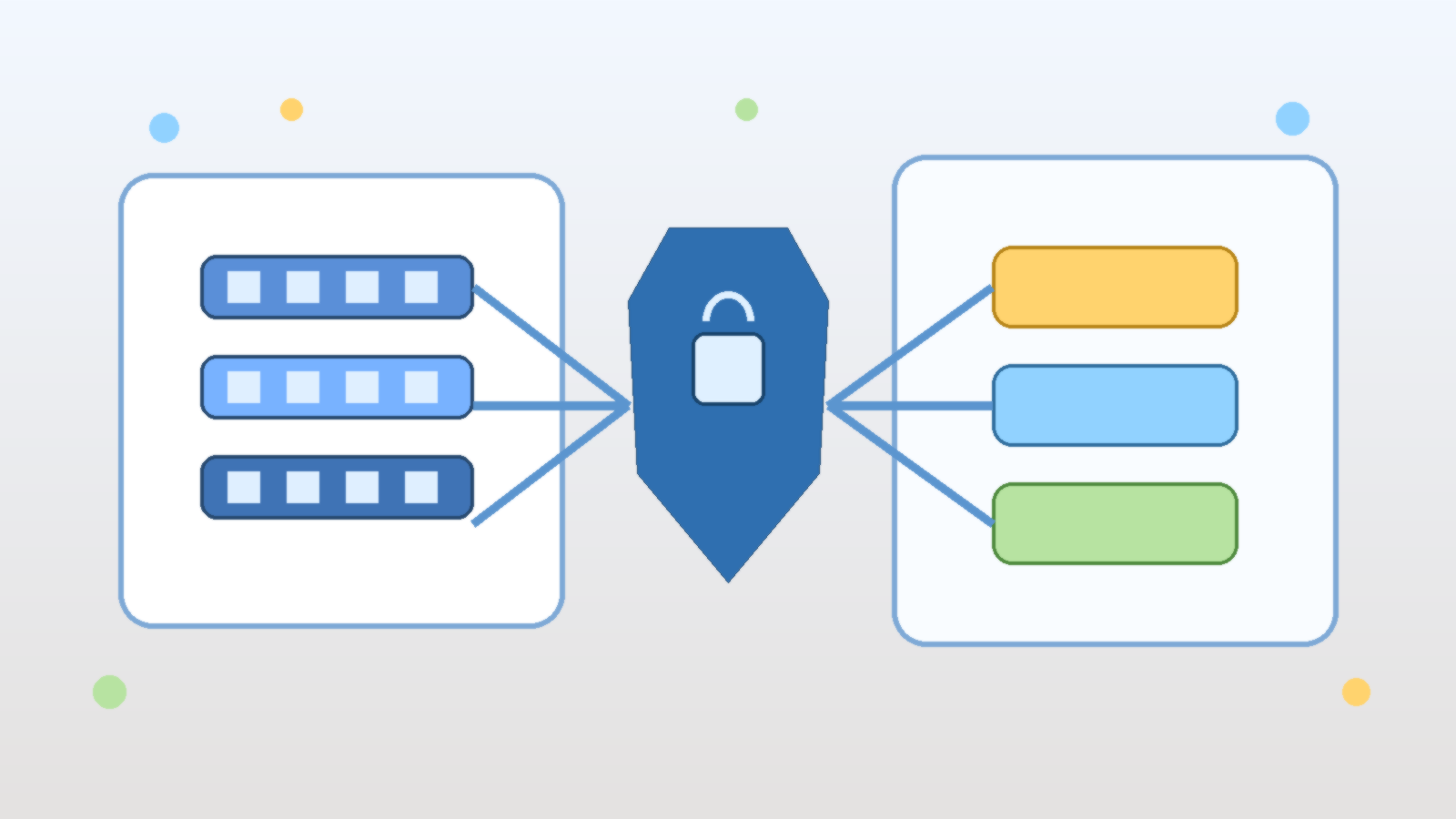
    Abstract illustration of cloud containers connecting to secured identity tokens and protected services

    Azure Container Apps give teams a fast way to run APIs, workers, and background services without managing the full Kubernetes control plane. That convenience is real, but it can create a dangerous illusion: if the deployment feels modern, the security model must already be modern too. In practice, many teams still smuggle secrets into environment variables, CI pipelines, and app settings even when the platform gives them a better option.

    The better default is to use managed identities wherever the workload needs to call Azure services. Managed identities do not eliminate every security decision, but they do remove a large class of avoidable secret handling problems. The key is to treat identity design as part of the application architecture, not as a last-minute checkbox after the container already works.

    Why Secret-Based Access Keeps Sneaking Back In

    Teams usually fall back to secrets because they are easy to understand in the short term. A developer creates a storage key, drops it into a configuration value, tests the app, and moves on. The same pattern then spreads to database connections, Key Vault access, service bus clients, and deployment scripts.

    The trouble is that secrets create long-lived trust. They get copied into local machines, build logs, variable groups, and troubleshooting notes. Once that happens, the question is no longer whether the app can reach a service. The real question is how many places now contain reusable credentials that nobody will rotate until something breaks.

    Managed Identity Changes the Default Trust Model

    A managed identity lets the Azure platform issue tokens to the workload when it needs to call another Azure resource. That means the application can request access at runtime instead of carrying a static secret around with it. For Azure Container Apps, this is especially useful because the app often needs to reach services such as Key Vault, Storage, Service Bus, Azure SQL, or internal APIs protected through Entra ID.

    This shifts the trust model in a healthier direction. Instead of protecting one secret forever, the team protects the identity boundary and the role assignments behind it. Tokens become short-lived, rotation becomes an Azure problem instead of an application problem, and accidental credential sprawl becomes much harder to justify.

    Choose System-Assigned or User-Assigned on Purpose

    Azure gives you both system-assigned and user-assigned managed identities, and the right choice depends on the workload design. A system-assigned identity is tied directly to one container app. It is simple, clean, and often the right fit when a single application has its own narrow access pattern.

    A user-assigned identity makes more sense when several workloads need the same identity boundary, when lifecycle independence matters, or when a platform team wants tighter control over how identity objects are named and reused. The mistake is not choosing one model over the other. The mistake is letting convenience decide without asking whether the identity should follow the app or outlive it.

    Grant Access at the Smallest Useful Scope

    Managed identity helps most when it is paired with disciplined authorization. If a container app only needs one secret from one vault, it should not receive broad contributor rights on an entire subscription. If it only reads from one queue, it should not be able to manage every messaging namespace in the environment.

    That sounds obvious, but broad scope is still where many implementations drift. Teams are under delivery pressure, a role assignment at the resource-group level makes the error disappear, and the temporary fix quietly becomes permanent. Good identity design means pushing back on that shortcut and assigning roles at the narrowest scope that still lets the app function.

    Do Not Confuse Key Vault With a Full Security Strategy

    Key Vault is useful, but it is not a substitute for proper identity design. Many teams improve from plain-text secrets in source control to secrets pulled from Key Vault at startup, then stop there. That is better than the original pattern, but it can still leave the application holding long-lived credentials it did not need to have in the first place.

    If the target Azure service supports Entra-based authentication directly, managed identity is usually the better path. Key Vault still belongs in the architecture for cases where a secret truly must exist, but it should not become an excuse to keep every integration secret-shaped forever.

    Plan for Local Development Without Undoing Production Hygiene

    One reason secret patterns survive is that developers want a simple local setup. That need is understandable, but the local developer experience should not quietly define the production trust model. The healthier pattern is to let developers authenticate with their own Entra identities locally, while the deployed container app uses its managed identity in Azure.

    This keeps environments honest. The code path stays aligned with token-based access, developers retain traceable permissions, and the team avoids inventing an extra pile of shared development secrets just to make the app start up on a laptop.

    Observability Matters After the First Successful Token Exchange

    Many teams stop thinking about identity as soon as the application can fetch a token and call the target service. That is too early to declare victory. You still need to know which identity the app is using, which resources it can access, how failures surface, and how role changes are reviewed over time.

    That is especially important in shared cloud environments where several apps, pipelines, and platform services evolve at once. If identity assignments are not documented and reviewable, a clean managed identity implementation can still drift into a broad trust relationship that nobody intended to create.

    Final Takeaway

    Managed identities in Azure Container Apps are not just a convenience feature. They are one of the clearest ways to reduce secret sprawl and tighten workload access without slowing teams down. The payoff comes when identity boundaries, scopes, and role assignments are designed deliberately instead of accepted as whatever finally made the deployment succeed.

    If your container app still depends on copied connection strings and long-lived credentials, the platform is already giving you a better path. Use it before those secrets become permanent infrastructure baggage.

  • How to Design Service-to-Service Authentication in Azure Without Creating Permanent Trust

    How to Design Service-to-Service Authentication in Azure Without Creating Permanent Trust

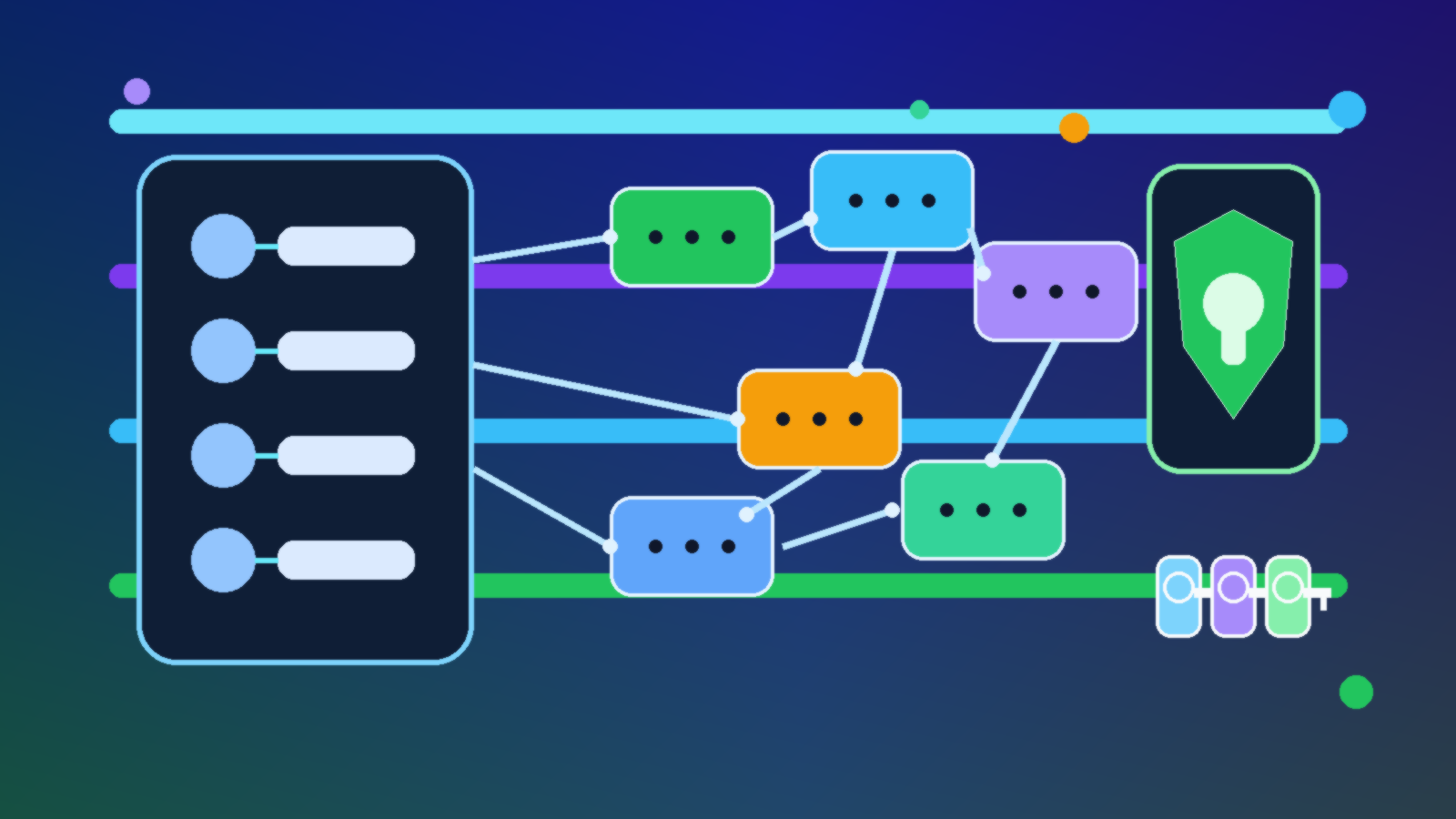
    Abstract illustration of Azure service identities, trust boundaries, and secure machine-to-machine connections

    Service-to-service authentication sounds like an implementation detail until it becomes the reason a small compromise turns into a large one. In Azure, teams often connect apps, functions, automation jobs, and data services under delivery pressure, then promise themselves they will clean up the identity model later. Later usually means a pile of permanent secrets, overpowered service principals, and trust relationships nobody wants to touch.

    The better approach is to design machine identity the same way mature teams design human access: start narrow, avoid permanent standing privilege, and make every trust decision easy to explain. Azure gives teams the building blocks for this, but the outcome still depends on architecture choices, not just feature checkboxes.

    Start With Managed Identity Before You Reach for Secrets

    If an Azure-hosted workload needs to call another Azure service, managed identity should usually be the default starting point. It removes the need to manually create, distribute, rotate, and protect a client secret in the application layer. That matters because most service-to-service failures are not theoretical cryptography problems. They are operational problems caused by credentials that live too long and spread too far.

    Managed identities are also easier to reason about during reviews. A team can inspect which workload owns the identity, which roles it has, and where those roles are assigned. That visibility is much harder to maintain when the environment is stitched together with secret values copied across pipelines, app settings, and documentation pages.

    Treat Role Scope as Part of the Authentication Design

    Authentication and authorization are tightly connected in machine-to-machine flows. A clean token exchange does not help much if the identity behind it has contributor rights across an entire subscription when it only needs to read one queue or write to one storage container. In practice, many teams solve connectivity first and least privilege later, which is how temporary shortcuts become permanent risk.

    Designing this well means scoping roles at the smallest practical boundary, using purpose-built roles when they exist, and resisting the urge to reuse one identity for multiple unrelated services. A shared service principal might look efficient in a diagram, but it makes blast radius, auditability, and future cleanup much worse.

    Avoid Permanent Trust Between Tiers

    One of the easiest traps in Azure is turning every dependency into a standing trust relationship. An API trusts a function app forever. The function app trusts Key Vault forever. A deployment pipeline trusts production resources forever. None of those decisions feel dramatic when they are made one at a time, but together they create a system where compromise in one tier becomes a passport into the next one.

    A healthier pattern is to use workload identity only where the call is genuinely needed, keep permissions resource-specific, and separate runtime access from deployment access. Build pipelines should not automatically inherit the same long-term trust that production workloads use at runtime. Those are different operational contexts and should be modeled as different identities.

    Use Key Vault to Reduce Secret Exposure, Not to Justify More Secrets

    Key Vault is useful, but it is not a license to keep designing around static secrets. Sometimes a secret is still necessary, especially when talking to external systems that do not support stronger identity patterns. Even then, the design goal should be to contain the secret, rotate it, monitor its usage, and avoid replicating it across multiple applications and environments.

    Teams get into trouble when “it is in Key Vault” becomes the end of the conversation. A secret in Key Vault can still be overexposed if too many identities can read it, if access is broader than the workload requires, or if the same credential quietly unlocks multiple systems.

    Make Machine Identity Reviewable by Humans

    Good service-to-service authentication design should survive an audit without needing tribal knowledge. Someone new to the environment should be able to answer a few basic questions: which workload owns this identity, what resources can it reach, why does it need that access, and how would the team revoke or replace it safely? If the answers live only in one engineer’s head, the design is already weaker than it looks.

    This is where naming standards, tagging, role assignment hygiene, and architecture notes matter. They are not paperwork for its own sake. They are what make machine trust understandable enough to maintain over time instead of slowly turning into inherited risk.

    Final Takeaway

    In Azure, service-to-service authentication should be designed to expire cleanly, scale narrowly, and reveal its intent clearly. Managed identity, tight role scope, separated deployment and runtime trust, and disciplined secret handling all push in that direction. The real goal is not just getting one app to talk to another. It is preventing that connection from becoming a permanent, invisible trust path that nobody remembers how to challenge.