Tag: Shadow IT

  • How to Govern AI Browser Extensions Before They Quietly See Too Much

    How to Govern AI Browser Extensions Before They Quietly See Too Much

    AI browser extensions are spreading faster than most security and identity programs can review them. Teams install writing assistants, meeting-note helpers, research sidebars, and summarization tools because they look lightweight and convenient. The problem is that many of these extensions are not lightweight in practice. They can read page content, inspect prompts, access copied text, inject scripts, and route data to vendor-hosted services while the user is already signed in to trusted business systems.

    That makes AI browser extensions a governance problem, not just a productivity choice. If an organization treats them like harmless add-ons, it can create a quiet path for sensitive data exposure inside the exact browser sessions employees use for cloud consoles, support tools, internal knowledge bases, and customer systems. The extension may only be a few megabytes, but the access it inherits can be enormous.

    The real risk is inherited context, not just the install itself

    Teams often evaluate extensions by asking whether the tool is popular or whether the permissions screen looks alarming. Those checks are better than nothing, but they miss the more important question: what can the extension see once it is running inside a real employee workflow? An AI assistant in the browser does not start from zero. It sits next to live sessions, open documents, support tickets, internal dashboards, and cloud admin portals.

    That inherited context is what turns a convenience tool into a governance issue. Even if the extension does not advertise broad data collection, it may still process content from the pages where employees spend their time. If that content includes customer records, internal policy drafts, sales notes, or security settings, the risk profile changes immediately.

    Extension review should look more like app-access review

    Most organizations already have a pattern for approving SaaS applications and connected integrations. They ask what problem the tool solves, what data it accesses, who owns the decision, and how access will be reviewed later. High-risk AI browser extensions deserve the same discipline.

    The reason is simple: they often behave like lightweight integrations that ride inside a user session instead of connecting through a formal admin consent screen. From a risk standpoint, that difference matters less than people assume. The extension can still gain access to business context, transmit data outward, and become part of an important workflow without going through the same control path as a normal application.

    Permission prompts rarely tell the whole story

    One reason extension sprawl gets underestimated is that permission prompts sound technical but incomplete. A request to read and change data on websites may be interpreted as routine browser plumbing when it should trigger a deeper review. The same is true for clipboard access, background scripts, content injection, and cloud-sync features.

    AI-specific features make that worse because the user experience often hides the data path. A summarization sidebar may send selected text to an external API. A writing helper may capture context from the current page. A meeting tool may combine browser content with calendar data or copied notes. None of that looks dramatic in the install moment, but it can be very significant once employees use it inside regulated or sensitive workflows.

    Use a tiered approval model instead of a blanket yes or no

    Organizations usually make one of two bad decisions. They either allow nearly every extension and hope endpoint controls are enough, or they ban everything and push people toward unmanaged workarounds. A tiered approval model works better because it applies friction where the exposure is real.

    Tier 1: low-risk utilities

    These are extensions with narrow functionality and no meaningful access to business data, such as cosmetic helpers or simple tab tools. They can often live in a pre-approved catalog with light oversight.

    Tier 2: workflow helpers with limited business context

    These tools interact with business systems or user content but do not obviously monitor broad browsing activity. They should require documented business justification, a quick data-handling review, and named ownership.

    Tier 3: AI and broad-access extensions

    These are the tools that can read content across sites, inspect prompts or clipboard data, inject scripts, or transmit information to vendor-hosted services for processing. They should be reviewed like connected applications, with explicit approval, revalidation dates, and clear removal criteria.

    Lifecycle management matters more than first approval

    The most common control failure is not the initial install. It is the lack of follow-up. Vendors change policies, add features, expand telemetry, or get acquired. An extension that looked narrow six months ago can evolve into a far broader data-handling tool without the organization consciously reapproving that change.

    That is why extension governance should include lifecycle events. Periodic access reviews should revisit high-risk tools. Offboarding should remove or revoke access tied to managed browsers. Role changes should trigger a check on whether the extension still makes sense for the user’s new responsibilities. Without that lifecycle view, the original approval turns into stale paperwork while the actual risk keeps moving.

    Browser policy and identity governance need to work together

    Technical enforcement still matters. Managed browsers, allowlists, signed-in profiles, and endpoint policy all reduce the chance of random installs. But technical control alone does not answer whether a tool should have been approved in the first place. That is where identity and governance processes add value.

    Before approving a high-risk AI extension, the review should capture a few facts clearly: what business problem it solves, what data it can access, whether the vendor stores or reuses submitted content, who owns the decision, and when the tool will be reviewed again. If nobody can answer those questions well, the extension is probably not ready for broad use.

    Start where the visibility gap is largest

    If the queue feels overwhelming, start with AI extensions that promise summarization, drafting, side-panel research, or inline writing help. Those tools often sit closest to sensitive content while also sending data to external services. They are the easiest place for a quiet governance gap to grow.

    The practical goal is not to kill every useful extension. It is to treat high-risk AI extensions like the business integrations they already are. When organizations do that, they keep convenience where it is safe, add scrutiny where it matters, and avoid discovering too late that a tiny browser add-on had a much bigger view into the business than anyone intended.

  • How to Review AI Connector Requests Before They Become Shadow Integrations

    How to Review AI Connector Requests Before They Become Shadow Integrations

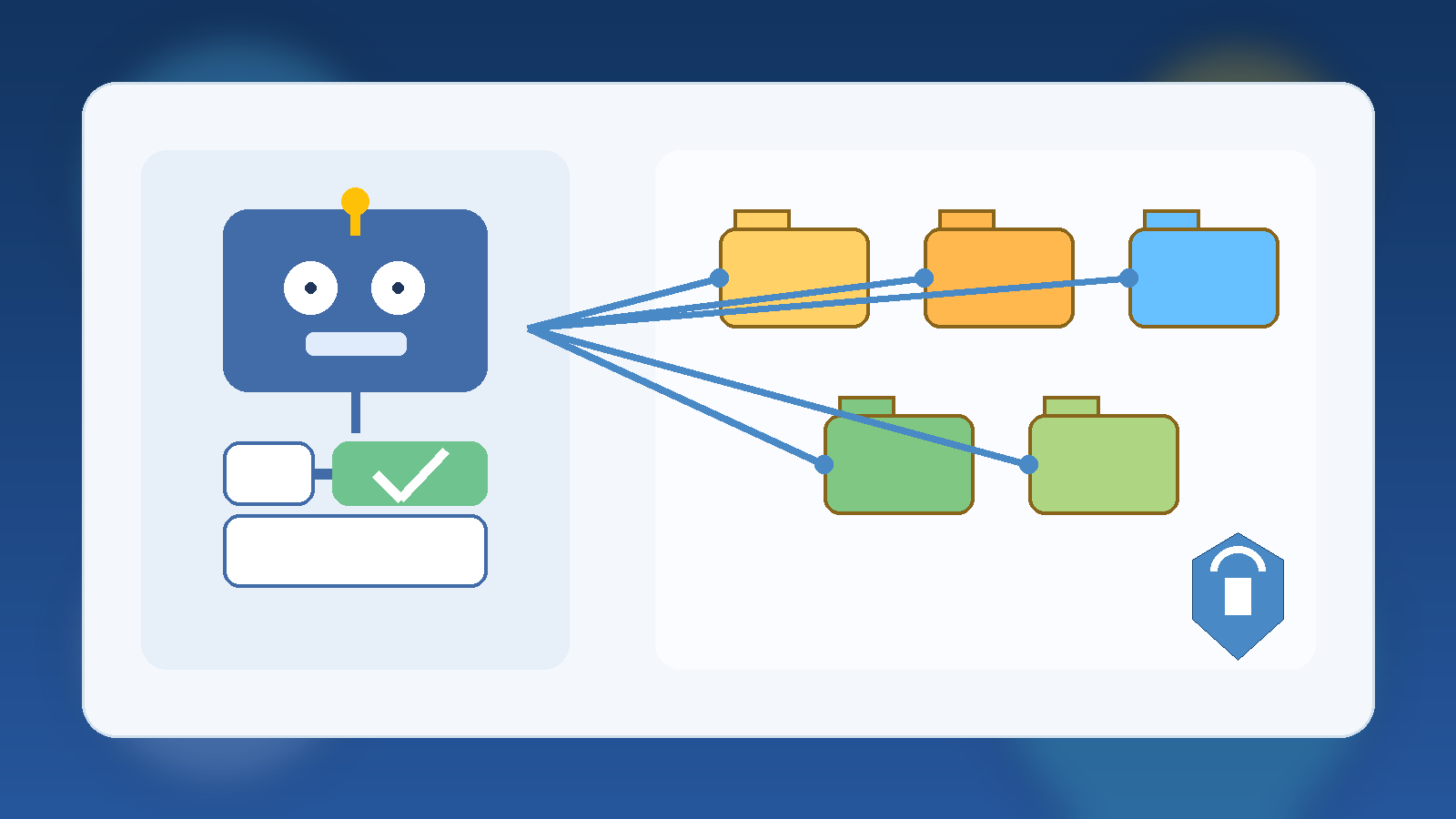
    Abstract teal and blue illustration of connected systems with gated pathways and glowing nodes

    AI platforms become much harder to govern once every team starts asking for a new connector, plugin, webhook, or data source. On paper, each request sounds reasonable. A sales team wants the assistant to read CRM notes. A support team wants ticket summaries pushed into chat. A finance team wants a workflow that can pull reports from a shared drive and send alerts when numbers move. None of that sounds dramatic in isolation, but connector sprawl is how many internal AI programs drift from controlled enablement into shadow integration territory.

    The problem is not that connectors are bad. The problem is that every connector quietly expands trust. It creates a new path for prompts, context, files, tokens, and automated actions to cross system boundaries. If that path is approved casually, the organization ends up with an AI estate that is technically useful but operationally messy. Reviewing connector requests well is less about saying no and more about making sure each new integration is justified, bounded, and observable before it becomes normal.

    Start With the Business Action, Not the Connector Name

    Many review processes begin too late in the stack. Teams ask whether a SharePoint connector, Slack app, GitHub integration, or custom webhook should be allowed, but they skip the more important question: what business action is the connector actually supposed to support? That distinction matters because the same connector can represent very different levels of risk depending on what the AI system will do with it.

    Reading a controlled subset of documents for retrieval is one thing. Writing comments, updating records, triggering deployments, or sending data into another system is another. A solid review starts by defining whether the request is for read access, write access, administrative actions, scheduled automation, or some mix of those capabilities. Once that is clear, the rest of the control design gets easier because the conversation is grounded in operational intent instead of vendor branding.

    Map the Data Flow Before You Debate the Tooling

    Connector reviews often get derailed into product debates. People compare features, ease of setup, and licensing before anyone has clearly mapped where the data will move. That is backwards. Before approving an integration, document what enters the AI system, what leaves it, where it is stored, what logs are created, and which human or service identity is responsible for each step.

    This data-flow view usually reveals the hidden risk. A connector that looks harmless may expose internal documents to a model context window, write generated summaries into a downstream system, or keep tokens alive longer than the requesting team expects. Even when the final answer is yes, the organization is better off because the integration boundary is visible instead of implied.

    Separate Retrieval Access From Action Permissions

    One of the most common connector mistakes is bundling retrieval and action privileges together. Teams want an assistant that can read system state and also take the next step, so they grant a single integration broad permissions for convenience. That makes troubleshooting harder and raises the blast radius when the workflow misfires.

    A better design separates passive context gathering from active change execution. If the assistant needs to read documentation, tickets, or dashboards, give it a read-scoped path that is isolated from write-capable automations. If a later step truly needs to update data or trigger a workflow, treat that as a separate approval and identity decision. This split does not eliminate risk, but it makes the control boundary much easier to reason about and much easier to audit.

    Review Whether the Connector Creates a New Trust Shortcut

    A connector request should trigger one simple but useful question: does this create a shortcut around an existing control? If the answer is yes, the request deserves more scrutiny. Many shadow integrations do not look like security exceptions at first. They look like productivity improvements that happen to bypass queueing, peer review, role approval, or human sign-off.

    For example, a connector might let an AI workflow pull documents from a repository that humans can access only through a governed interface. Another might let generated content land in a production system without the normal validation step. A third might quietly centralize access through a service account that sees more than any individual requester should. These patterns are dangerous because the integration becomes the easiest path through the environment, and the easiest path tends to become the default path.

    Make Owners Accountable for Lifecycle, Not Just Setup

    Connector approvals often focus on initial setup and ignore the long tail. That is how stale integrations stay alive long after the original pilot ends. Every approved connector should have a clearly named owner, a business purpose, and a review point that forces the team to justify why the integration still exists.

    This is especially important for AI programs because experimentation moves quickly. A connector that made sense during a proof of concept may no longer fit the architecture six weeks later, but it remains in place because nobody wants to untangle it. Requiring an owner and a review date changes that habit. It turns connector approval from a one-time permission event into a maintained responsibility.

    Require Logging That Explains the Integration, Not Just That It Ran

    Basic activity logs are not enough for connector governance. Knowing that an API call happened is useful, but it does not tell reviewers why the integration exists, what scope it was supposed to have, or whether the current behavior still matches the original approval. Good connector governance needs enough logging and metadata to explain intent as well as execution.

    That usually means preserving the requesting team, approved use case, identity scope, target systems, and review history alongside the technical logs. Without that context, investigators end up reconstructing decisions after an incident from scattered tickets and half-remembered assumptions. With that context, unusual activity stands out faster because reviewers can compare the current behavior to a defined operating boundary.

    Standardize a Small Review Checklist So Speed Does Not Depend on Memory

    The healthiest connector programs do not rely on one security person or one platform architect remembering every question to ask. They use a small repeatable checklist. The checklist does not need to be bureaucratic to be effective. It just needs to force the team to answer the same core questions every time.

    A practical checklist usually covers the business purpose, read versus write scope, data sensitivity, token storage method, logging expectations, expiration or review date, owner, fallback behavior, and whether the connector bypasses an existing control path. That is enough structure to catch bad assumptions without slowing every request to a halt. If the integration is genuinely low risk, the checklist makes approval easier. If the integration is not low risk, the gaps show up early.

    Final Takeaway

    AI connector sprawl is rarely caused by one reckless decision. It usually grows through a long series of reasonable-sounding approvals that nobody revisits. That is why connector governance should focus on trust boundaries, data flow, action scope, and lifecycle ownership instead of treating each request as a simple tooling choice.

    If you review connector requests by business action, separate retrieval from execution, watch for new trust shortcuts, and require visible ownership over time, you can keep AI integrations useful without letting them become a shadow architecture. The goal is not to block every connector. The goal is to make sure every approved connector still makes sense when someone looks at it six months later.

  • How to Keep Internal AI Tools From Becoming Shadow IT

    How to Keep Internal AI Tools From Becoming Shadow IT

    Internal AI tools usually start with good intentions. A team wants faster summaries, better search, or a lightweight assistant that understands company documents. Someone builds a prototype, people like it, and adoption jumps before governance catches up.

    That is where the risk shows up. An internal AI tool can feel small because it lives inside the company, but it still touches sensitive data, operational workflows, and employee trust. If nobody owns the boundaries, the tool can become shadow IT with better marketing.

    Speed Without Ownership Creates Quiet Risk

    Fast internal adoption often hides basic unanswered questions. Who approves new data sources? Who decides whether the system can take action instead of just answering questions? Who is on the hook when the assistant gives a bad answer about policy, architecture, or customer information?

    If those answers are vague, the tool is already drifting into shadow IT territory. Teams may trust it because it feels useful, while leadership assumes someone else is handling the risk. That gap is how small experiments grow into operational dependencies with weak accountability.

    Start With a Clear Operating Boundary

    The strongest internal AI programs define a narrow first job. Maybe the assistant can search approved documentation, summarize support notes, or draft low-risk internal content. That is a much healthier launch point than giving it broad access to private systems on day one.

    A clear boundary makes review easier because people can evaluate a real use case instead of a vague promise. It also gives the team a chance to measure quality and failure modes before the system starts touching higher-risk workflows.

    Decide Which Data Is In Bounds Before People Ask

    Most governance trouble shows up around data, not prompts. Employees will naturally ask the tool about contracts, HR issues, customer incidents, pricing notes, and half-finished strategy documents if the interface allows it. If the system has access, people will test the edge.

    That means teams should define approved data sources before broad rollout. It helps to write the rule in plain language: what the assistant may read, what it must never ingest, and what requires an explicit review path first. Ambiguity here creates avoidable exposure.

    Give the Tool a Human Escalation Path

    Internal AI should not pretend it can safely answer everything. When confidence is low, policy is unclear, or a request would trigger a sensitive action, the system needs a graceful handoff. That might be a support queue, a documented owner, or a clear instruction to stop and ask a human reviewer.

    This matters because trust is easier to preserve than repair. People can accept a tool that says, “I am not the right authority for this.” They lose trust quickly when it sounds confident and wrong in a place where accuracy matters.

    Measure More Than Usage

    Adoption charts are not enough. A healthy internal AI program also watches for error patterns, risky requests, stale knowledge, and the amount of human review still required. Those signals reveal whether the tool is maturing into infrastructure or just accumulating unseen liabilities.

    • Track which sources the assistant relies on most often.
    • Review failed or escalated requests for patterns.
    • Check whether critical guidance stays current after policy changes.
    • Watch for teams using the tool outside its original scope.

    That kind of measurement keeps leaders grounded in operational reality. It shifts the conversation from “people are using it” to “people are using it safely, and we know where it still breaks.”

    Final Takeaway

    Internal AI tools do not become shadow IT because teams are reckless. They become shadow IT because usefulness outruns ownership. The cure is not endless bureaucracy. It is clear scope, defined data boundaries, accountable operators, and a visible path for human review when the tool reaches its limits.

    If an internal assistant is becoming important enough that people depend on it, it is important enough to govern like a real system.