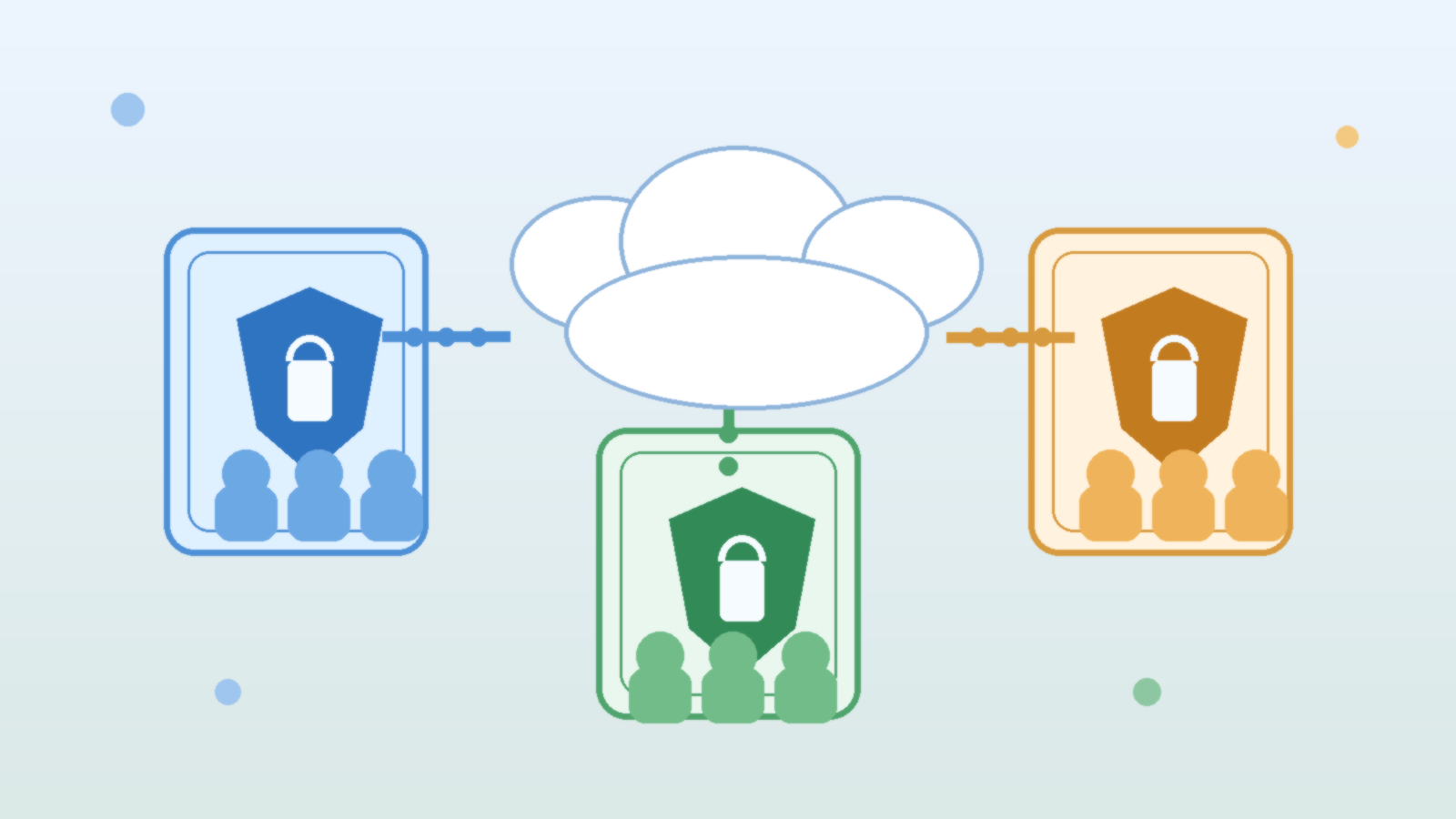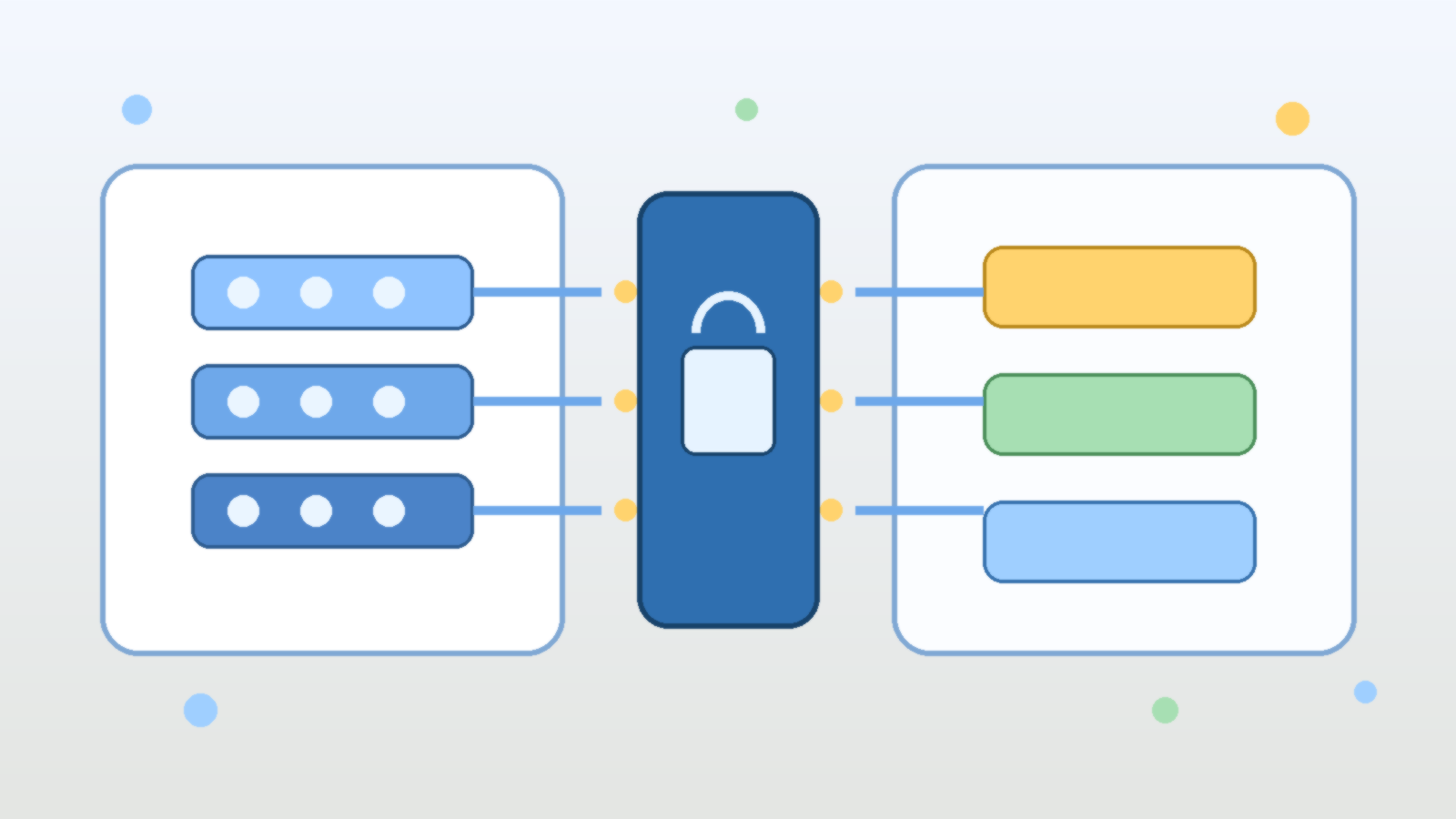
AI teams often start in a sandbox subscription for the right reasons. They want to experiment quickly, compare models, test retrieval flows, and try new automation patterns without waiting for every enterprise control to be polished. The problem is that many sandboxes quietly accumulate permanent exceptions. A temporary test environment gets a broad managed identity, a permissive network path, a storage account full of copied data, and a deployment template that nobody ever revisits. A few months later, the sandbox is still labeled non-production, but it has become one of the easiest ways to reach production-adjacent systems.
Azure Policy is one of the best tools for stopping that drift before it becomes normal. Used well, it gives platform teams a way to define what is allowed in AI sandbox subscriptions, what must be tagged and documented, and what should be blocked outright. It does not replace identity design, network controls, or human approval. What it does provide is a practical way to enforce the baseline rules that keep an experimental environment from turning into a permanent loophole.
Why AI Sandboxes Drift Faster Than Other Cloud Environments
Most sandbox subscriptions are created to remove friction. That is exactly why they become risky. Teams add resources quickly, often with broad permissions and short-term workarounds, because speed is the point. In AI projects, this problem gets worse because experimentation often crosses several control domains at once. A single proof of concept may involve model endpoints, storage, search indexes, document ingestion, secret retrieval, notebooks, automation accounts, and outbound integrations.
If there is no policy guardrail, each convenience decision feels harmless on its own. Over time, though, the subscription starts to behave like a shadow platform. It may contain production-like data, long-lived service principals, public endpoints, or copy-pasted network rules that were never meant to survive the pilot stage. At that point, calling it a sandbox is mostly a naming exercise.
Start by Defining What a Sandbox Is Allowed to Be
Before writing policy assignments, define the operating intent of the subscription. A sandbox is not simply a smaller production environment. It is a place for bounded experimentation. That means its controls should be designed around expiration, isolation, and reduced blast radius.
For example, you might decide that an AI sandbox subscription may host temporary model experiments, retrieval prototypes, and internal test applications, but it may not store regulated data, create public IP addresses without exception review, peer directly into production virtual networks, or run identities with tenant-wide privileges. Azure Policy works best after those boundaries are explicit. Without that clarity, teams usually end up writing rules that are either too weak to matter or so broad that engineers immediately look for ways around them.
Use Deny Policies for the Few Things That Should Never Be Normal
The strongest Azure Policy effect is `deny`, and it should be used carefully. If you try to deny everything interesting, developers will hate the environment and the policy set will collapse under exception pressure. The better approach is to reserve deny policies for the patterns that should never become routine in an AI sandbox.
A good example is preventing unsupported regions, blocking unrestricted public IP deployment, or disallowing resource types that create uncontrolled paths to sensitive systems. You can also deny deployments that are missing required tags such as data classification, owner, expiration date, and business purpose. These controls are useful because they stop the easiest forms of drift at creation time instead of relying on cleanup later.
Use Audit and Modify to Improve Behavior Without Freezing Experimentation
Not every control belongs in a hard block. Some are better handled with `audit`, `auditIfNotExists`, or `modify`. Those effects help teams see drift and correct it while still leaving room for legitimate testing. In AI sandbox subscriptions, this is especially helpful for operational hygiene.
For instance, you can audit whether diagnostic settings are enabled, whether Key Vault soft delete is configured, whether storage accounts restrict public access, or whether approved tags are present on inherited resources. The `modify` effect can automatically add or normalize tags when the fix is straightforward. That gives engineers useful feedback without turning every experiment into a support ticket.
Treat Network Exposure as a Policy Question, Not Just a Security Review Question
AI teams often focus on model quality first and treat network design as something to revisit later. That is how sandbox environments end up with public endpoints, broad firewall exceptions, and test services that are reachable from places they should never be reachable from.
Azure Policy can help force the right conversation earlier. You can use it to restrict which SKUs, networking modes, or public access settings are allowed for storage, databases, and other supporting services. You can also audit or deny resources that are created outside approved network patterns. This matters because many AI risks do not come from the model itself. They come from the surrounding infrastructure that moves prompts, files, embeddings, and results across environments with too little friction.
Require Expiration Signals So Temporary Environments Actually Expire
One of the most practical sandbox controls is also one of the least glamorous: require an expiration tag and enforce follow-up around it. Temporary environments rarely disappear on their own. They survive because nobody is clearly accountable for cleaning them up, and because the original test work slowly becomes an unofficial dependency.
A policy initiative can require tags such as `ExpiresOn`, `Owner`, and `WorkloadStage`, then pair those tags with reporting or automation outside Azure Policy. The value here is not the tag itself. The value is that a sandbox subscription becomes legible. Reviewers can quickly see whether a deployment still has a business reason to exist, and platform teams can spot old experiments before they turn into permanent access paths.
Keep Exceptions Visible and Time Bound
Every policy program eventually needs exceptions. The mistake is treating exceptions as invisible administrative work instead of as security-relevant decisions. In AI environments, exceptions often involve high-impact shortcuts such as broader outbound access, looser identity permissions, or temporary access to sensitive datasets.
If you grant an exception, record why it exists, who approved it, what resources it covers, and when it should end. Even if Azure Policy itself is not the system of record for exception governance, your policy model should assume that exceptions are time-bound and reviewable. Otherwise the exception process becomes a slow-motion replacement for the standard.
Build Policy Sets Around Real AI Platform Patterns
The cleanest policy design usually comes from grouping controls into a small number of understandable initiatives instead of dumping dozens of unrelated rules into one assignment. For AI sandbox subscriptions, that often means separating controls into themes such as data handling, network exposure, identity hygiene, and lifecycle governance.
That structure helps in two ways. First, engineers can understand what a failed deployment is actually violating. Second, platform teams can tune controls over time without turning every policy update into a mystery. Good governance is easier to maintain when teams can say, with a straight face, which initiative exists to control which class of risk.
Final Takeaway
Azure Policy will not make an AI sandbox safe by itself. It will not fix bad role design, weak approval paths, or careless data handling. What it can do is stop the most common forms of cloud drift from becoming normal operating practice. That is a big deal, because most AI security problems in the cloud do not begin with a dramatic breach. They begin with a temporary shortcut that nobody removed.
If you want sandbox subscriptions to stay useful without becoming production backdoors, define the sandbox operating model first, deny only the patterns that should never be acceptable, audit the rest with intent, and make expiration and exceptions visible. That is how experimentation stays fast without quietly rewriting your control boundary.