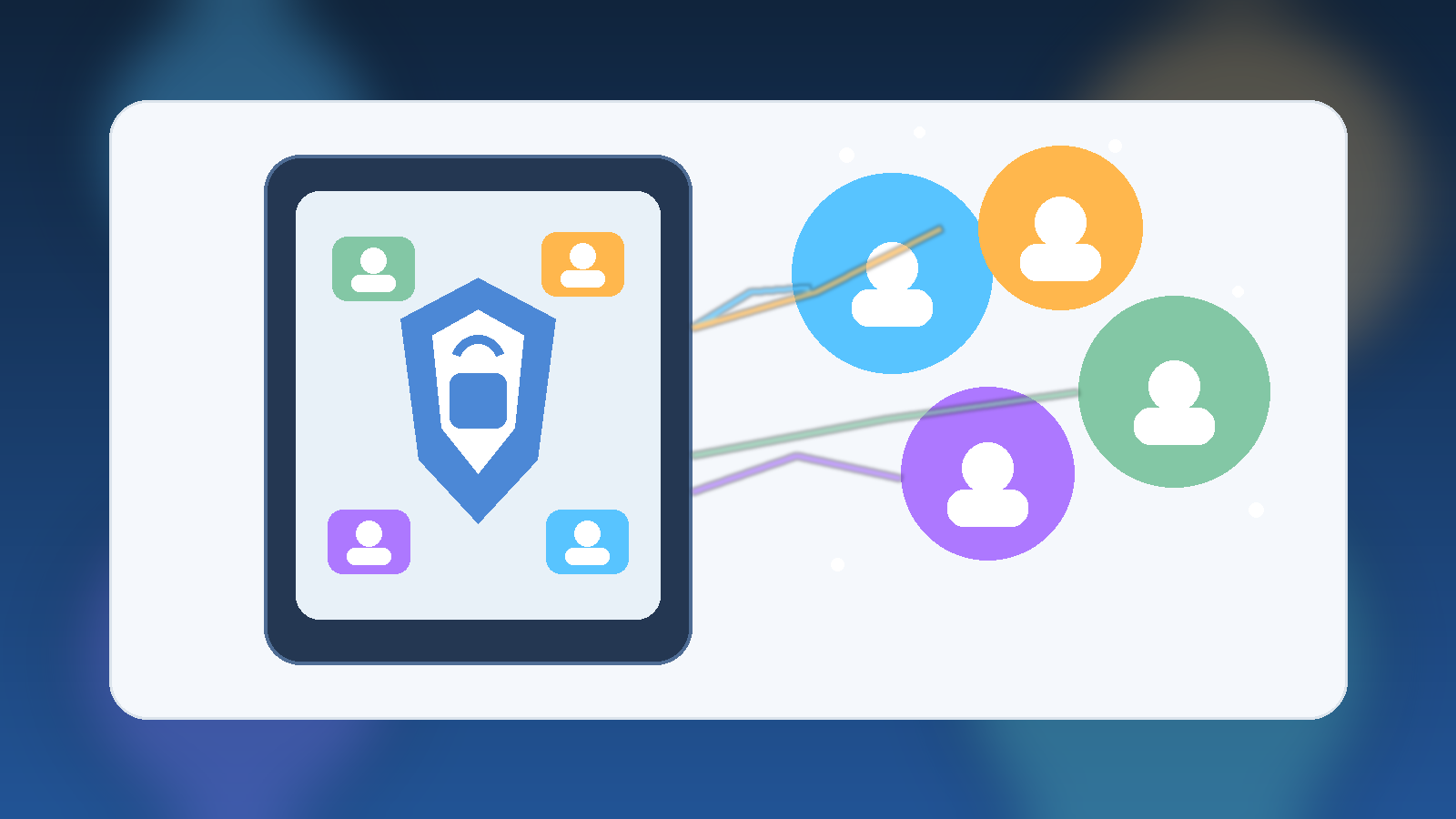
Shared tablets sound convenient because one screen can handle school apps, games, streaming, homework, video calls, and quick web searches. The problem is that convenience often hides a messy mix of permissions, saved logins, accidental purchases, and private data crossing between adults and kids. When one device serves everyone, the safest default is not a single shared identity. It is separate profiles with clear boundaries.
That setup does not need to be complicated. In fact, separate profiles are one of the simplest ways to make a family device feel less chaotic. They reduce privacy mistakes, make parental controls more realistic, and prevent a small convenience decision from becoming a security problem later.
A Shared Screen Does Not Need Shared Access
Families often treat a tablet like a kitchen appliance: if it is sitting on the counter, anyone can use it. That mindset is understandable, but software accounts do not work like toaster buttons. A signed-in email app, a cloud photo library, or a shopping account can expose far more than most people realize. Once a device starts remembering logins, payment methods, and recent activity, it is no longer just a neutral screen.
Separate profiles restore the idea that each person should only see what they actually need. A parent profile can hold administrative settings, payment methods, and private communication. A child profile can limit app access, hide account settings, and keep browsing or watch history from mixing into adult accounts. The device is still shared, but access is no longer blurry.
Profiles Prevent Small Mistakes From Turning Into Bigger Problems
Many family tech headaches are not dramatic hacks. They are ordinary slips: a child opens a work chat, installs the wrong app, deletes photos, buys in-game currency, or taps through a permission prompt without understanding it. Those moments happen because the active session has too much power.
Profile separation limits the blast radius. If a child profile cannot modify system settings, view adult email, or access a saved payment card, then the mistake stays small. That matters because good security is usually less about perfect behavior and more about containing inevitable human error.
Parental Controls Work Better When They Match a Real User
Parents sometimes try to enforce rules on a fully shared device and then wonder why the system feels inconsistent. The answer is simple: most controls are built around the idea of a specific user, not an honor system. Screen time limits, app approvals, content filters, and age-based restrictions work far better when the device knows which person is using it.
That does not mean every family needs an elaborate device management strategy. It means the controls should attach to the child profile instead of the whole tablet. Otherwise adults end up fighting the same restrictions, or children inherit full access because disabling a setting is easier than managing it properly.
Privacy Matters Even Inside a Household
Families trust each other, but trust is not the same thing as universal access. Adults may have private health messages, banking notifications, work documents, or personal photos on the device. Kids may have school accounts, classroom messages, or saved projects that also deserve some separation. A healthy family tech setup respects that different people can share a home without sharing every account and every notification.
This is especially important on tablets because they move around the house casually. A device used on the couch, at the table, in the car, and during travel creates more opportunities for someone to pick it up mid-session. A dedicated profile makes that handoff much safer than relying on everyone to remember which apps are off limits.
Use a Strong Adult PIN and a Simpler Daily Routine
Separate profiles are most effective when the adult or administrator profile has a real lock on it. That means a strong PIN, passcode, or biometric requirement for settings changes, new purchases, and account management. Without that second step, a child can still wander into the administrative side of the device the moment curiosity beats caution.
At the same time, the daily routine should stay simple. Families are more likely to keep a secure setup if switching profiles is quick and predictable. The goal is not friction for its own sake. The goal is putting friction only around the actions that actually matter, such as spending money, changing restrictions, or opening private accounts.
A Good Setup Usually Includes These Basics
Most households do not need an advanced checklist, but a few defaults make a big difference:
- Create a distinct child or guest profile instead of sharing the adult account.
- Keep purchases, account changes, and system settings behind the adult PIN.
- Turn on age-appropriate app restrictions and content filters for the child profile.
- Use separate browsers or profile-specific browsing history where possible.
- Review installed apps occasionally so the profile does not quietly drift into full-access mode.
Those steps are not flashy, but they address the common failure modes families actually run into. More importantly, they are sustainable. A security habit that survives ordinary life is worth more than a perfect setup nobody maintains.
Final Takeaway
Shared family tablets work best when the hardware is communal but the access is personal. Separate profiles create clearer boundaries, better parental controls, and fewer accidental privacy or spending mistakes. They also make the device easier to manage because each user gets the experience that fits them instead of one overloaded account trying to serve everyone.
If a household uses one tablet for many jobs, separate profiles are not overkill. They are the practical baseline that keeps a convenient device from becoming a sloppy one.