Tag: operations

  • Azure Cost Reviews That Actually Work: A Weekly Checklist for Real Teams

    Azure Cost Reviews That Actually Work: A Weekly Checklist for Real Teams

    Most cost reviews fail because they happen too late and ask the wrong questions. A useful Azure cost review should be short, repeatable, and tied to actions the team can actually take that week.

    Start with the Biggest Movers

    The first step is not reviewing every single line item. Start by identifying the services, subscriptions, or resource groups that changed the most since the last review. Large movement usually tells a more useful story than absolute totals alone.

    This keeps the meeting focused. It is easier to explain a spike or drop when the change is recent and visible.

    Check for Idle or Mis-Sized Compute

    Compute is still one of the easiest places to waste money. Review virtual machines, node pools, and app services that are oversized or left running around the clock without a business reason.

    Even small rightsizing actions compound over time, especially across multiple environments.

    Review Storage Growth Before It Becomes Normal

    Storage growth often slips through because it feels harmless in the beginning. But backup copies, snapshots, logs, and old artifacts accumulate quietly until they become a meaningful part of the bill.

    A weekly check keeps this from turning into a quarterly surprise.

    Ask Which Spend Was Intentional

    Not every cost increase is bad. Some increases are the result of successful launches or higher demand. The real goal is separating intentional spend from accidental spend.

    That framing keeps the conversation practical and avoids treating every increase like a mistake.

    End Every Review with Assignments

    A cost review without owners is just reporting. Every flagged item should leave the meeting with a named person, an expected action, and a deadline for follow-up.

    This is what turns FinOps from a slide deck activity into an operational habit.

    Final Takeaway

    The best Azure cost review is not long or dramatic. It is a weekly routine that catches waste early, separates signal from noise, and leads to specific decisions.
  • When AI Automation Fails Quietly: 5 Warning Signs Teams Miss

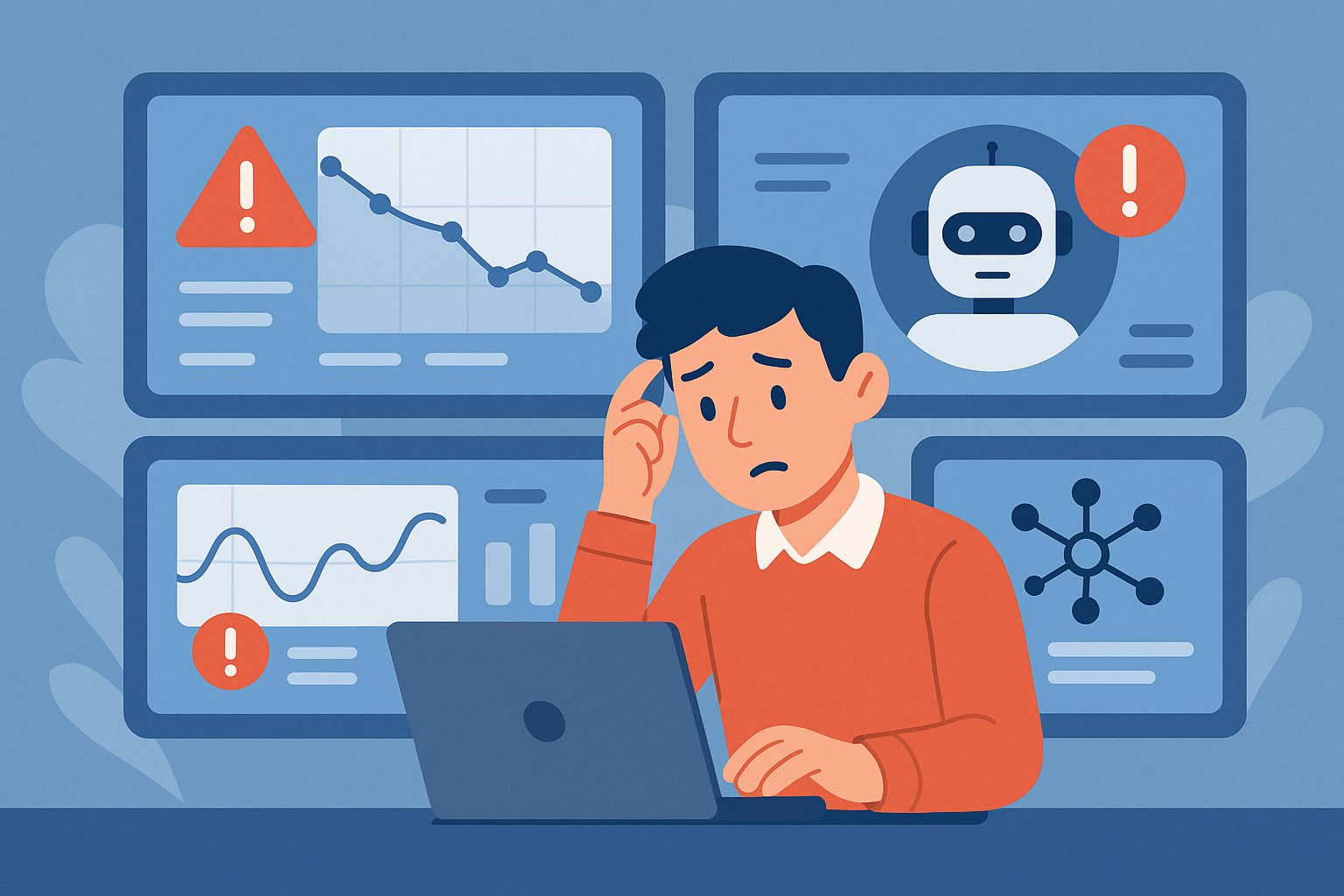
    When AI Automation Fails Quietly: 5 Warning Signs Teams Miss

    AI automation does not always fail in dramatic ways. Sometimes it keeps running while quietly producing weaker results, missing edge cases, or increasing hidden operational risk. That kind of failure is especially dangerous because teams often notice it only after trust is already damaged.

    1) Output Quality Drifts Without Obvious Errors

    One of the first warning signs is that the system still appears healthy, but the work product slowly gets worse. Summaries become less precise, extracted data needs more cleanup, or drafted responses sound less helpful. Because nothing is crashing, these issues can hide in plain sight.

    This is why quality sampling matters. If no one reviews real outputs regularly, gradual decline can continue for weeks before anyone recognizes the pattern.

    2) Human Overrides Start Increasing

    When operators begin correcting the system more often, that is a signal. Even if those corrections are small, the rising override rate often means the automation is no longer saving as much time as expected.

    Teams should track override frequency the same way they track uptime. A stable system is not just available. It is useful without constant repair.

    3) Latency and Cost Rise Together

    If response time gets slower while costs climb, there is usually an underlying design issue. It may be unnecessary tool calls, bloated prompts, weak routing logic, or too much reliance on large models for simple tasks.

    That combination often appears before an obvious outage. Watching cost and latency together gives a much clearer picture than either metric alone.

    4) Edge Cases Get Handled Inconsistently

    A healthy automation system should fail in understandable ways. If the same unusual input sometimes works and sometimes breaks, the workflow is probably more brittle than it looks.

    Inconsistency is often a warning that the prompt, retrieval, or tool orchestration is under-specified. It usually means the system needs clearer guardrails, not just more model power.

    5) Teams Stop Trusting the System

    Once users start saying they need to double-check everything, the system has already crossed into a danger zone. Trust is expensive to rebuild. Even a technically functional workflow can become operationally useless if nobody believes it anymore.

    That is why AI reliability should be measured in business confidence as well as raw task completion.

    Final Takeaway

    Quiet failures are often more damaging than loud ones. The best defense is not blind optimism. It is regular review, clear metrics, and fast correction loops before small problems become normal behavior.

  • Cloud Governance That Scales: 7 Rules Practical Teams Follow

    Cloud Governance That Scales: 7 Rules Practical Teams Follow

    Cloud governance works best when it is boring, consistent, and hard to bypass. The strongest teams focus on repeatable rules instead of heroic cleanup efforts.

    Seven Practical Rules

    • Every resource needs an owner
    • Tagging is enforced, not suggested
    • Budgets are visible by team
    • Identity is reviewed regularly
    • Logging has named responders
    • Policies are versioned
    • Exceptions expire automatically

    Why This Matters

    Governance is what turns a growing cloud estate into an operating system instead of a pile of subscriptions and surprises.