Many teams adopt Azure AI Foundry because it gives developers a faster way to test prompts, models, connections, and evaluation flows. That speed is useful, but it also creates a governance problem if every project is allowed to reach the same production data sources and shared AI infrastructure. A platform can look organized on paper while still letting experiments quietly inherit more access than they need.
Azure AI Foundry projects work best when they are treated as scoped workspaces, not as automatic passports to production. The point is not to make experimentation painful. The point is to make sure early exploration stays useful without turning into a side door around the controls that protect real systems.
Start by Separating Experiment Spaces From Production Connected Resources
The first mistake many teams make is wiring proof-of-concept projects straight into the same indexes, storage accounts, and model deployments that support production workloads. That feels efficient in the short term because nothing has to be duplicated. In practice, it means any temporary test can inherit permanent access patterns before the team has even decided whether the project deserves to move forward.
A better pattern is to define separate resource boundaries for experimentation. Use distinct projects, isolated backing resources where practical, and clearly named nonproduction connections for early work. That gives developers room to move while making it obvious which assets are safe for exploration and which ones require a more formal release path.
Use Identity Groups to Control Who Can Create, Connect, and Approve
Foundry governance gets messy when every capable builder is also allowed to create connectors, attach shared resources, and invite new collaborators without review. The platform may still technically require sign-in, but that is not the same thing as having meaningful boundaries. If all authenticated users can expand a project’s reach, the workspace becomes a convenient way to normalize access drift.
It is worth separating roles for project creation, connection management, and production approval. A developer may need freedom to test prompts and evaluations without also being able to bind a project to sensitive storage or privileged APIs. Identity groups and role assignments should reflect that difference so the platform supports real least privilege instead of assuming good intentions will do the job.
Require Clear Promotion Steps Before a Project Can Touch Production Data
One reason AI platforms sprawl is that successful experiments often slide into operational use without a clean transition point. A project starts as a harmless test, becomes useful, then gradually begins pulling better data, handling more traffic, or influencing a real workflow. By the time anyone asks whether it is still an experiment, it is already acting like a production service.
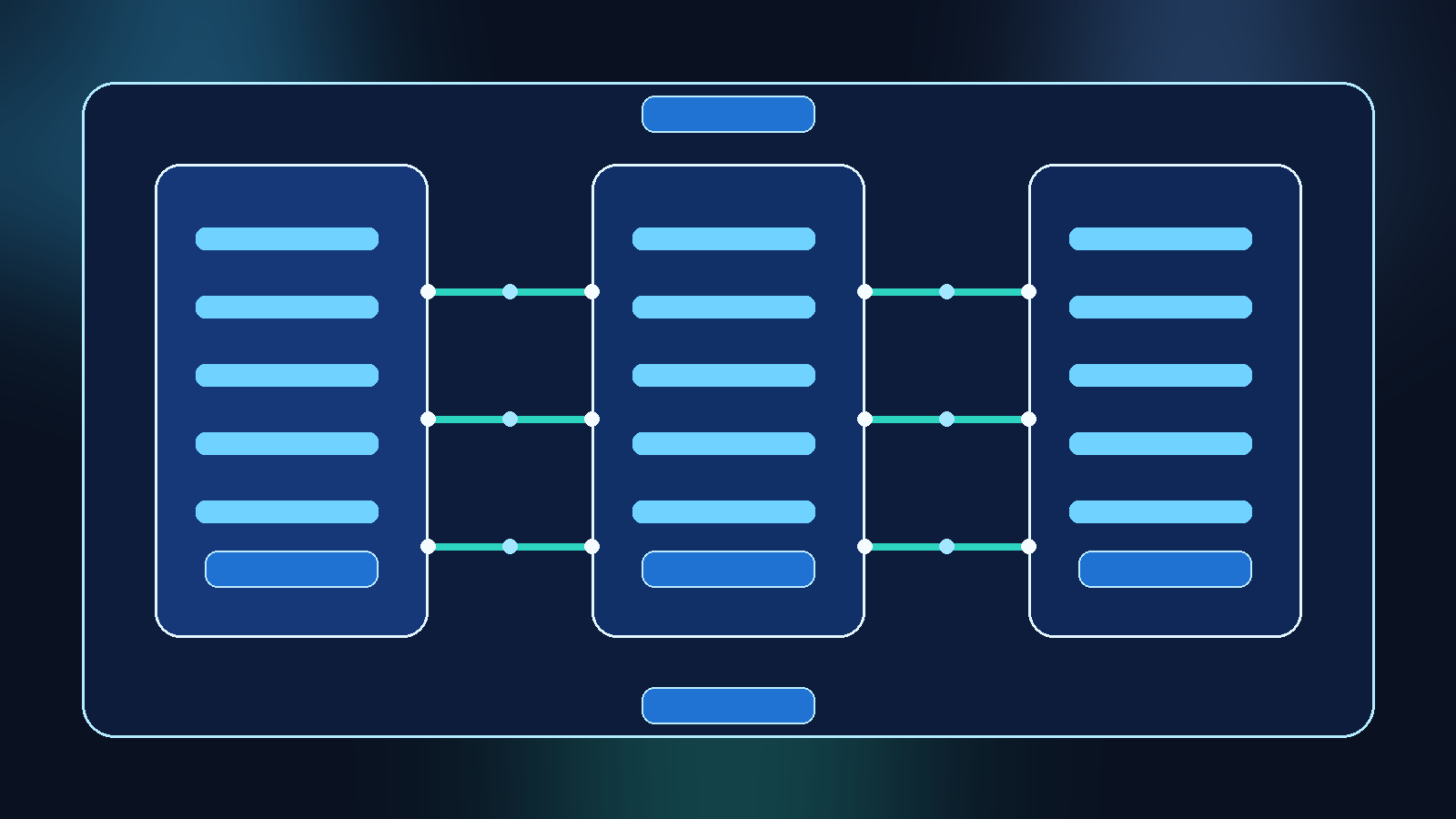
A promotion path prevents that blur. Teams should know what changes when a Foundry project moves from exploration to preproduction and then to production. That usually includes a design review, data-source approval, logging expectations, secret handling checks, and confirmation that the project is using the right model deployment tier. Clear gates slow the wrong kind of shortcut while still giving strong ideas a path to graduate.
Keep Shared Connections Narrow Enough to Be Safe by Default
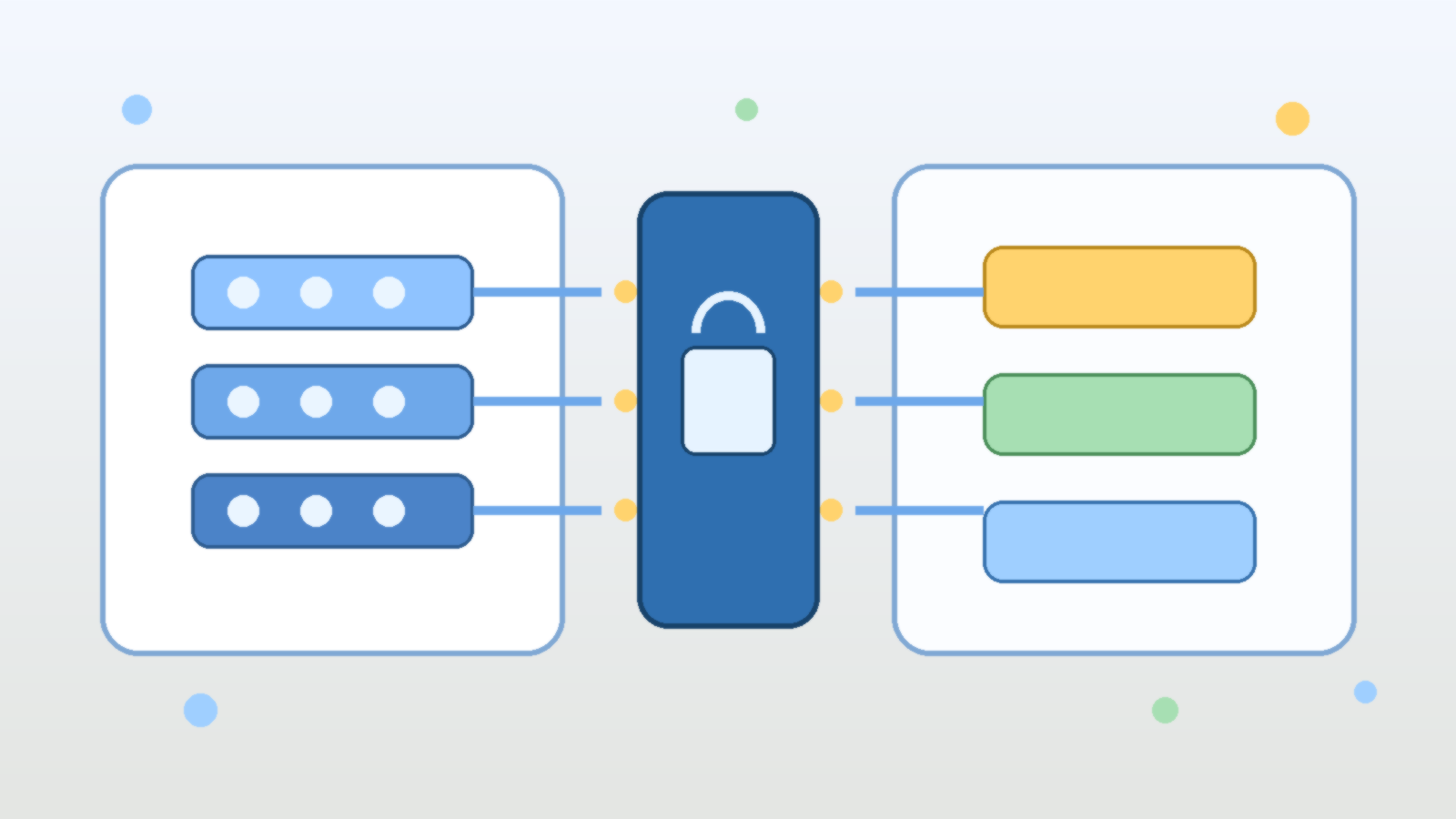
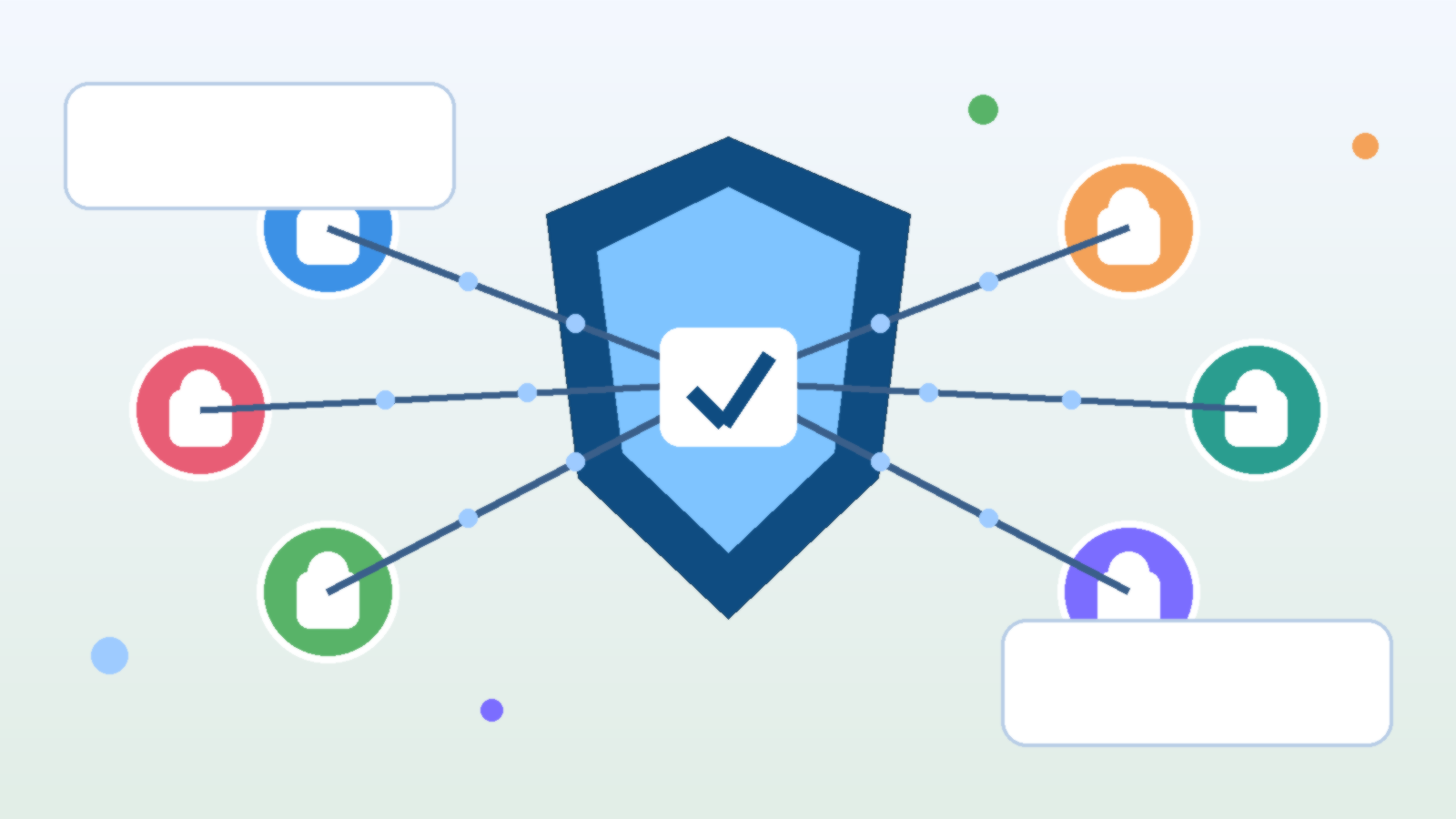
Reusable connections are convenient, but convenience becomes risk when shared connectors expose more data than most projects should ever see. If one broadly scoped connection is available to every team, developers will naturally reuse it because it saves time. The platform then teaches people to start with maximum access and narrow it later, which is usually the opposite of what you want.
Safer platforms publish narrower shared connections that match common use cases. Instead of one giant knowledge source or one broad storage binding, offer connections designed for specific domains, environments, or data classifications. Developers still move quickly, but the default path no longer assumes that every experiment deserves visibility into everything.
Treat Evaluations and Logs as Sensitive Operational Data
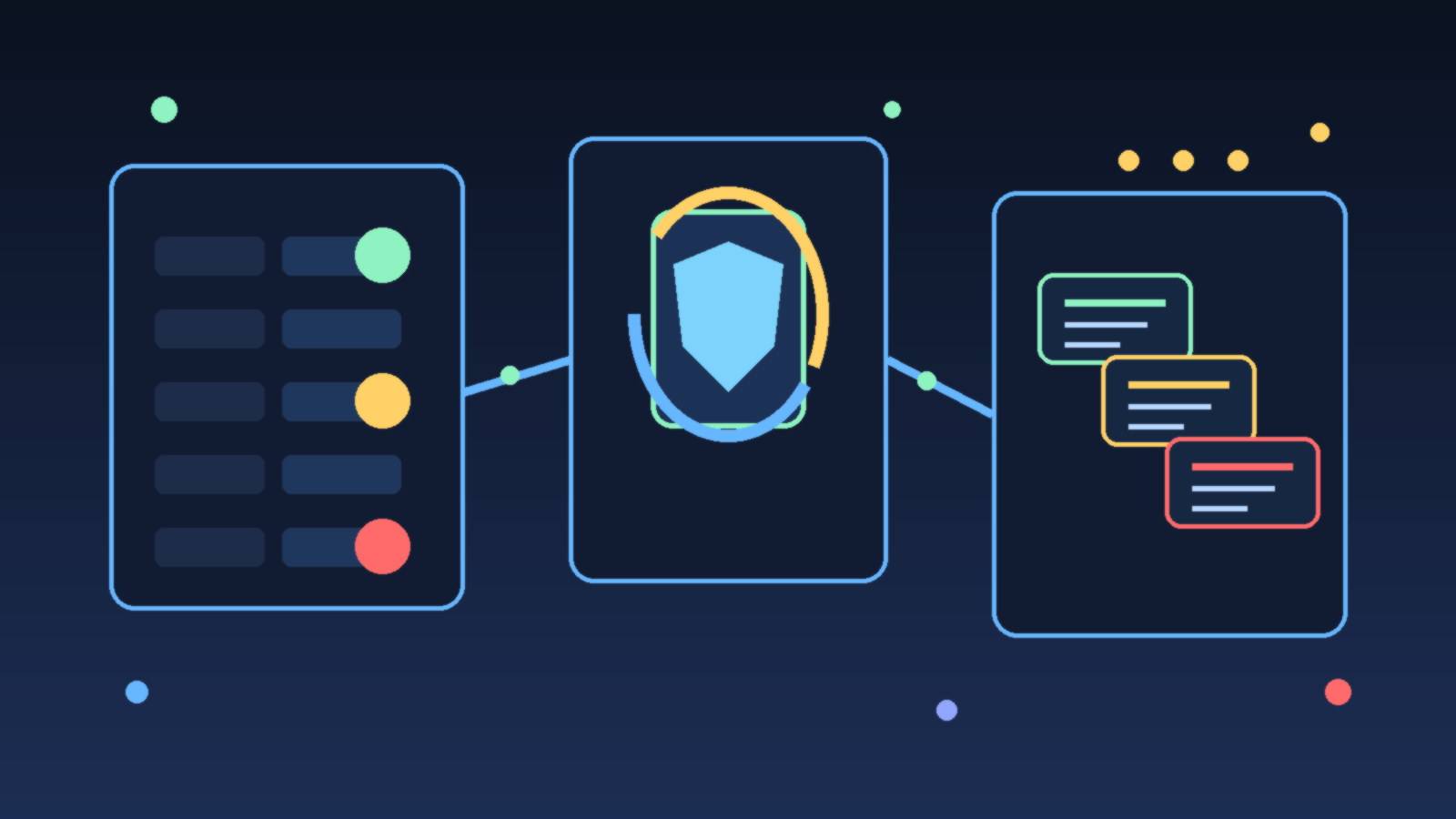
AI projects generate more than outputs. They also create prompts, evaluation records, traces, and examples that may contain internal context. Teams sometimes focus so much on protecting the primary data source that they forget the testing and observability layer can reveal just as much about how a system works and what information it sees.
That is why logging and evaluation storage need the same kind of design discipline as the front-door application path. Decide what gets retained, who can review it, and how long it should live. If a Foundry project is allowed to collect rich experimentation history, that history should be governed as operational data rather than treated like disposable scratch space.
Use Policy and Naming Standards to Make Drift Easier to Spot
Good governance is easier when weak patterns are visible. Naming conventions, environment labels, resource tags, and approval metadata make it much easier to see which Foundry projects are temporary, which ones are shared, and which ones are supposed to be production aligned. Without that context, a project list quickly becomes a collection of vague names that hide important differences.
Policy helps too, especially when it reinforces expectations instead of merely documenting them. Require tags that indicate data sensitivity, owner, lifecycle stage, and business purpose. Make sure resource naming clearly distinguishes labs, sandboxes, pilots, and production services. Those signals do not solve governance alone, but they make review and cleanup much more realistic.
Final Takeaway
Azure AI Foundry projects are useful because they reduce friction for builders, but reduced friction should not mean reduced boundaries. If every experiment can reuse broad connectors, attach sensitive data, and drift into production behavior without a visible checkpoint, the platform becomes fast in the wrong way.
The better model is simple: keep experimentation easy, keep production access explicit, and treat project boundaries as real control points. When Foundry projects are scoped deliberately, teams can test quickly without teaching the organization that every interesting idea deserves immediate reach into production systems.