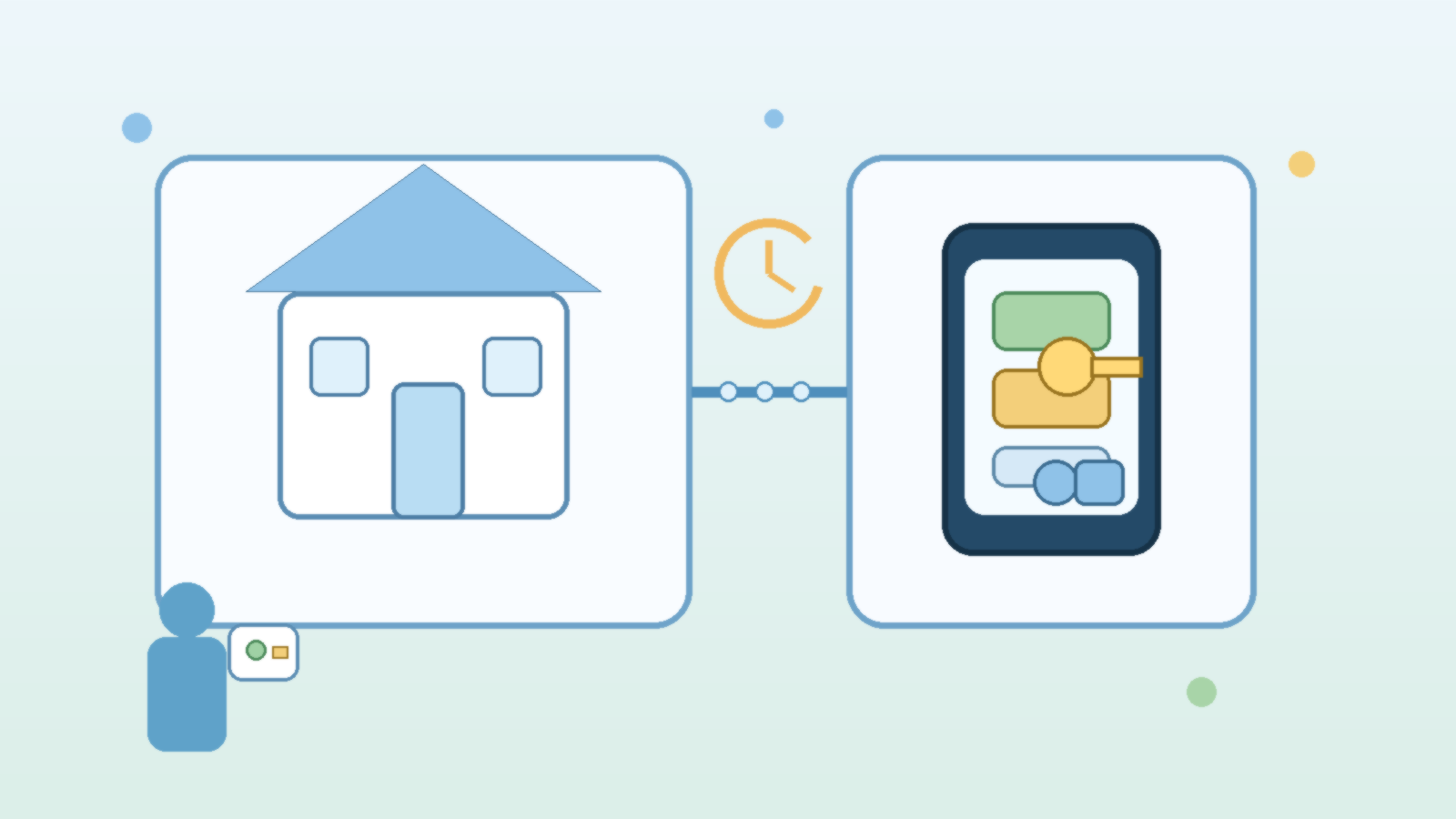
Smart home apps make it tempting to solve every access problem with the same shortcut: just give someone the main login. If a housesitter needs the thermostat, a relative needs the door lock, or a cleaner needs entry on Fridays, sharing the household account can feel faster than setting things up properly.
The trouble is that convenience keeps lingering after the visit ends. Once someone has the main app login, they may also inherit more control than they need, from cameras and routines to billing settings and account recovery options. A short-term need can quietly turn into long-term exposure.
The Main Login Usually Controls More Than One Device
Many households think they are sharing access to one lock or one light, but the primary account often sits above the whole system. That can include cameras, alarm states, automations, purchase history, and any new devices added later. In other words, the main login is not just a key. It is often the control room.
That matters because most guests do not need household-wide control. They need a narrow permission for a narrow job. Giving them the primary login is like lending someone your mailbox key when all they really needed was the garage code for a weekend.
Temporary Access Is Easier to Revoke Cleanly
Guest profiles, shared codes, scheduled unlock windows, and delegated user roles are boring in the best possible way. They create a clear start and end point. When the visit is over, you can remove access without changing your own password, relinking devices, or wondering whether an old login still works somewhere in the background.
This also reduces household friction. If the family uses the same main account across multiple phones, changing that password later can become a small cleanup project. Temporary access keeps one guest request from turning into a reset day for everyone else.
Good Guest Access Should Match the Real Situation
Different guests need different levels of trust. A dog walker may need scheduled door access. A grandparent staying for a week may need the thermostat and a few lights. A contractor may only need a one-time entry code. Matching the permission to the actual task is both safer and more respectful than pretending every visitor belongs inside the full app.
- Use time-limited door codes when the platform supports them.
- Share only the device or home area the guest actually needs.
- Disable or remove guest access as part of the checkout routine.
Those small habits prevent the most common smart home mistake: forgetting that old access still exists because nothing visibly broke when the visit ended.
Cameras and Notifications Need Extra Care
Smart homes often bundle sensitive features together. Someone who only needs to unlock a door may accidentally gain access to camera feeds, occupancy patterns, or notifications that reveal when a family is away. Even if the guest is trustworthy, that is more information than most households intend to share.
Temporary, limited access reduces that spillover. It forces the household to decide what is actually necessary instead of treating the full account as the default answer to every visitor scenario.
Make Guest Access Part of the Household Routine
The best smart home security habits are the ones people will actually repeat. If guests visit regularly, write down a simple process: create the access, confirm it works, remove it afterward, and review who still has permissions a few times each year. That kind of routine keeps convenience from turning into permanent clutter.
A smart home should feel easier to manage over time, not harder. Temporary access helps households stay welcoming without making their main login the universal solution to every short-term need.
Final Takeaway
If a guest only needs a small piece of your smart home, give them a small piece of access. The main app login is usually too powerful, too sticky, and too annoying to clean up later. Temporary permissions are the safer default because they fit the real job and expire with the real need.