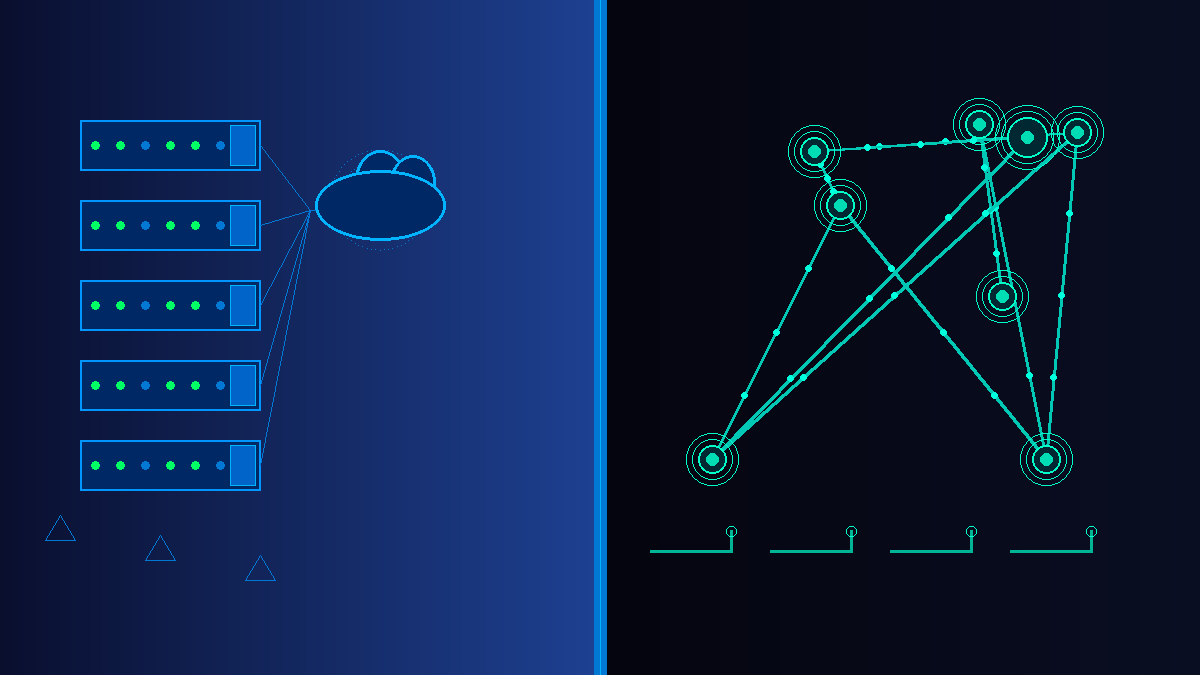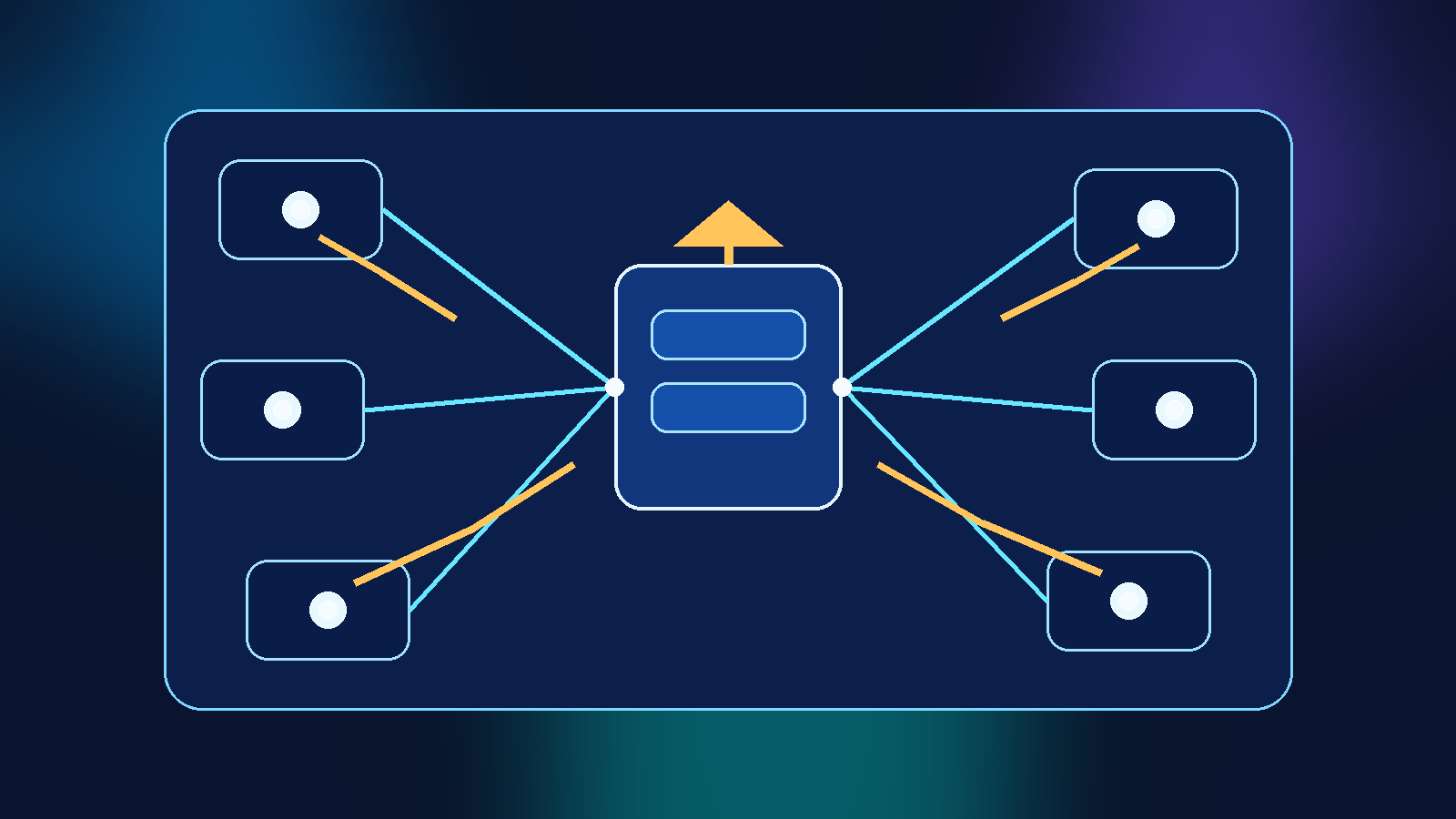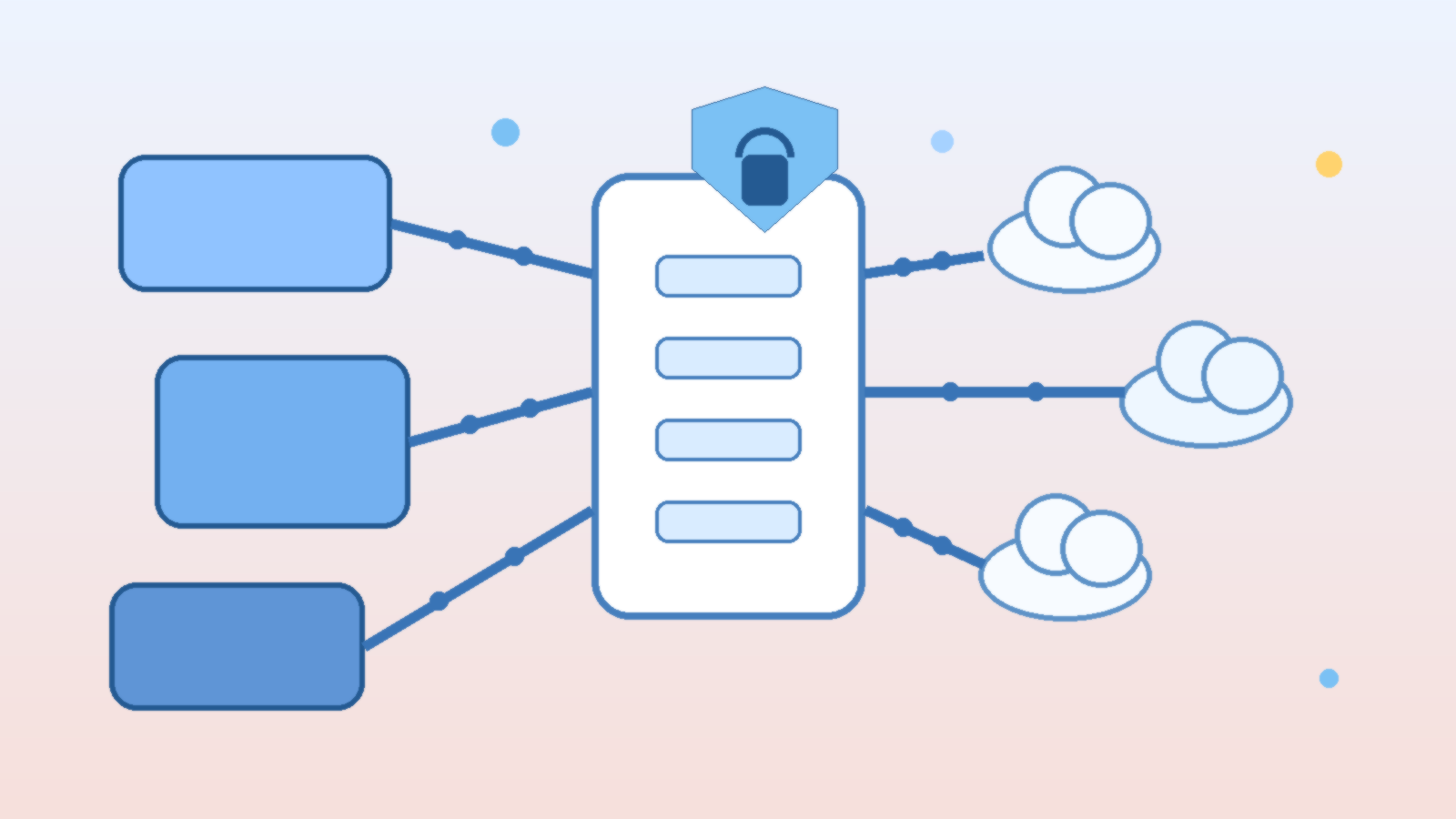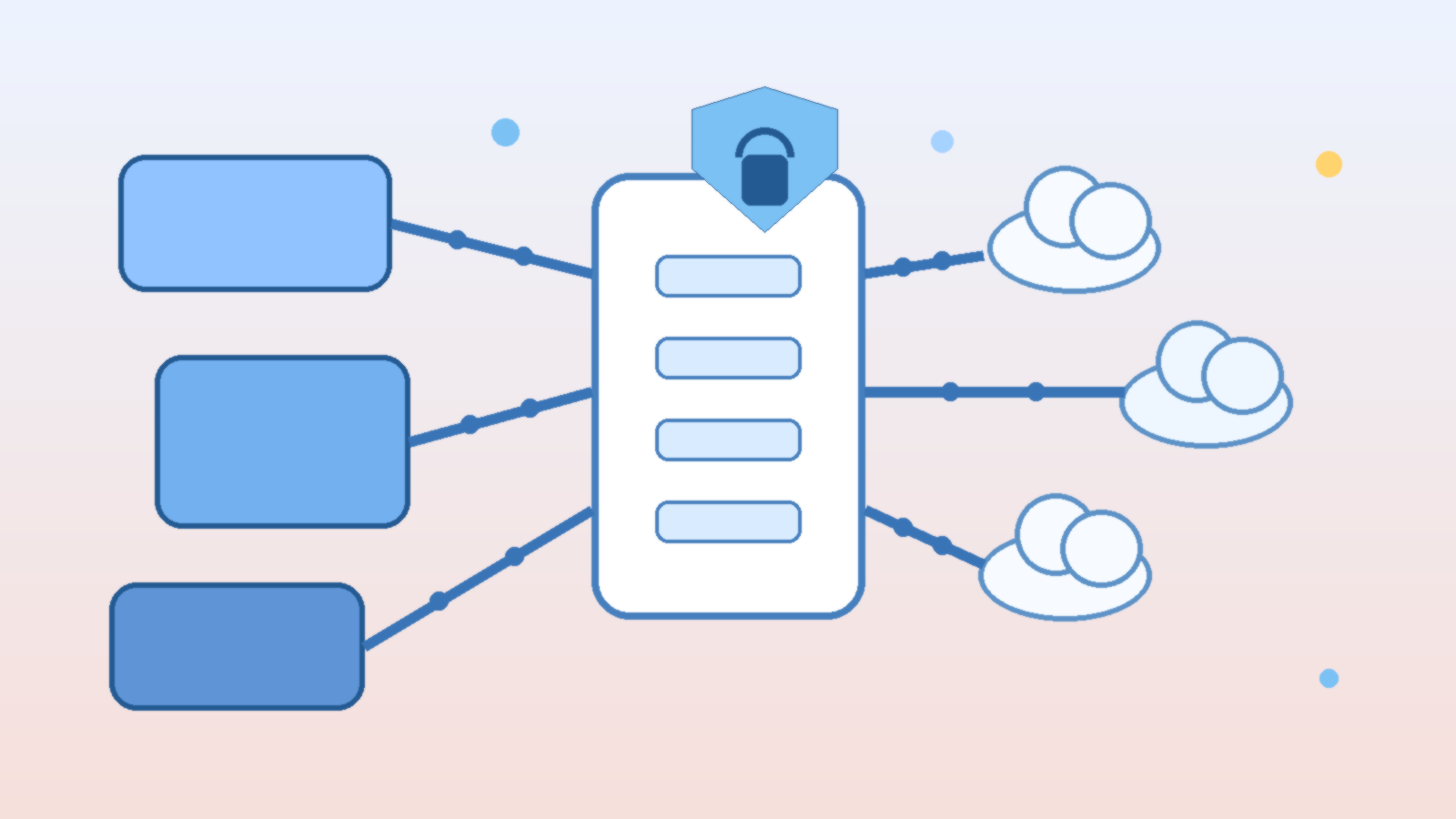
Most companies do not have a model problem. They have a control problem. Teams adopt one model for chat, another for coding, a third for retrieval, and a fourth for document workflows, then discover that costs, logs, prompts, and policy enforcement are scattered everywhere. The result is avoidable sprawl. An internal AI gateway gives the business one place to route requests, apply policy, measure usage, and swap providers without forcing every product team to rebuild the same plumbing.
The term sounds architectural, but the idea is practical. Instead of letting every application call every model provider directly, you place a controlled service in the middle. That service handles authentication, routing, logging, fallback logic, guardrails, and budget controls. Product teams still move quickly, but they do it through a path the platform, security, and finance teams can actually understand.
Why direct-to-model integration breaks down at scale
Direct integrations feel fast in the first sprint. A developer can wire up a provider SDK, add a secret, and ship a useful feature. The trouble appears later. Different teams choose different providers, naming conventions, retry patterns, and logging formats. One app stores prompts for debugging, another stores nothing, and a third accidentally logs sensitive inputs where it should not. Costs rise faster than expected because there is no shared view of which workflows deserve premium models and which ones could use smaller, cheaper options.
That fragmentation also makes governance reactive. Security teams end up auditing a growing collection of one-off integrations. Platform teams struggle to add caching, rate limits, or fallback behavior consistently. Leadership hears about AI productivity gains, but cannot answer simple operating questions such as which providers are in use, what business units spend the most, or which prompts touch regulated data.
What an internal AI gateway should actually do
A useful gateway is more than a reverse proxy with an API key. It becomes the shared control plane for model access. At minimum, it should normalize authentication, capture structured request and response metadata, enforce policy, and expose routing decisions in a way operators can inspect later. If the gateway cannot explain why a request went to a specific model, it is not mature enough for serious production use.
- Model routing: choose providers and model tiers based on task type, latency targets, geography, or budget policy.
- Observability: log token usage, latency, failure rates, prompt classifications, and business attribution tags.
- Guardrails: apply content filters, redaction, schema validation, and approval rules before high-risk actions proceed.
- Resilience: provide retries, fallbacks, and graceful degradation when a provider slows down or fails.
- Cost control: enforce quotas, budget thresholds, caching, and model downgrades where quality impact is acceptable.
Those capabilities matter because AI traffic is rarely uniform. A customer-facing assistant, an internal coding helper, and a nightly document classifier do not need the same models or the same policies. The gateway gives you a single place to encode those differences instead of scattering them across application teams.
Design routing around business intent, not model hype
One of the biggest mistakes in enterprise AI programs is buying into a single-model strategy for every workload. The best model for complex reasoning may not be the right choice for summarization, extraction, classification, or high-volume support automation. An internal gateway lets you route based on intent. You can send low-risk, repetitive work to efficient models while reserving premium reasoning models for tasks where the extra cost clearly changes the outcome.
That routing layer also protects you from provider churn. Model quality changes, pricing changes, API limits change, and new options appear constantly. If every application is tightly coupled to one vendor, changing course becomes a portfolio-wide migration. If applications talk to your gateway instead, the platform team can adjust routing centrally and keep the product surface stable.
Make observability useful to engineers and leadership
Observability is often framed as an operations feature, but it is really the bridge between technical execution and business accountability. Engineers need traces, error classes, latency distributions, and prompt version histories. Leaders need to know which products generate value, which workflows burn budget, and where quality problems originate. A good gateway serves both audiences from the same telemetry foundation.
That means adding context, not just raw token counts. Every request should carry metadata such as application name, feature name, environment, owner, and sensitivity tier. With that data, cost spikes stop being mysterious. You can identify whether a sudden increase came from a product launch, a retry storm, a prompt regression, or a misuse case that should have been throttled earlier.
Treat policy enforcement as product design
Policy controls fail when they arrive as a late compliance add-on. The best AI gateways build governance into the request lifecycle. Sensitive inputs can be redacted before they leave the company boundary. High-risk actions can require a human approval step. Certain workloads can be pinned to approved regions or approved model families. Output schemas can be validated before downstream systems act on them.
This is where platform teams can reduce friction instead of adding it. If safe defaults, standard audit logs, and approval hooks are already built into the gateway, product teams do not have to reinvent them. Governance becomes the paved road, not the emergency brake.
Control cost before finance asks hard questions
AI costs usually become visible after adoption succeeds, which is exactly the wrong time to discover that no one can manage them. A gateway helps because it can enforce quotas by team, shift routine workloads to cheaper models, cache repeated requests, and alert owners when usage patterns drift. It also creates the data needed for showback or chargeback, which matters once multiple departments rely on shared AI infrastructure.
Cost control should not mean blindly downgrading model quality. The better approach is to map workloads to value. If a premium model reduces human review time in a revenue-generating workflow, that may be a good trade. If the same model is summarizing internal status notes that no one reads, it probably is not. The gateway gives you the levers to make those tradeoffs deliberately.
Start small, but build the control plane on purpose
You do not need a massive platform program to get started. Many teams begin with a small internal service that standardizes model credentials, request metadata, and logging for one or two important workloads. From there, they add policy checks, routing logic, and dashboards as adoption grows. The key is to design for central control early, even if the first version is intentionally lightweight.
AI adoption is speeding up, and model ecosystems will keep shifting underneath it. Companies that rely on direct, unmanaged integrations will spend more time untangling operational messes than delivering value. Companies that build an internal AI gateway create leverage. They gain model flexibility, clearer governance, better resilience, and a saner cost story, all without forcing every team to solve the same infrastructure problem alone.