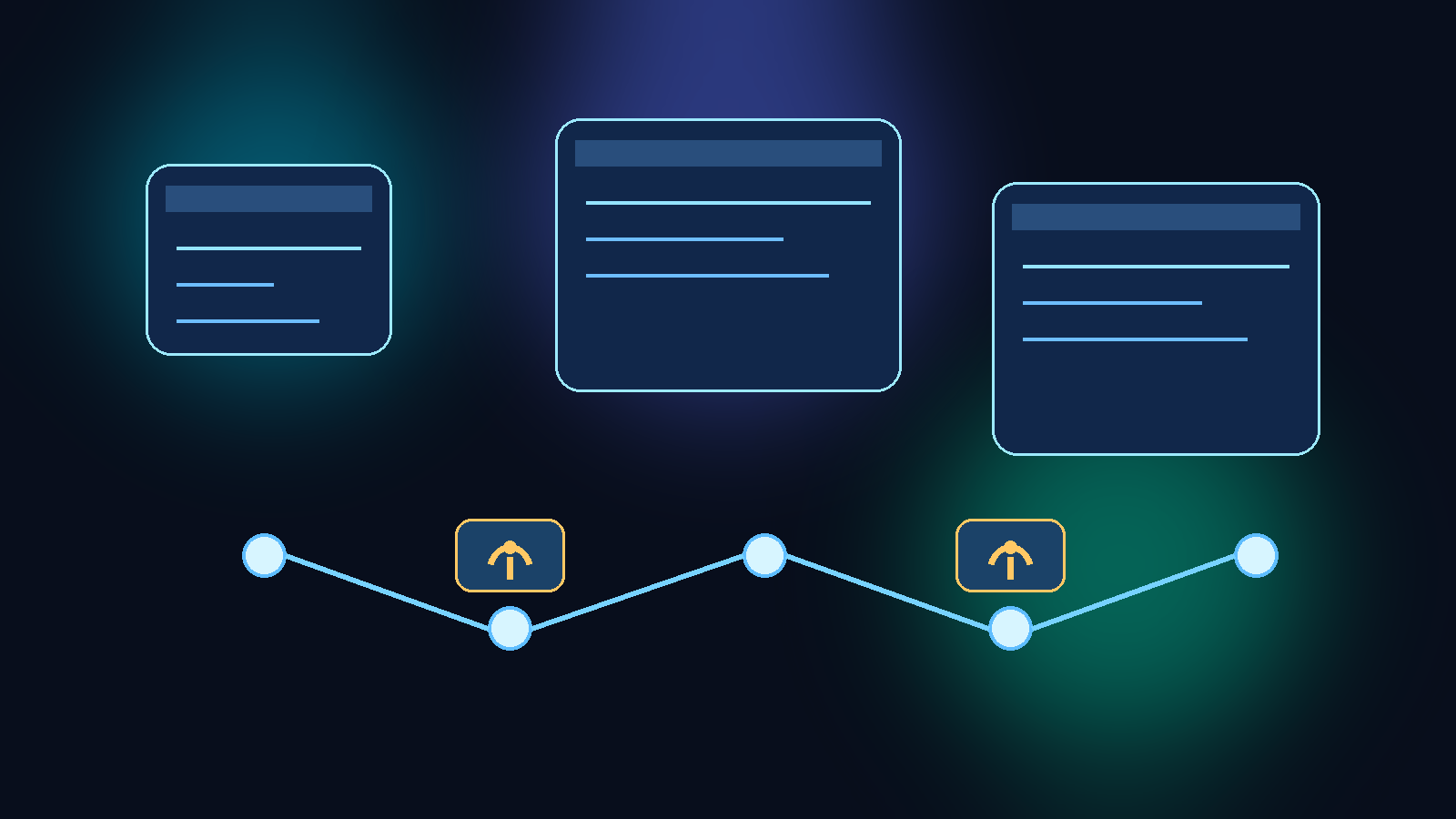
Browser-based AI agents are getting good at navigating dashboards, filling forms, collecting data, and stitching together multi-step work across web apps. That makes them useful for operations teams that want faster workflows without building every integration from scratch. It also creates a risk that many teams underestimate: the browser session can become a soft internal proxy for systems the model should never broadly traverse.
The problem is not that browser agents exist. The problem is approving them as if they are simple productivity features instead of networked automation workers with broad visibility. Once an agent can authenticate into internal apps, follow links, download files, and move between tabs, it can cross trust boundaries that were originally designed for humans acting with context and restraint.
Start With Reachability, Not Task Convenience
Browser agent reviews often begin with an attractive use case. Someone wants the agent to collect metrics from a dashboard, check a backlog, pull a few details from a ticketing system, and summarize the result in one step. That sounds efficient, but the real review should begin one layer lower.
What matters first is where the agent can go once the browser session is established. If it can reach admin portals, internal tools, shared document systems, and customer-facing consoles from the same authenticated environment, then the browser is effectively acting as a movement layer between systems. The task may sound narrow while the reachable surface is much wider.
Separate Observation From Action
A common design mistake is giving the same agent permission to inspect systems and make changes in them. Read access, workflow preparation, and final action execution should not be bundled by default. When they are combined, a prompt mistake or weak instruction can turn a harmless data-gathering flow into an unintended production change.
A stronger pattern is to let the browser agent observe state and prepare draft output, but require a separate approval point before anything is submitted, closed, deleted, or provisioned. This keeps the time-saving part of automation while preserving a hard boundary around consequential actions.
Shrink the Session Scope on Purpose
Teams usually spend time thinking about prompts, but the browser session itself deserves equally careful design. If the session has persistent cookies, broad single sign-on access, and visibility into multiple internal tools at once, the agent inherits a large amount of organizational reach even when the requested task is small.
That is why session minimization matters. Use dedicated low-privilege accounts where possible, narrow which apps are reachable in that context, and avoid running the browser inside a network zone that sees more than the workflow actually needs. A well-scoped session reduces both accidental exposure and the blast radius of bad instructions.
Treat Downloads and Page Content as Sensitive Output Paths
Browser agents do not need a formal API connection to move sensitive information. A page render, exported CSV, downloaded PDF, copied table, or internal search result can all become output that gets summarized, logged, or passed into another tool. If those outputs are not controlled, the browser becomes a quiet data extraction layer.
This is why reviewers should ask practical questions about output handling. Can the agent download files? Can it open internal documents? Are screenshots retained? Do logs capture raw page content? Can the workflow pass retrieved text into another model or external service? These details often matter more than the headline feature list.
Keep Environment Boundaries Intact
Many teams pilot browser agents in test or sandbox systems and then assume the same operating model is safe for production. That shortcut is risky because the production browser session usually has richer data, stronger connected workflows, and fewer safe failure modes.
Development, test, and production browser agents should be treated as distinct trust decisions with distinct credentials, allowlists, and monitoring expectations. If a team cannot explain why an agent truly needs production browser access, that is a sign the workflow should stay outside production until the controls are tighter.
Add Guardrails That Match Real Browser Behavior
Governance controls often focus on API scopes, but browser agents need controls that fit browser behavior. Navigation allowlists, download restrictions, time-boxed sessions, visible audit logs, and explicit human confirmation before destructive clicks are more relevant than generic policy language.
A short control checklist can make reviews much stronger:
- Limit which domains and paths the agent may visit during a run.
- Require a fresh, bounded session instead of long-lived persistent browsing state.
- Block or tightly review file downloads and uploads.
- Preserve action logs that show what page was opened and what control was used.
- Put high-impact actions behind a separate approval step.
Those guardrails are useful because they match the way browser agents actually move through systems. Good governance becomes concrete when it reflects the tool’s operating surface instead of relying on broad statements about responsible AI.
Final Takeaway
Browser-based AI agents can save real time, especially in environments where APIs are inconsistent or missing. But once they can authenticate across internal apps, they stop being simple assistants and start looking a lot like controlled proxy workers.
The safest approach is to approve them with the same seriousness you would apply to any system that can traverse trust boundaries, observe internal state, and initiate actions. Scope the reachable surface, separate read from write behavior, constrain session design, and verify output paths before the agent becomes normal infrastructure.