Tag: azure

  • Azure Cost Reviews That Actually Work: A Weekly Checklist for Real Teams

    Azure Cost Reviews That Actually Work: A Weekly Checklist for Real Teams

    Most cost reviews fail because they happen too late and ask the wrong questions. A useful Azure cost review should be short, repeatable, and tied to actions the team can actually take that week.

    Start with the Biggest Movers

    The first step is not reviewing every single line item. Start by identifying the services, subscriptions, or resource groups that changed the most since the last review. Large movement usually tells a more useful story than absolute totals alone.

    This keeps the meeting focused. It is easier to explain a spike or drop when the change is recent and visible.

    Check for Idle or Mis-Sized Compute

    Compute is still one of the easiest places to waste money. Review virtual machines, node pools, and app services that are oversized or left running around the clock without a business reason.

    Even small rightsizing actions compound over time, especially across multiple environments.

    Review Storage Growth Before It Becomes Normal

    Storage growth often slips through because it feels harmless in the beginning. But backup copies, snapshots, logs, and old artifacts accumulate quietly until they become a meaningful part of the bill.

    A weekly check keeps this from turning into a quarterly surprise.

    Ask Which Spend Was Intentional

    Not every cost increase is bad. Some increases are the result of successful launches or higher demand. The real goal is separating intentional spend from accidental spend.

    That framing keeps the conversation practical and avoids treating every increase like a mistake.

    End Every Review with Assignments

    A cost review without owners is just reporting. Every flagged item should leave the meeting with a named person, an expected action, and a deadline for follow-up.

    This is what turns FinOps from a slide deck activity into an operational habit.

    Final Takeaway

    The best Azure cost review is not long or dramatic. It is a weekly routine that catches waste early, separates signal from noise, and leads to specific decisions.
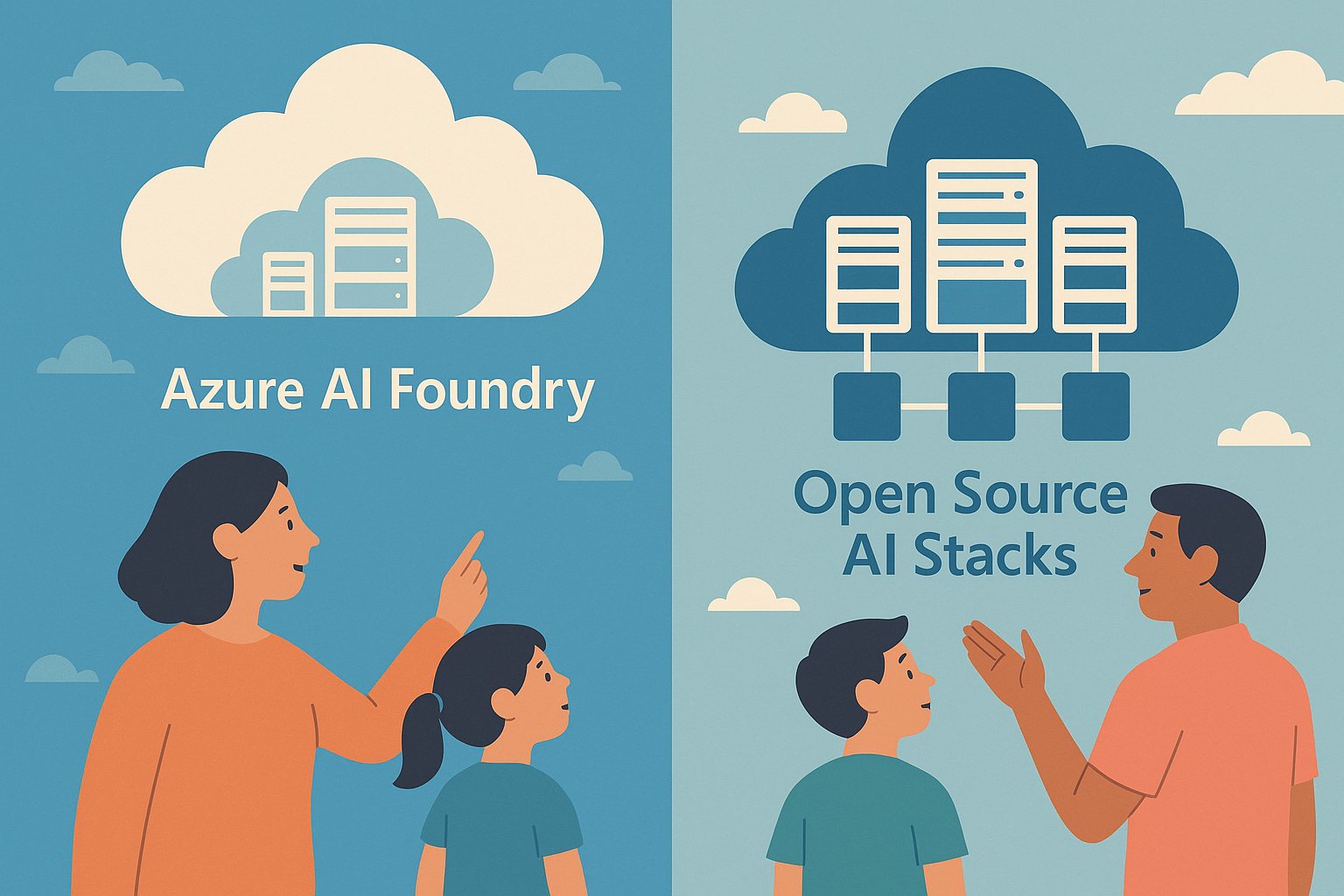
  • Azure AI Foundry vs Open Source Stacks: Which Path Fits Better in 2026?

    Azure AI Foundry vs Open Source Stacks: Which Path Fits Better in 2026?

    Teams choosing an AI platform in 2026 usually face the same tradeoff: managed convenience versus open-source control. Neither path is automatically better.

    Choose Azure AI Foundry When

    • You want faster enterprise rollout
    • You need built-in governance and integration
    • Your team prefers less platform maintenance

    Choose Open Source When

    • You need deeper model and infrastructure control
    • You want portability across clouds
    • You can support the operational complexity

    The Real Decision

    The right answer depends less on ideology and more on internal skills, compliance needs, and how much platform ownership your team can realistically handle.

  • Azure Landing Zone Mistakes to Avoid in 2026

    Azure Landing Zone Mistakes to Avoid in 2026

    Landing zones are supposed to make cloud operations safer and cleaner. Poor setup does the opposite.

    1) Mixing Dev and Prod Controls

    Using the same policies and subscription boundaries for all environments creates risk and slows teams.

    2) Weak Identity Boundaries

    Overly broad role assignments remain one of the most common root causes of avoidable incidents.

    3) No Budget and Policy Guardrails

    Without enforceable cost and compliance controls, sprawl grows faster than governance.

    4) Logging Without Ownership

    Collecting logs is not enough. Teams need clear ownership for alert triage and response SLAs.

    5) Skipping Periodic Reviews

    Landing zones are not one-time projects. Review identity, networking, policy drift, and spend monthly.

    Final Takeaway

    A strong landing zone is an operating model, not a diagram. Keep controls clear, measurable, and regularly reviewed.

  • Azure Cost Optimization in 2026: 10 Moves That Actually Lower Spend

    Azure Cost Optimization in 2026: 10 Moves That Actually Lower Spend

    Most Azure cost reduction advice sounds good in a slide deck but fails in the real world. The moves below are the ones teams actually sustain.

    1) Fix Idle Compute First

    Start with VMs, AKS node pools, and App Service plans that run 24/7 without business need. Rightsize or schedule them off outside active hours.

    2) Use Reservations for Stable Workloads

    If usage is predictable, reserved capacity usually beats pay-as-you-go pricing by a large margin.

    3) Move Burst Jobs to Spot Where Safe

    CI pipelines, batch transforms, and non-critical workers can often run on spot capacity. Just design for interruption.

    4) Set Budget Alerts by Team

    Global budgets are useful, but team-level budgets create accountability and faster correction loops.

    5) Enforce Tagging Policy

    No owner tag means no deployment. You cannot optimize what you cannot attribute.

    6) Review Storage Tiers Monthly

    Blob, backup, and snapshot growth quietly becomes a major bill line. Archive cold data and remove stale copies.

    7) Cap Log and Telemetry Retention

    Observability is critical, but unlimited retention is expensive. Keep high-detail logs short, summarize for long-term trend analysis.

    8) Optimize Data Egress Paths

    Cross-region and internet egress costs add up quickly. Keep chatty services close together whenever possible.

    9) Add Cost Checks to Pull Requests

    Treat cost like performance or security. Catch expensive architecture changes before they hit production.

    10) Run a Weekly FinOps Review

    A short weekly review of anomalies, top spenders, and planned changes prevents surprise bills.

    Final Takeaway

    In 2026, strong Azure cost control comes from consistent operations, not one-time cleanup. Small weekly corrections beat quarterly fire drills.