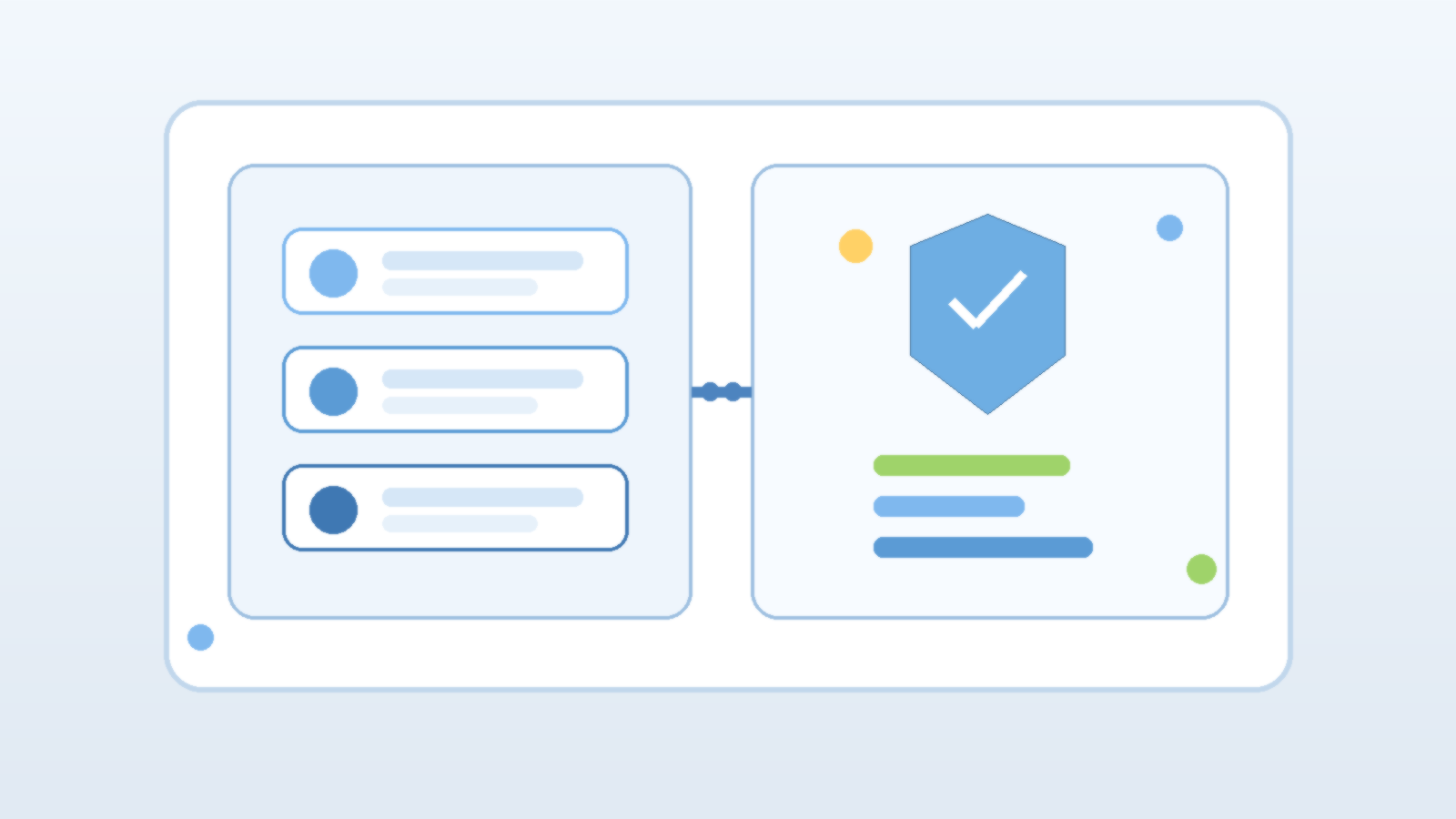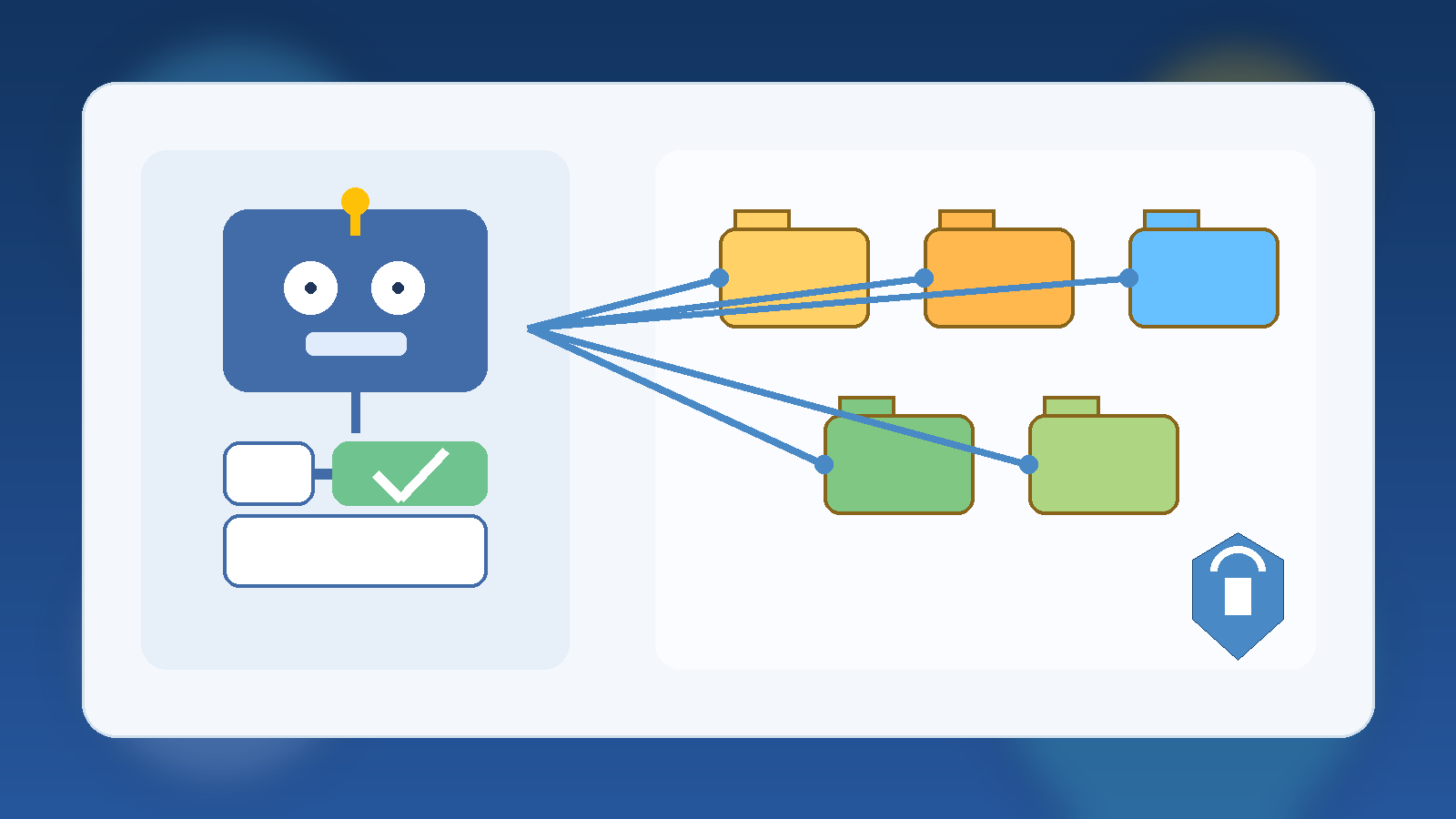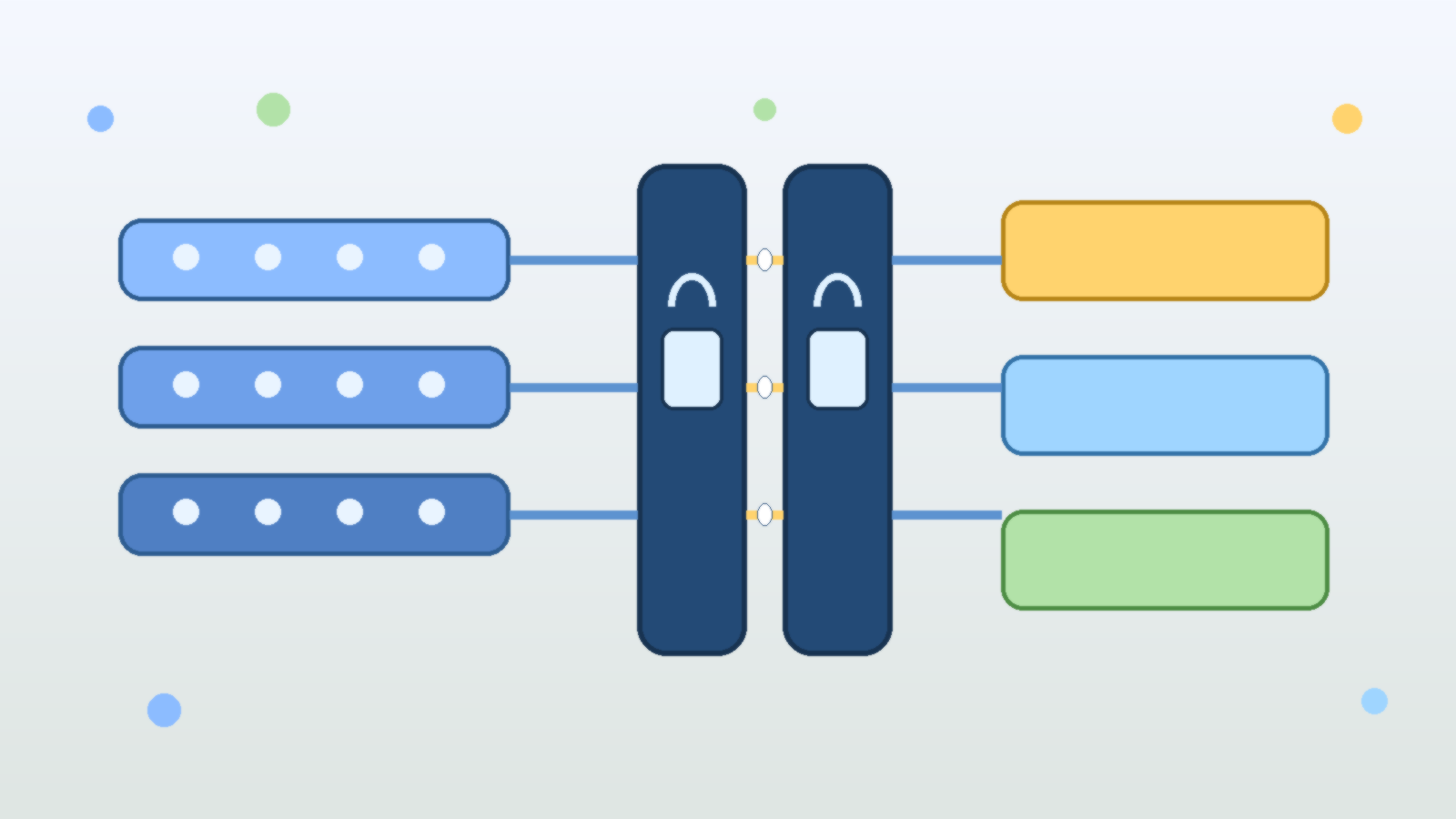
Security reviews matter, but they are not magic. An AI agent can pass an architecture review, satisfy a platform checklist, and still become risky a month later after someone adds a new tool, expands a permission scope, or quietly starts using it for higher-impact work than anyone originally intended.
That is why approval boundaries still matter after launch. They are not a sign that the team lacks confidence in the system. They are a way to keep trust proportional to what the agent is actually doing right now, instead of what it was doing when the review document was signed.
A Security Review Captures a Moment, Not a Permanent Truth
Most reviews are based on a snapshot: current integrations, known data sources, expected actions, and intended business use. That is a reasonable place to start, but AI systems are unusually prone to drift. Prompts evolve, connectors expand, workflows get chained together, and operators begin relying on the agent in situations that were not part of the original design.
If the control model assumes the review answered every future question, the organization ends up trusting an evolving system with a static approval posture. That is usually where trouble starts. The issue is not that the initial review was pointless. The issue is treating it like a lifetime warranty.
Approval Gates Are About Action Risk, Not Developer Maturity
Some teams resist human approval because they think it implies the platform is immature. In reality, approval boundaries are often the mark of a mature system. They acknowledge that some actions deserve more scrutiny than others, even when the software is well built and the operators are competent.
An AI agent that summarizes incident notes does not need the same friction as one that can revoke access, change billing configuration, publish public content, or send commands into production systems. Approval is not an insult to automation. It is the mechanism that separates low-risk acceleration from high-risk delegation.
Tool Expansion Is Where Safe Pilots Turn Into Risky Platforms
Many agent rollouts start with a narrow use case. The first version may only read documents, draft suggestions, or assemble context for a human. Then the useful little assistant gains a ticketing connector, a cloud management API, a messaging integration, and eventually write access to something important. Each step feels incremental, so the risk increase is easy to underestimate.
Approval boundaries help absorb that drift. If new tools are introduced behind action-based approval rules, the agent can become more capable without immediately becoming fully autonomous in every direction. That gives the team room to observe behavior, tune safeguards, and decide which actions have truly earned a lower-friction path.
High-Confidence Suggestions Are Not the Same as High-Trust Actions
One of the more dangerous habits in AI operations is confusing fluent output with trustworthy execution. An agent may explain a change clearly, cite the right system names, and appear fully aware of policy. None of that guarantees the next action is safe in the actual environment.
That is especially true when the last mile involves destructive changes, external communications, or the use of elevated credentials. A recommendation can be accepted with light review. A production action often needs explicit confirmation because the blast radius is larger than the confidence score suggests.
The Best Approval Models Are Narrow, Predictable, and Easy to Explain
Approval flows fail when they are vague or inconsistent. If users cannot predict when the agent will pause, they either lose trust in the system or start looking for ways around the friction. A better model is to tie approvals to clear triggers: external sends, purchases, privileged changes, production writes, customer-visible edits, or access beyond a normal working scope.
That kind of policy is easier to defend and easier to audit. It also keeps the user experience sane. Teams do not need a human click for every harmless lookup. They need human checkpoints where the downside of being wrong is meaningfully higher than the cost of a brief pause.
Approvals Create Better Operational Feedback Loops
There is another benefit that gets overlooked: approval boundaries generate useful feedback. When people repeatedly approve the same safe action, that is evidence the control may be ready for refinement or partial automation. When they frequently stop, correct, or redirect the agent, that is a sign the workflow still contains ambiguity that should not be hidden behind full autonomy.
In other words, approval is not just a brake. It is a sensor. It shows where the design is mature, where the prompts are brittle, and where the system is reaching past what the organization actually trusts it to do.
Production Trust Should Be Earned in Layers
The strongest AI agent programs do not jump from pilot to unrestricted execution. They graduate in layers. First the agent observes, then it drafts, then it proposes changes, then it acts with approval, and only later does it earn carefully scoped autonomy in narrow domains that are well monitored and easy to reverse.
That layered model reflects how responsible teams handle other forms of operational trust. Nobody should be embarrassed to apply the same standard here. If anything, AI agents deserve more deliberate trust calibration because they can combine speed, scale, and tool access in ways that make small mistakes spread faster.
Final Takeaway
Passing security review is an important milestone, but it is only the start of production trust. Approval boundaries are what keep an AI agent aligned with real-world risk as its tools, permissions, and business role change over time.
If your review says an agent is safe but your operations model has no clear pause points for high-impact actions, you do not have durable governance. You have optimism with better documentation.