Model Context Protocol, or MCP, has gone from an Anthropic research proposal to one of the most-discussed developer standards in the AI ecosystem in less than a year. If you have been building AI agents, copilots, or tool-augmented LLM workflows, you have almost certainly heard the name. But understanding what MCP actually does, why it matters, and where it introduces risk is a different conversation from the hype cycle surrounding it.
This article breaks down MCP for developers and architects who want to make informed decisions before they start wiring AI agents up to every system in their stack.
What MCP Actually Is
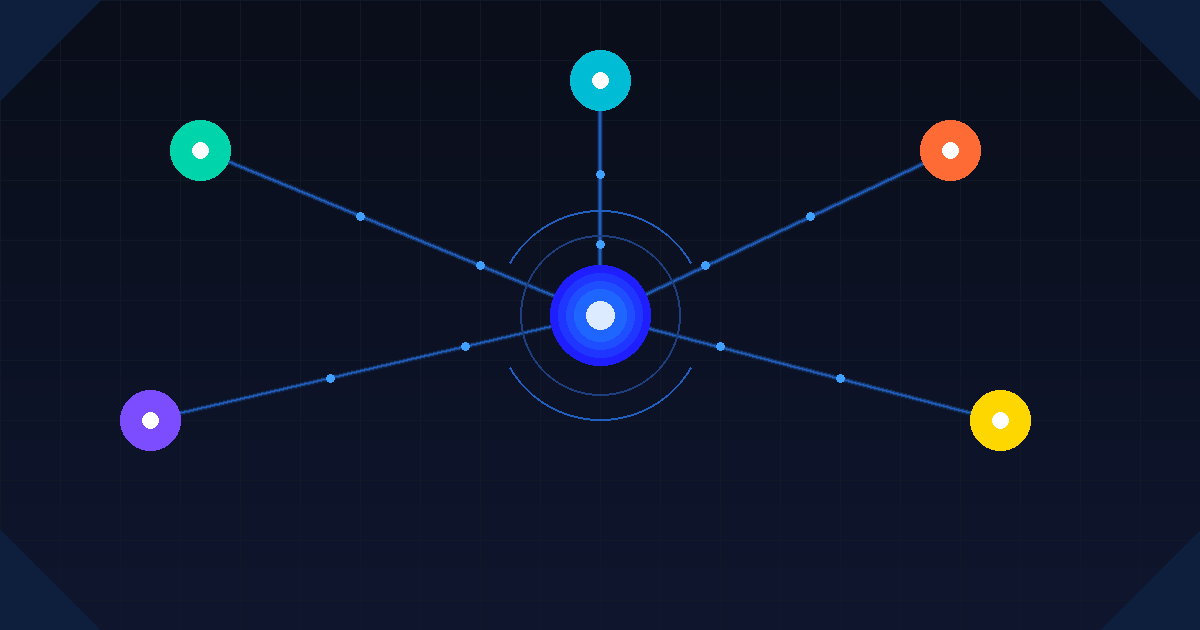
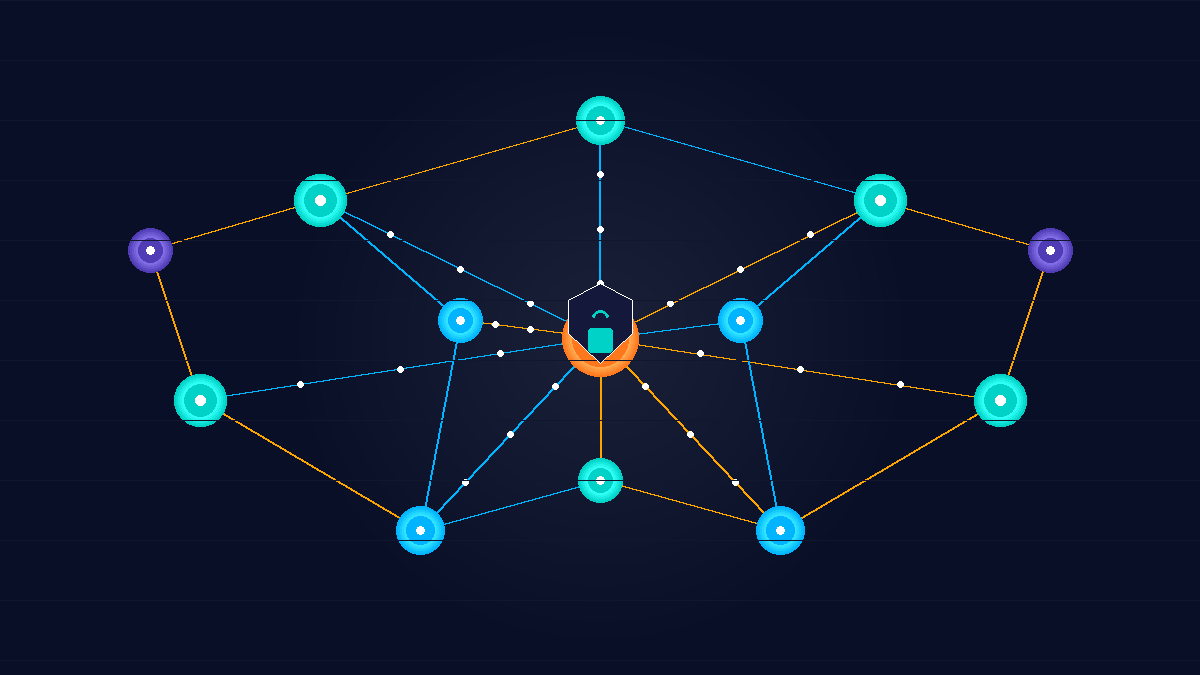
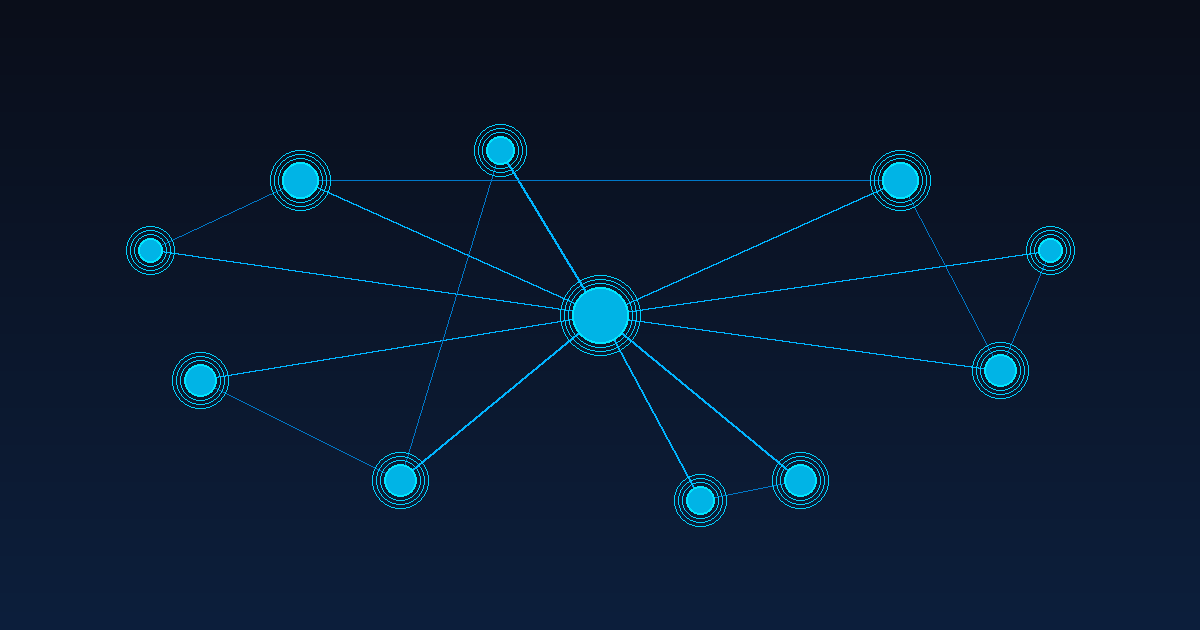
Model Context Protocol is an open standard that defines how AI models communicate with external tools, data sources, and services. Instead of every AI framework inventing its own plugin or tool-calling convention, MCP provides a common interface: a server exposes capabilities (tools, resources, prompts), and a client (the AI host application) calls into those capabilities in a structured way.
The analogy that circulates most often is that MCP is to AI agents what HTTP is to web browsers. That comparison is somewhat overblown, but the core idea holds: standardized protocols reduce integration friction. Before MCP, connecting a Claude or GPT model to your internal database, calendar, or CI pipeline required custom code on both ends. With MCP, compliant clients and servers can negotiate capabilities and communicate through a documented protocol.
MCP servers can expose three primary primitive types: tools (functions the model can invoke), resources (data sources the model can read), and prompts (reusable templated instructions). A single MCP server might expose all three, or just one. An AI host application (such as Claude Desktop, Cursor, or a custom agent framework) acts as the MCP client and decides which servers to connect to.
Why the Developer Community Adopted It So Quickly
MCP spread fast for a simple reason: it solved a real pain point. Anyone who has built integrations for AI agents knows how tedious it is to wire up tool definitions, handle authentication, manage context windows, and maintain version compatibility across multiple models and frameworks. MCP offers a consistent abstraction layer that, at least in theory, lets you build one server and connect it to any compliant client.
The open-source ecosystem responded quickly. Within months of MCP’s release, a large catalog of community-built MCP servers appeared covering everything from GitHub and Jira to PostgreSQL, Slack, and filesystem access. Major AI tooling vendors began shipping MCP support natively. For developers building agentic applications, this meant less glue code and faster iteration.
The tooling story also helps. Running an MCP server locally during development is lightweight, and the protocol includes a standard way to introspect what capabilities a server exposes. Debugging agent behavior became less opaque once developers could inspect exactly what tools the model had access to and what it actually called.
The Security Concerns You Cannot Ignore
The same properties that make MCP attractive to developers also make it an expanded attack surface. When an AI agent can invoke arbitrary tools through MCP, the question of what the agent can be convinced to do becomes a security-critical concern rather than just a UX one.
Prompt injection is the most immediate threat. If a malicious string is present in data the model reads, it can instruct the model to invoke MCP tools in unintended ways. Imagine an agent that reads email through an MCP resource and can also send messages through an MCP tool. A crafted email containing hidden instructions could cause the agent to exfiltrate data or send messages on the user’s behalf without any visible confirmation step. This is not hypothetical; security researchers have demonstrated it against real MCP implementations.
Another concern is tool scope creep. MCP servers in community repositories often expose broad permissions for convenience during development. An MCP server that grants filesystem read access to assist with code generation might, if misconfigured, expose files well outside the intended working directory. When evaluating third-party MCP servers, treat each exposed tool like a function you are granting an LLM permission to run with your credentials.
Finally, supply chain risk applies to MCP servers just as it does to any npm package or Python library. Malicious MCP servers could log the prompts and responses flowing through them, exfiltrate tool call arguments, or behave inconsistently depending on the content of the context window. The MCP ecosystem is still maturing, and the same vetting rigor you apply to third-party dependencies should apply here.
Governance Questions to Answer Before You Deploy
If your team is moving MCP from a local development experiment to something touching production systems, a handful of governance questions should be answered before you flip the switch.
What systems are your MCP servers connected to? Make an explicit inventory. If an MCP server has access to a production database, customer records, or internal communication systems, the agent that connects to it inherits that access. Treat MCP server credentials with the same care as service account credentials.
Who can add or modify MCP server configurations? In many agent frameworks, a configuration file or environment variable determines which MCP servers the agent connects to. If developers can freely modify that file in production, you have a lateral movement risk. Configuration changes should follow the same review process as code changes.
Is there a human-in-the-loop for high-risk tool invocations? Not every MCP tool needs approval before execution, but tools that write data, send communications, or trigger external processes should have some confirmation mechanism at the application layer. The model itself should not be the only gate.
Are you logging what tools get called and with what arguments? Observability for MCP tool calls is still an underinvested area in most implementations. Without structured logs of tool invocations, debugging unexpected agent behavior and detecting abuse are both significantly harder.
How to Evaluate an MCP Server Before Using It
Not all MCP servers are created equal, and the breadth of community-built options means quality varies considerably. Before pulling in an MCP server from a third-party repository, run through a quick evaluation checklist.
Review the tool definitions the server exposes. Each tool should have a clear description, well-defined input schema, and a narrow scope. A tool called execute_command with no input constraints is a warning sign. A tool called list_open_pull_requests with typed parameters is what well-scoped tooling looks like.
Check authentication and authorization design. Does the server use per-user credentials or a shared service account? Does it support scoped tokens rather than full admin access? Does it have any concept of rate limiting or abuse prevention?
Look at maintenance and provenance. Is the server actively maintained? Does it have a clear owner? Have there been reported security issues? A popular but abandoned MCP server is a liability, not an asset.
Finally, consider running the server in an isolated environment during evaluation. Use a sandboxed account with minimal permissions rather than your primary credentials. This lets you observe the server’s behavior, inspect what it actually does with tool call arguments, and validate that it does not have side effects you did not expect.
Where MCP Is Headed
The MCP specification continues to evolve. Authentication support (initially absent from the protocol) has been added, with OAuth 2.0-based flows now part of the standard. Streaming support for long-running tool calls has improved. The ecosystem of frameworks that support MCP natively keeps growing, which increases the pressure to standardize on it even for teams that might prefer a custom integration today.
Multi-agent scenarios where one AI agent acts as an MCP client to another AI agent acting as a server are increasingly common in experimental setups. This introduces new trust questions: how does an agent verify that the instructions it receives through MCP are from a trusted source and have not been tampered with? The protocol does not solve this problem today, and it will become more pressing as agentic pipelines get more complex.
Enterprise adoption is also creating pressure for better access control primitives. Teams want the ability to restrict which tools a model can call based on the identity of the user on whose behalf it is acting, not just based on static configuration. That capability is not natively in MCP yet, but several enterprise AI platforms are building it above the protocol layer.
The Bottom Line
MCP is a genuine step forward for the AI developer ecosystem. It reduces integration friction, encourages more consistent tooling patterns, and makes it easier to build agents that interact with the real world in structured, inspectable ways. Those are real benefits worth building toward.
But the protocol is not a security layer, a governance framework, or a substitute for thinking carefully about what you are connecting your AI systems to. The convenience of quickly wiring up an agent to a new MCP server is also the risk. Treating MCP server connections with the same scrutiny you apply to API integrations and third-party libraries will save you significant pain as your agent footprint grows.
Move fast with MCP. Just be clear-eyed about what you are actually granting access to when you do.