AI projects rarely become risky because a team wakes up one morning and decides to ignore common sense. Most problems start much earlier, when people move quickly with unclear assumptions about what data they can use, where it can go, and what the model is allowed to retain. By the time governance notices, the prototype already exists and nobody wants to slow it down.
That is why data boundaries matter so much. They turn vague caution into operational rules that product managers, developers, analysts, and security teams can actually follow. If those rules are missing, even a well-intentioned AI effort can drift into risky prompt logs, accidental data exposure, or shadow integrations that were never reviewed properly.
Start With Data Classes, Not Model Hype
Teams often begin with model selection, vendor demos, and potential use cases. That sequence feels natural, but it is backwards. The first question should be what kinds of data the use case needs: public content, internal business information, customer records, regulated data, source code, financial data, or something else entirely.
Once those classes are defined, governance stops being abstract. A team can see immediately whether a proposed workflow belongs in a low-risk sandbox, a tightly controlled enterprise environment, or nowhere at all. That clarity prevents expensive rework because the project is shaped around reality instead of optimism.
Define Three Buckets People Can Remember
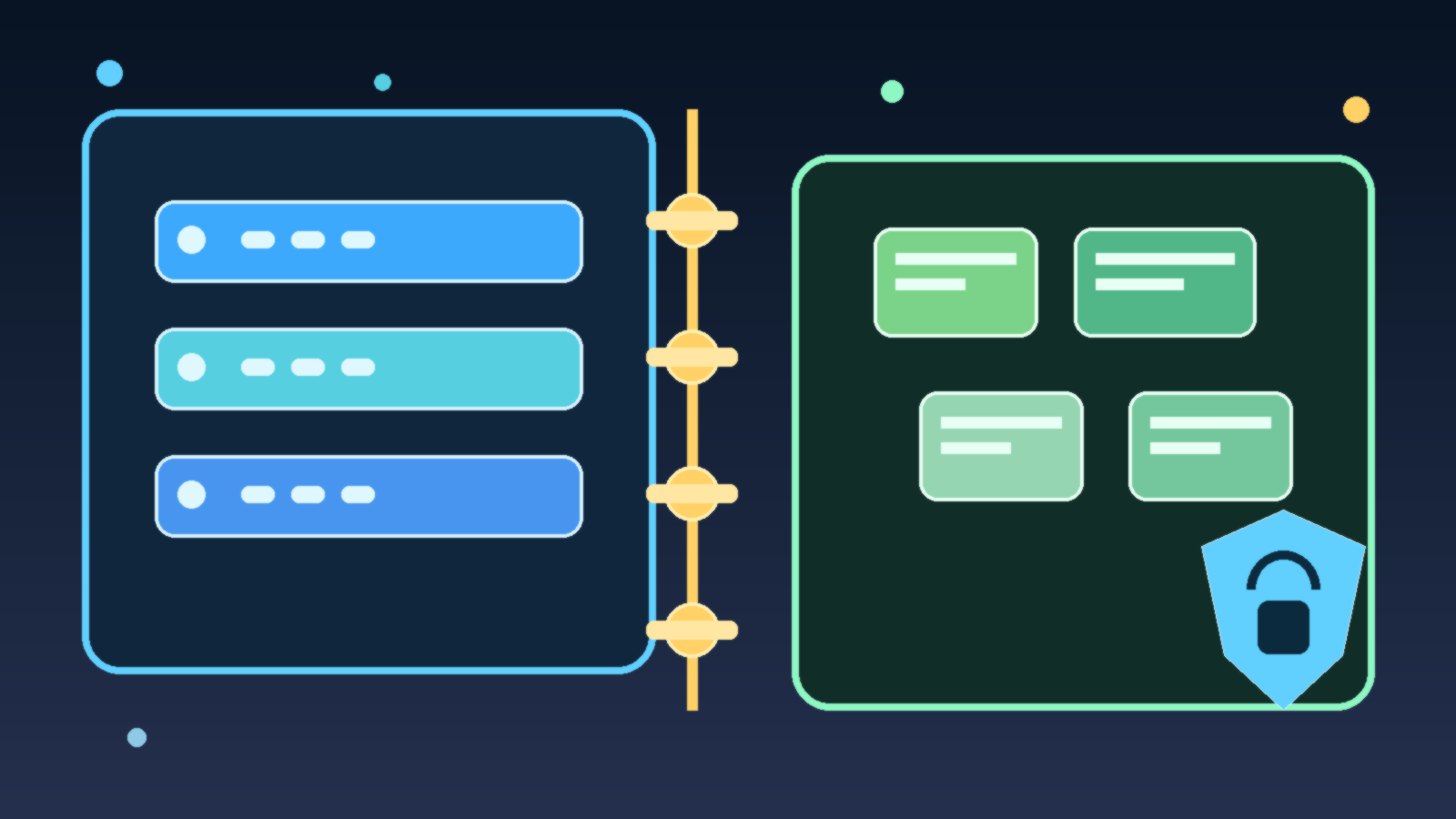
Many organizations make data policy too complicated for daily use. A practical approach is to create three working buckets: allowed, restricted, and prohibited. Allowed data can be used in approved AI tools under normal controls. Restricted data may require a specific vendor, logging settings, human review, or an isolated environment. Prohibited data stays out of the workflow entirely until policy changes.
This model is not perfect, but it is memorable. That matters because governance fails when policy only lives inside long documents nobody reads during a real project. Simple buckets give teams a fast decision aid before a prototype becomes a production dependency.
- Allowed: low-risk internal knowledge, public documentation, or synthetic test content in approved tools.
- Restricted: customer data, source code, financial records, or sensitive business context that needs stronger controls.
- Prohibited: data that creates legal, contractual, or security exposure if placed into the current workflow.
Attach Boundaries to Real Workflows
Policy becomes useful when it maps to the tasks people are already trying to do. Summarizing meeting notes, drafting support replies, searching internal knowledge, reviewing code, and extracting details from contracts all involve different data paths. If the organization publishes only general statements about “using AI responsibly,” employees will interpret the rules differently and fill gaps with guesswork.
A better pattern is to publish approved workflow examples. Show which tools are allowed for document drafting, which environments can touch source code, which data requires redaction first, and which use cases need legal or security review. Good examples reduce both accidental misuse and unnecessary fear.
Decide What Happens to Prompts, Outputs, and Logs
AI data boundaries are not only about the original input. Teams also need to know what happens to prompts, outputs, telemetry, feedback thumbs, and conversation history. A tool may look safe on the surface while quietly retaining logs in a place that violates policy or creates discovery problems later.
This is where governance teams need to be blunt. If a vendor stores prompts by default, say so. If retention can be disabled only in an enterprise tier, document that requirement. If outputs can be copied into downstream systems, include those systems in the review. Boundaries should follow the whole data path, not just the first upload.
Make the Safe Path Faster Than the Unsafe Path
Employees route around controls when the approved route feels slow, confusing, or unavailable. If the company wants people to avoid consumer tools for sensitive work, it needs to provide an approved alternative that is easy to access and documented well enough to use without a scavenger hunt.
That means governance is partly a product problem. The secure option should come with clear onboarding, known use cases, and decision support for edge cases. When the safe path is fast, most people will take it. When it is painful, shadow AI becomes the default.
Review Boundary Decisions Before Scale Hides the Mistakes
Data boundaries should be reviewed early, then revisited when a pilot grows into a real business process. A prototype that handles internal notes today may be asked to process customer messages next quarter. That change sounds incremental, but it can move the workflow into a completely different risk category.
Good governance teams expect that drift and check for it on purpose. They do not assume the original boundary decision stays valid forever. A lightweight review at each expansion point is far cheaper than discovering later that an approved experiment quietly became an unapproved production system.
Final Takeaway
AI teams move fast when the boundaries are clear and trustworthy. They move recklessly when the rules are vague, buried, or missing. If you want better AI outcomes, do not start with slogans about innovation. Start by defining what data is allowed, what data is restricted, and what data is off limits before anyone builds the wrong thing around the wrong assumptions.
That one step will not solve every governance problem, but it will prevent a surprising number of avoidable ones.
Leave a Reply