
Category: Cloud

  • How-To: Build a Safer Internal AI Assistant Without Overengineering It

    How-To: Build a Safer Internal AI Assistant Without Overengineering It

    Internal AI assistants can create real value quickly, but they also create risk if teams rush straight to broad access and vague permissions. The good news is that a safer first version does not need to be complicated.

    Start with Narrow Access

    The safest internal assistant is one that can only see the information it actually needs. Instead of giving it broad access to every shared drive and internal system, start with a tightly scoped document set for one use case.

    Narrow access reduces both privacy risk and answer confusion. It also makes testing much easier.

    Add Clear Refusal Boundaries

    Your assistant should know when not to answer. If the retrieval context is missing, if the request touches restricted data, or if the system cannot verify the source, it should say so directly instead of bluffing.

    That kind of refusal behavior is often more valuable than one more clever answer.

    Require Human Approval for Risky Actions

    If the assistant can trigger external communication, account changes, or purchasing decisions, put a human checkpoint in front of those actions. Approval gates are not a sign of weakness. They are part of responsible deployment.

    Teams usually regret removing controls too early, not adding them too soon.

    Log What the Assistant Saw and Did

    Good logs make internal AI safer. Track the request, the retrieved context, the chosen tools, and the final output. When something goes wrong, you need enough visibility to explain it.

    Without observability, every strange result becomes guesswork.

    Roll Out to a Small Group First

    Early users will expose weak spots quickly. A limited pilot lets you improve access rules, prompts, and source quality before the tool reaches the broader organization.

    This is usually faster overall than launching wide and fixing trust problems later.

    Final Takeaway

    A safer internal AI assistant is not built by adding maximum complexity. It is built by starting narrow, adding clear controls, and expanding only after the system earns trust.

  • Azure Cost Reviews That Actually Work: A Weekly Checklist for Real Teams

    Azure Cost Reviews That Actually Work: A Weekly Checklist for Real Teams

    Most cost reviews fail because they happen too late and ask the wrong questions. A useful Azure cost review should be short, repeatable, and tied to actions the team can actually take that week.

    Start with the Biggest Movers

    The first step is not reviewing every single line item. Start by identifying the services, subscriptions, or resource groups that changed the most since the last review. Large movement usually tells a more useful story than absolute totals alone.

    This keeps the meeting focused. It is easier to explain a spike or drop when the change is recent and visible.

    Check for Idle or Mis-Sized Compute

    Compute is still one of the easiest places to waste money. Review virtual machines, node pools, and app services that are oversized or left running around the clock without a business reason.

    Even small rightsizing actions compound over time, especially across multiple environments.

    Review Storage Growth Before It Becomes Normal

    Storage growth often slips through because it feels harmless in the beginning. But backup copies, snapshots, logs, and old artifacts accumulate quietly until they become a meaningful part of the bill.

    A weekly check keeps this from turning into a quarterly surprise.

    Ask Which Spend Was Intentional

    Not every cost increase is bad. Some increases are the result of successful launches or higher demand. The real goal is separating intentional spend from accidental spend.

    That framing keeps the conversation practical and avoids treating every increase like a mistake.

    End Every Review with Assignments

    A cost review without owners is just reporting. Every flagged item should leave the meeting with a named person, an expected action, and a deadline for follow-up.

    This is what turns FinOps from a slide deck activity into an operational habit.

    Final Takeaway

    The best Azure cost review is not long or dramatic. It is a weekly routine that catches waste early, separates signal from noise, and leads to specific decisions.

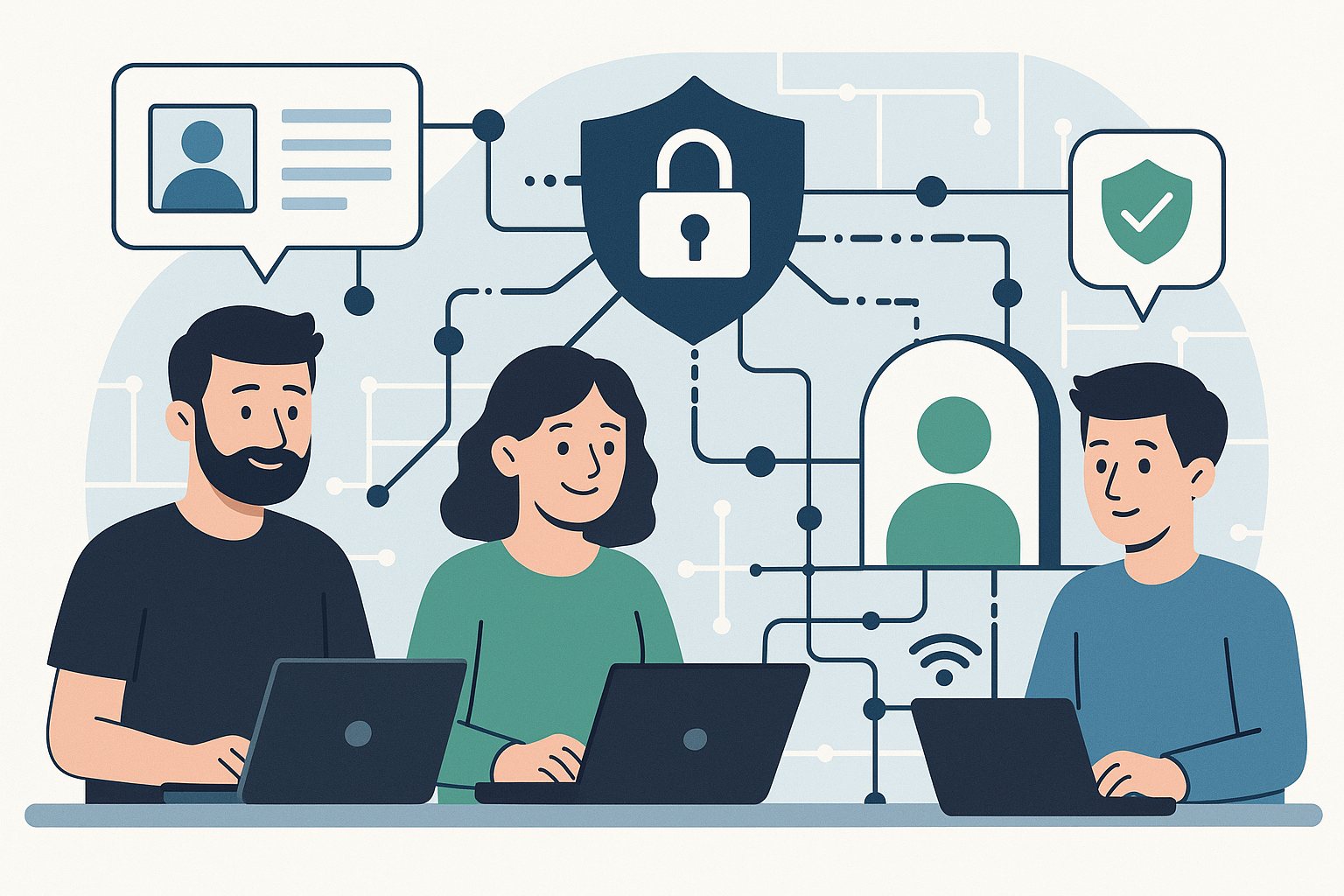
  • Zero-Trust for Small Teams: A Practical Starting Point

    Zero-Trust for Small Teams: A Practical Starting Point

    Zero-trust is often framed like a giant enterprise program, but small teams can adopt the core ideas without creating a bureaucracy monster.

    Start Here

    • Require MFA everywhere you can
    • Reduce standing admin access
    • Separate environments clearly
    • Review third-party access quarterly
    • Log sign-ins and high-risk changes

    Keep It Practical

    The goal is not maximum friction. The goal is reducing trust assumptions so one compromised account does not become a full-system problem.

  • Cloud Governance That Scales: 7 Rules Practical Teams Follow

    Cloud Governance That Scales: 7 Rules Practical Teams Follow

    Cloud governance works best when it is boring, consistent, and hard to bypass. The strongest teams focus on repeatable rules instead of heroic cleanup efforts.

    Seven Practical Rules

    • Every resource needs an owner
    • Tagging is enforced, not suggested
    • Budgets are visible by team
    • Identity is reviewed regularly
    • Logging has named responders
    • Policies are versioned
    • Exceptions expire automatically

    Why This Matters

    Governance is what turns a growing cloud estate into an operating system instead of a pile of subscriptions and surprises.

  • Azure Landing Zone Mistakes to Avoid in 2026

    Azure Landing Zone Mistakes to Avoid in 2026

    Landing zones are supposed to make cloud operations safer and cleaner. Poor setup does the opposite.

    1) Mixing Dev and Prod Controls

    Using the same policies and subscription boundaries for all environments creates risk and slows teams.

    2) Weak Identity Boundaries

    Overly broad role assignments remain one of the most common root causes of avoidable incidents.

    3) No Budget and Policy Guardrails

    Without enforceable cost and compliance controls, sprawl grows faster than governance.

    4) Logging Without Ownership

    Collecting logs is not enough. Teams need clear ownership for alert triage and response SLAs.

    5) Skipping Periodic Reviews

    Landing zones are not one-time projects. Review identity, networking, policy drift, and spend monthly.

    Final Takeaway

    A strong landing zone is an operating model, not a diagram. Keep controls clear, measurable, and regularly reviewed.