Internal AI tools often start with a small pilot group and then spread faster than the access model around them. Once several departments want the same chatbot, summarization assistant, or document analysis workflow, ad hoc approvals become messy. Teams lose track of who still needs access, who approved it, and whether the original business reason is still valid.
Microsoft Entra access packages are a practical answer to that problem. They let you bundle group memberships, app assignments, and approval rules into a repeatable access path. For internal AI tools, that means you can grant access with less manual overhead while still enforcing expiration, reviews, and basic governance.
Why Internal AI Access Gets Sloppy So Fast
Most internal AI tools touch valuable data even when they look harmless. A meeting summarizer may connect to recordings and calendars. A knowledge assistant may expose internal documents. A coding helper may reach repositories, logs, or deployment notes. If access is granted through one-off requests in chat or email, the organization quickly ends up with broad standing access and weak evidence for why each person has it.
The risk is not only unauthorized access. The bigger operational problem is drift. Contractors stay in groups longer than expected, employees keep access after role changes, and reviewers have no easy way to tell which assignments were temporary and which were intentionally long term. That is exactly the kind of slow governance failure that turns into a security issue later.
What Access Packages Actually Improve
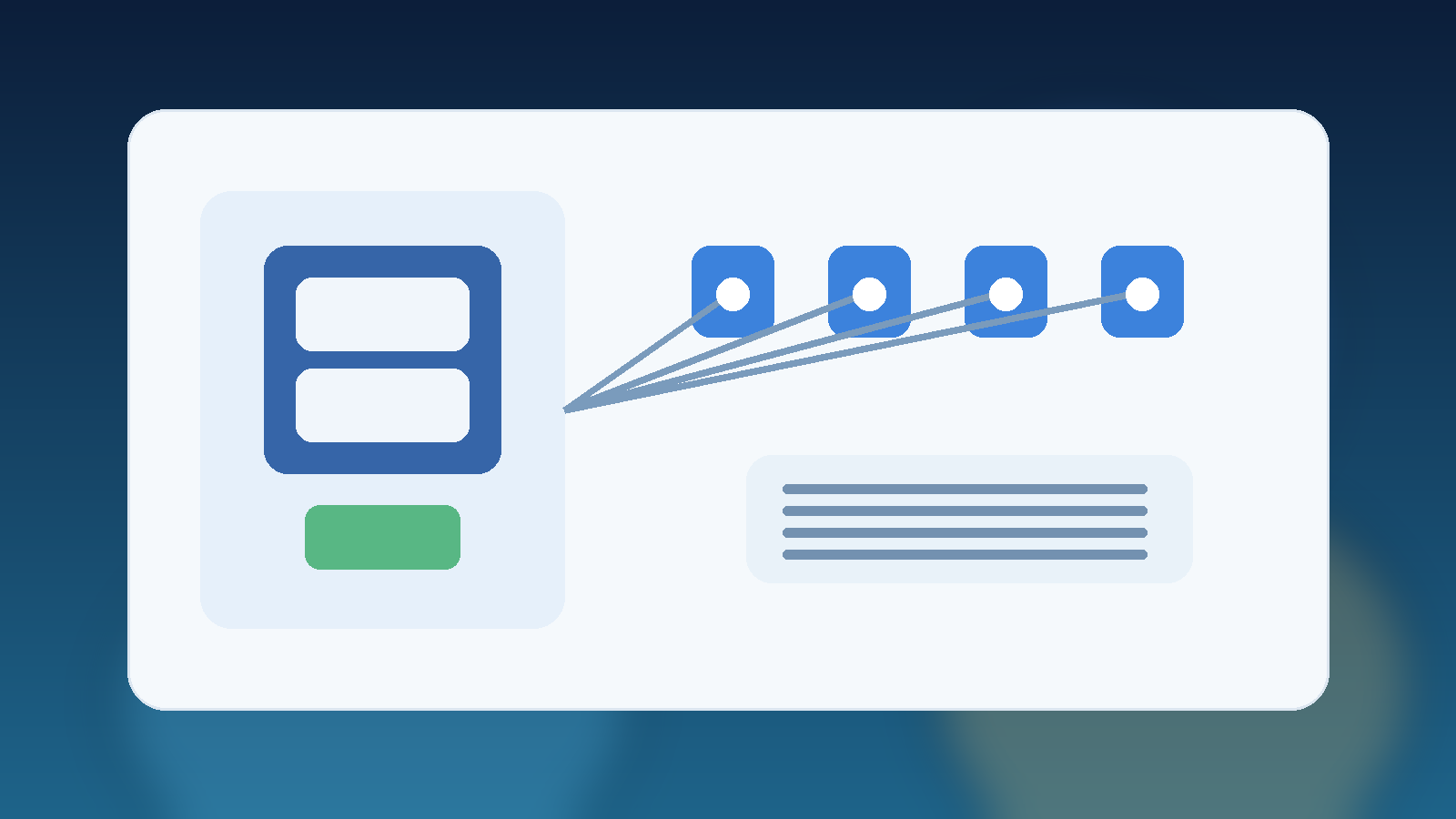
An access package gives people a defined way to request the access they need instead of asking an administrator to piece it together manually. You can bundle the right Entra group, connected app assignment, and approval chain into one requestable unit. That removes inconsistency and makes the path easier to audit.
For AI use cases, the real value is that access packages also support expiration and access reviews. Those two controls matter because AI programs change quickly. A pilot that needed twenty users last month may need five hundred this quarter, while another assistant may be retired before its original access assumptions were ever cleaned up. Access packages help the identity process keep up with that pace.
Start With a Role-Based Access Design
Before building anything in Entra, define who should actually get the tool. Do not start with the broad statement that everyone in the company may eventually need it. Start with the smallest realistic set of roles that have a clear business reason to use the tool today.
For example, an internal AI research assistant might have separate paths for platform engineers, legal reviewers, and a small pilot group of business users. Those audiences may all use the same service, but they often need different approval routes and review cadences. Treating them as one giant access bucket makes governance weaker and troubleshooting harder.
Build Approval Rules That Match Real Risk
Not every AI tool needs the same approval path. A low-risk assistant that only works with public or lightly sensitive content may only need manager approval and a short expiration period. A tool that can reach customer records, source code, or regulated documents may need both a manager and an application owner in the loop.
The mistake to avoid is making every request equally painful. If the approval process is too heavy for low-risk tools, teams will pressure administrators to create exceptions outside the workflow. It is better to align the access package rules with the data sensitivity and capabilities of the AI system so the control feels proportionate.
- Use short expirations for pilot programs and early rollouts.
- Require stronger approval for tools that can retrieve sensitive internal content.
- Separate broad read access from higher-risk administrative capabilities.
Use Expiration and Reviews as Normal Operations
Expiration should be the default, not the exception. Internal AI tools evolve quickly, and the cleanest way to prevent stale access is to force a periodic decision about whether each assignment still makes sense. Access packages make that easier because the expiration date is built into the request path rather than added later through manual cleanup.
Access reviews are just as important. They give managers or owners a chance to confirm that a person still uses the tool for a real business need. For AI services, this is especially useful after reorganizations, project changes, or security reviews. The review cycle turns identity governance into a repeated habit instead of a one-time setup task.
Keep the Package Scope Tight
It is tempting to put every related permission into one access package so users only submit a single request. That convenience can backfire if the package quietly grants more than the tool actually needs. For example, access to an AI portal does not always require access to training data locations, admin consoles, or debugging workspaces.
A better pattern is to create a standard user package for normal use and separate packages for elevated capabilities. That structure supports least privilege without forcing administrators to design a unique workflow for every individual. It also makes access reviews clearer because reviewers can see the difference between basic use and privileged access.
Final Takeaway
Microsoft Entra access packages are not flashy, but they solve a very real problem for internal AI rollouts. They replace improvised access decisions with a repeatable model that supports approvals, expiration, and review. That is exactly what growing AI programs need once interest spreads beyond the original pilot team.
If you want internal AI access to stay manageable, treat identity governance as part of the product rollout instead of a cleanup project for later. Access packages make that discipline much easier to maintain.
Leave a Reply